
Architecture
NVR Software System Requirements: Size the Host, Network, and Disk
Size NVR software by camera bitrate, recording method, live decoding, detection, network traffic, disk writes, retention, and recovery instead of using a vague camera-count limit.
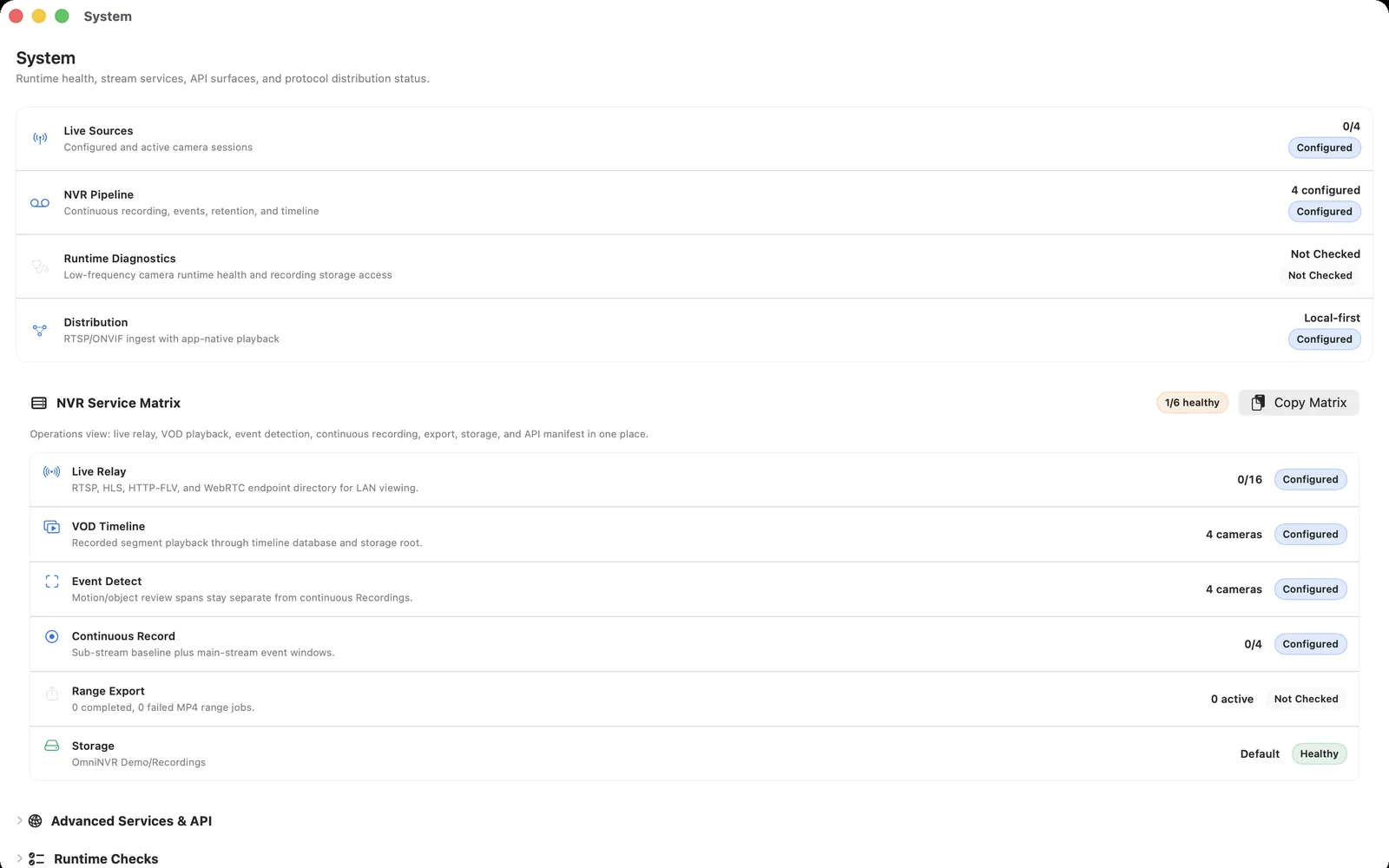
Build a workload sheet before choosing hardware
| Input | Record for each camera | Why it matters |
|---|---|---|
| Recording stream | Codec, resolution, fps, average and peak Mb/s | Network and disk load |
| Live view | Number of simultaneous decoded streams | CPU/GPU and memory pressure |
| Detection | Frames analyzed per second and model type | Compute and accelerator load |
| Retention | Hours/day, days, event rate, headroom | Usable storage capacity |
| Recovery | Restart, reconnect, and storage-remount targets | Operational design |
Create one row per stream role, not only per camera. A hybrid system may record a sub stream continuously, decode another stream in a live wall, and process main-stream event frames.
Separate recording traffic from decode work
Writing an already compressed camera stream can be much lighter than decoding every frame or re-encoding it. A live wall, scrubber thumbnails, object detection, audio processing, and exports can all add decode or encode work while recording continues in the background.
Test the worst useful combination: all planned cameras recording, the largest routine live wall open, detection enabled, and one export in progress. A host that is comfortable with idle recording may still struggle during review.
Size network and disk from measured bitrate
Add the average recording bitrates for sustained traffic, then consider main-stream viewing, peaks, protocol overhead, and other LAN users. A wired recorder connection is preferable for a permanent installation. Do not expose camera or RTSP ports publicly merely to simplify routing.
Disk throughput is often modest compared with modern drive specifications, but latency spikes, a detached external volume, filesystem permission, low free space, and retention cleanup can still interrupt recording. Use the storage calculator for capacity, then verify writes and playback on the exact drive, enclosure, cable, and format.
Prepare a Mac to behave like a recorder
Use a Mac that can remain powered and network-reachable during the recording schedule. Configure sleep and wake behavior deliberately, keep the display free to sleep when appropriate, and verify that the recording application and external storage resume after an operating-system restart.
Prefer stable Ethernet for the host, reserve camera addresses, and avoid placing the only recording copy on a removable volume that is routinely disconnected. Camera credentials should stay in protected storage, while exports should go outside the NVR-managed recording directory.
Prove capacity by staged load testing
- Add one representative high-bitrate camera and validate recording, playback, and reconnect.
- Add cameras in small batches while observing total camera traffic, disk writes, memory, thermal behavior, and dropped sessions.
- Open the routine live wall and run the normal detection workload.
- Perform a timeline review and export while recording continues.
- Restart the host and verify application launch, storage availability, and recording recovery.
- Run a multi-day soak test that includes daytime, night mode, and busy scenes.
Record the tested limit and keep operational headroom. A benchmark that uses synthetic black frames or inactive scenes can materially understate variable-bitrate and detection load.
Frequently asked questions
How many cameras can one Mac record?
There is no universal count. Measure stream bitrate, decoded views, detection, storage, network, Mac model, and thermal behavior, then add cameras in stages and keep headroom.
Does NVR recording require a powerful GPU?
Not always. Directly writing compressed streams can be light, while multi-camera live decoding, re-encoding, thumbnails, and on-device detection can benefit from hardware acceleration. Test the exact workflow.
Is an SSD required for NVR software?
No. SSDs and HDDs can both be suitable depending on capacity, write pattern, enclosure, noise, endurance, and recovery needs. Verify sustained recording and playback on the exact storage path.
Sources and further reading
Record locally on the Apple device that fits the job.
Mac, iPhone, iPad, and Apple TV all support local recording. Recording modes and storage options can differ by platform and app version.