
Recording
Dual-Stream NVR Recording: Main Stream, Sub Stream, and Events
Use camera main and sub streams efficiently for continuous recording, live walls, AI analysis, and high-quality event clips.
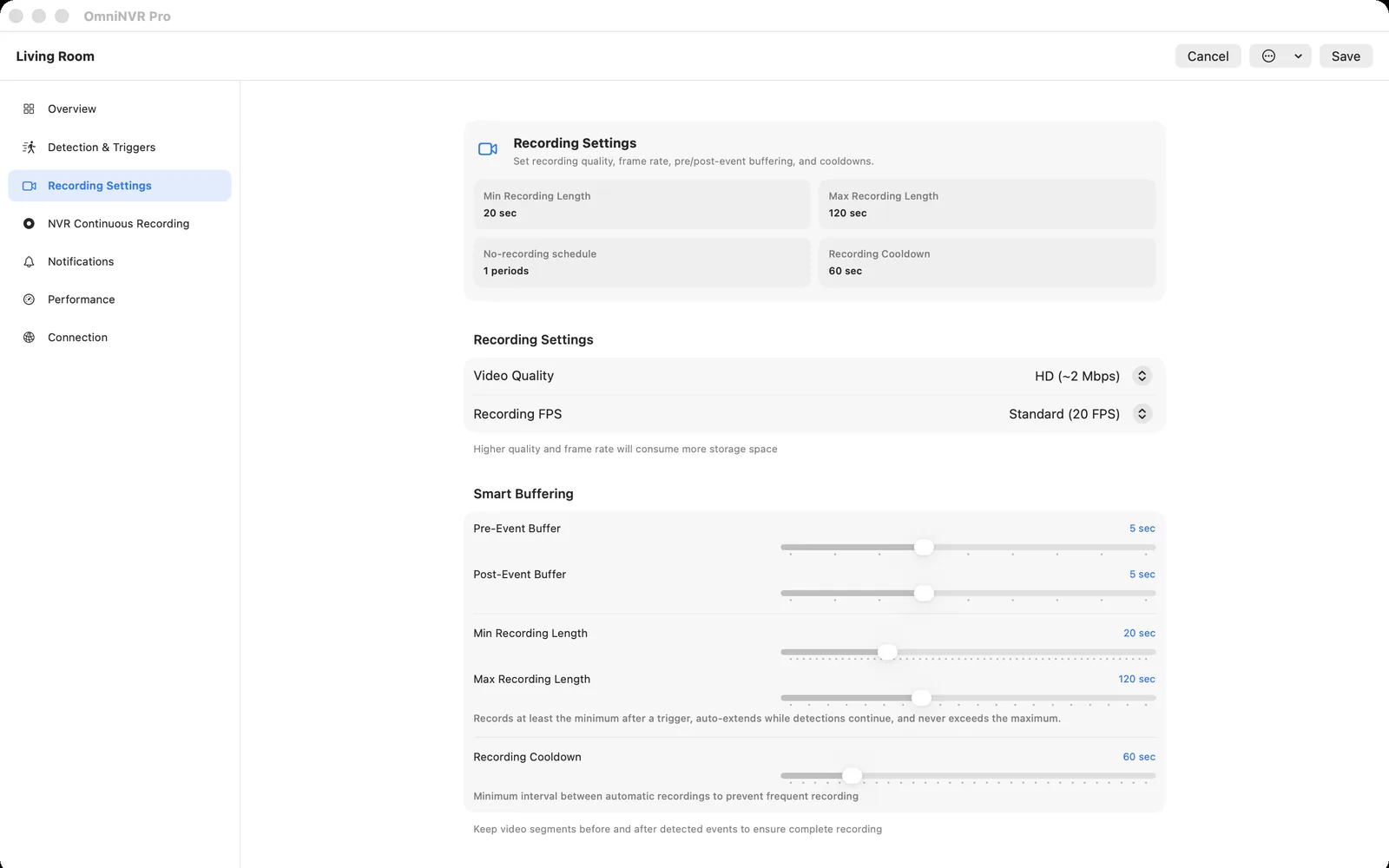
Why cameras expose multiple streams
One camera sensor can encode several outputs with different resolution, bitrate, frame rate, codec profile, and keyframe interval. A phone preview does not need the same data rate as an evidence clip, and a sixteen-tile wall should not decode sixteen maximum-quality streams when each tile is small.
Using multiple streams saves network, decode, and storage capacity without forcing every use case to the lowest quality.
A practical role assignment
- Sub stream: 24/7 baseline recording and multi-camera overview.
- Main stream: selected-camera detail and event-triggered clips.
- Analysis stream: whichever stream provides enough detail at sustainable cost.
These roles can share a stream on simple cameras. The important part is to know which tradeoff you are making.
Avoid timeline discontinuities
Main and sub streams may have different timestamps, GOP structures, audio tracks, and startup delay. An NVR that combines them should keep event clips and continuous segments as related but distinct media, aligned by normalized time.
Test an event that begins while the main stream is idle. Measure how much pre-roll is available and whether the first playable frame begins before the detected action.
Profile changes and reconnects
Some cameras change stream identifiers after firmware updates or ONVIF profile edits. Store the intended role and URL separately, and verify them after rediscovery. A reconnect policy should not replace a missing sub stream with the main stream without making the storage impact visible.
OmniNVR can record on each supported Apple platform; stream-role and recovery options should be verified on the exact released app and device used for recording.
Frequently asked questions
Does every IP camera have a sub stream?
No. Many do, but availability and naming vary. Check the camera’s media profiles or documentation.
Can the sub stream use a different codec?
Yes. Cameras may expose different codecs and profiles per stream. Confirm that the recorder supports the chosen codec for both recording and playback.
Does dual-stream recording mean recording both all the time?
Not necessarily. A common policy records the sub stream continuously and activates the main stream only for events or detailed viewing.
Sources and further reading
Record locally on the Apple device that fits the job.
Mac, iPhone, iPad, and Apple TV all support local recording. Recording modes and storage options can differ by platform and app version.