
NVR software alternative
Agent DVR Alternative for Apple Devices in 2026
Compare Agent DVR alternatives for Apple users by server model, web access, local recording, AI, integrations, remote subscriptions, and native apps.
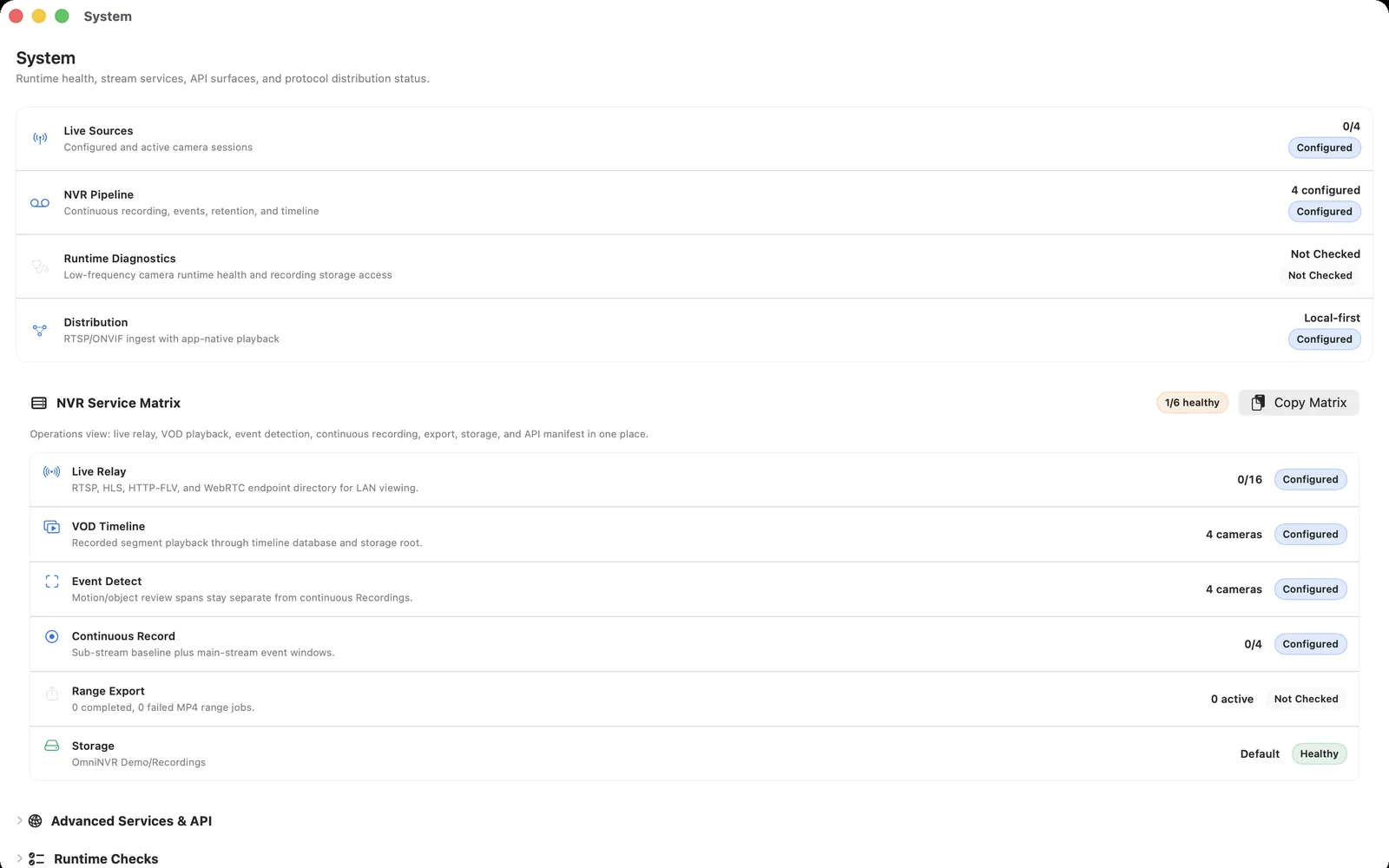
Fact-checked against official sources on August 10, 2026. OmniNVR platform roles and storefront availability are tracked on the platform facts page. Features, system requirements, and prices may change. Product names and trademarks belong to their respective owners; OmniNVR and TardisLabs are not affiliated with the compared vendors.
Quick verdict
A switch is mainly about preferring native Apple applications over a cross-platform web-server architecture, not about Agent DVR lacking Mac support.
OmniNVR is the native Apple-focused alternative. Agent DVR remains better when cross-platform hosting, browser administration, many integrations, or its remote service are priorities.
What Agent DVR does well
Agent DVR is a credible NVR choice because it offers cross-platform hosting on Windows, macOS, Linux, Docker and Raspberry Pi, broad camera inputs, extensive detectors and integrations, and secure hosted remote access. Any comparison that hides those strengths makes the migration decision less useful.
List the exact features in production today. Ignore features that are only interesting on a marketing page and preserve the ones tied to evidence, safety, business operation, or household access.
Separate a feature from its surrounding dependency. Remote viewing may depend on a vendor service, detection on additional hardware, synchronized review on a particular client, and recording depth on the licensed tier. Record those dependencies before deciding that another product has equivalent wording.
Why users consider an alternative
An alternative can reduce host complexity, align with preferred devices, change the licensing model, simplify storage, or make everyday review easier. It can also remove integrations, automation, synchronized playback, AI, remote access, or administrative depth.
Compare the operating model—not screenshots. Include installation, updates, backups, storage, accounts, alerts, remote access, camera replacement, and the person responsible when recording stops.
Identify the actual source of friction. If the problem is the host operating system, changing the recorder may help. If the problem is camera Wi-Fi, timestamps, a failing disk, weak lighting, or an undocumented stream, a software migration can reproduce the same failure on a new screen.
Where OmniNVR fits
OmniNVR is the native Apple-focused alternative. Agent DVR remains better when cross-platform hosting, browser administration, many integrations, or its remote service are priorities.
OmniNVR's public platform roles are documented on the platform facts page. Test the exact camera, platform, storage, and app version; do not assume that moving to a native Apple app recreates every server or ecosystem capability.
Migration checklist
Confirm the exact local-versus-subscription features in use, export camera and action settings, and test remote access separately from local recording.
Run old and new recorders in parallel when camera session limits allow it. Verify live view, continuous and event recording, timeline, export, storage cleanup, user removal, remote access, and recovery before retiring the original system or deleting its archive.
Set a rollback point and a retention date for the old system. Keep protected evidence in an independent, playable format; remove obsolete camera accounts and public access rules only after the new recorder has completed an agreed acceptance window.
Frequently asked questions
What is the best Agent DVR alternative?
It depends on why you are moving. OmniNVR is the native Apple-focused alternative. Agent DVR remains better when cross-platform hosting, browser administration, many integrations, or its remote service are priorities.
Is Agent DVR still a good NVR in 2026?
Yes for the use cases served by its documented strengths: cross-platform hosting on Windows, macOS, Linux, Docker and Raspberry Pi, broad camera inputs, extensive detectors and integrations, and secure hosted remote access. Choose an alternative only when another operating model better matches the requirement.
Can I reuse the same cameras?
Often, if the exact cameras expose compatible standard streams and do not limit concurrent clients. Test every model, firmware, codec, audio, PTZ, and event requirement before migration.
How do I migrate without losing footage?
Confirm the exact local-versus-subscription features in use, export camera and action settings, and test remote access separately from local recording.
Sources and further reading
Record locally on the Apple device that fits the job.
Mac, iPhone, iPad, and Apple TV all support local recording. Recording modes and storage options can differ by platform and app version.