
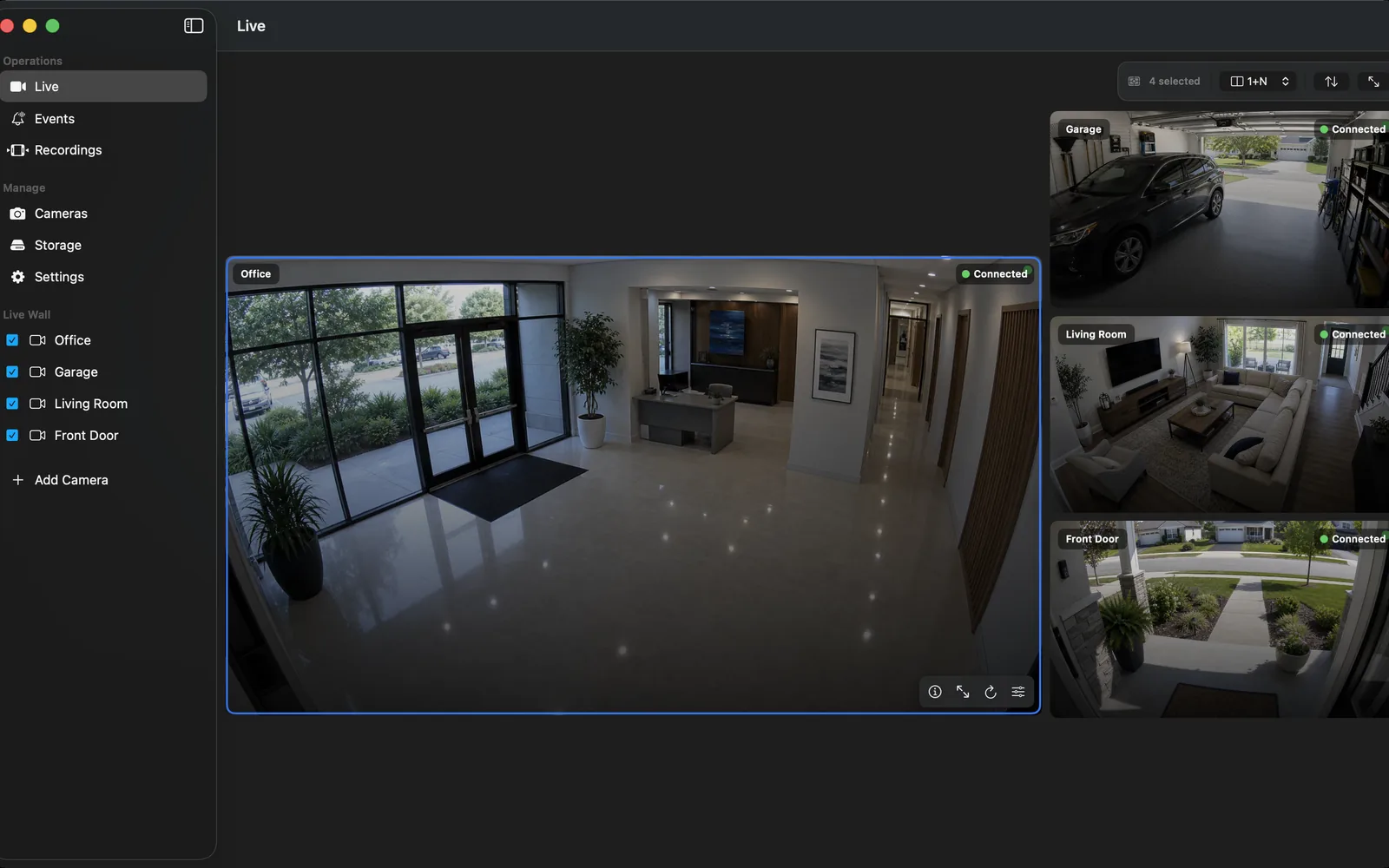
NVR comparison
Best NVR Software for Mac in 2026: 10 Options Compared
Compare the best NVR software for Mac in 2026, including OmniNVR, SecuritySpy, Agent DVR, Scrypted, Blue Iris, Frigate, and other local recording options.
14 min read242 source-backed guides
Practical answers for CCTV systems and local recording on Mac, iPhone, iPad, and Apple TV, plus storage, troubleshooting, camera compatibility, and NVR software selection.
Choose the right recorder
Fact-checked comparisons with Blue Iris, Agent DVR, SecuritySpy, Frigate, Scrypted, Synology, Linux NVRs, and enterprise VMS software.
Compare the best NVR software for Mac in 2026, including OmniNVR, SecuritySpy, Agent DVR, Scrypted, Blue Iris, Frigate, and other local recording options.
14 min readCompare OmniNVR and Blue Iris by platform, camera scale, ONVIF and RTSP support, recording, AI, remote access, licensing, and setup effort.
10 min read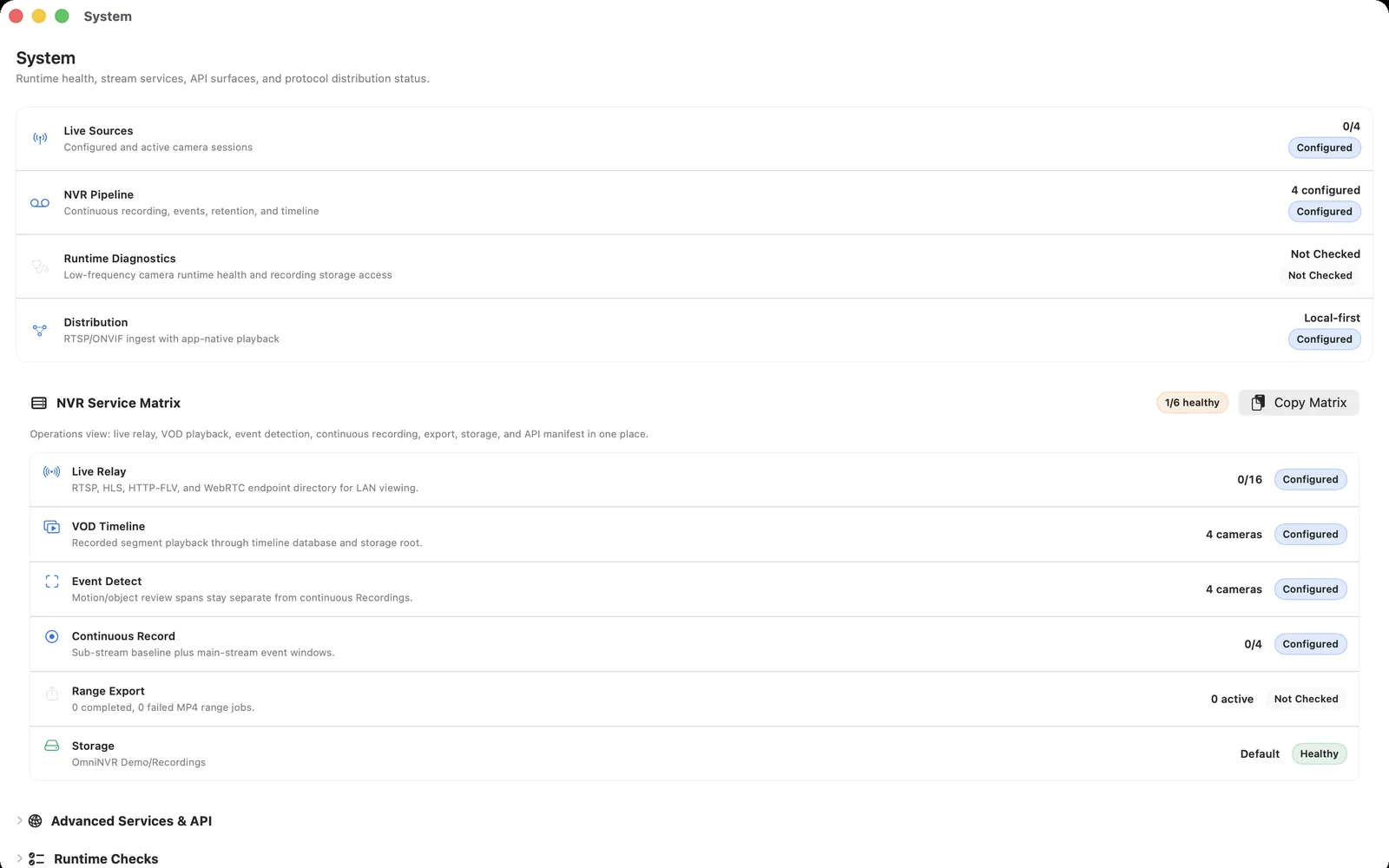
Compare OmniNVR with Agent DVR across Apple experience, Windows/Linux/Docker hosting, browser access, camera protocols, recording, AI, and remote-service licensing.
10 min read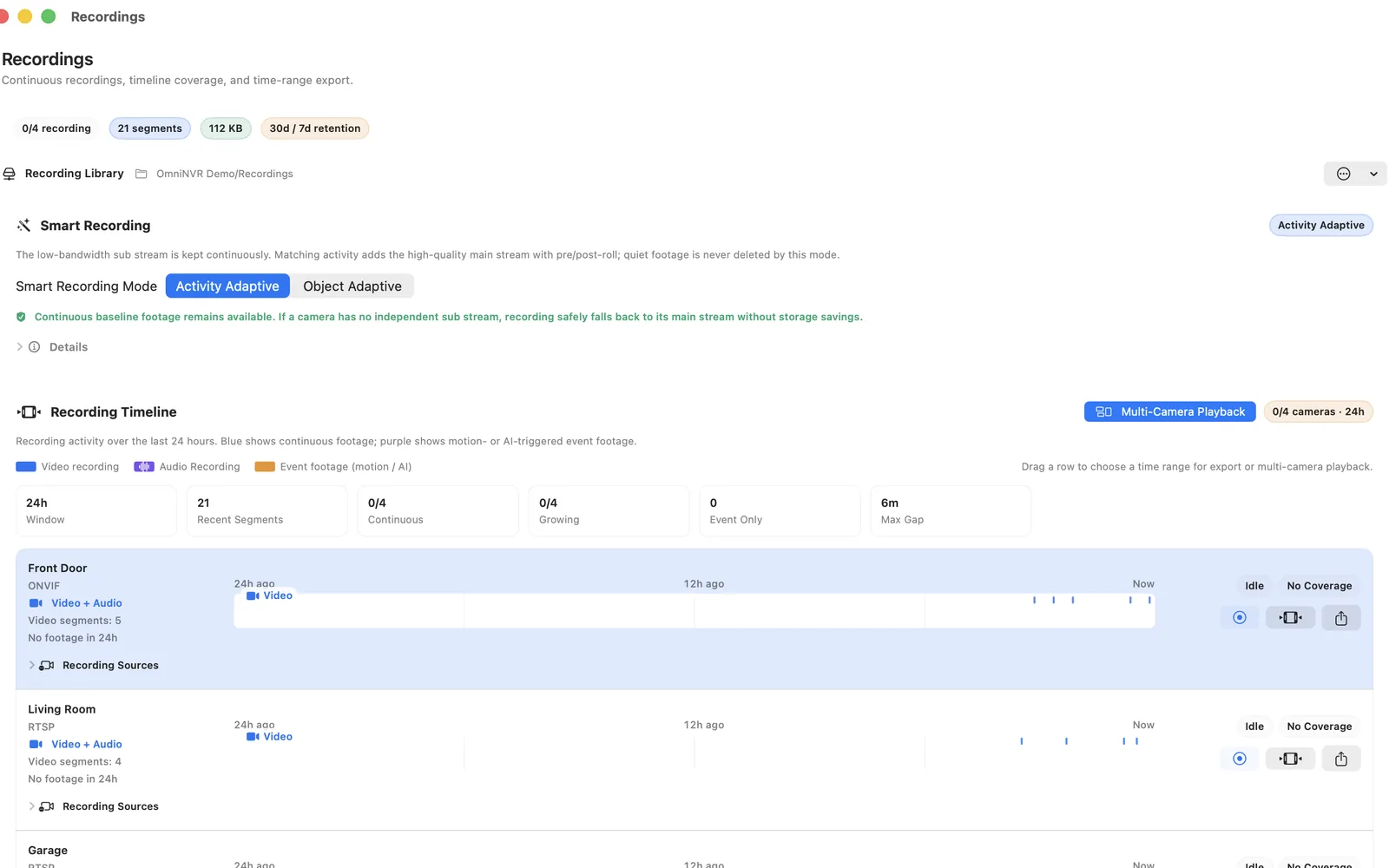
Compare two Apple-focused NVR options by Mac deployment, iPhone and Apple TV access, ONVIF and RTSP, recording, automation, licensing, and setup depth.
10 min read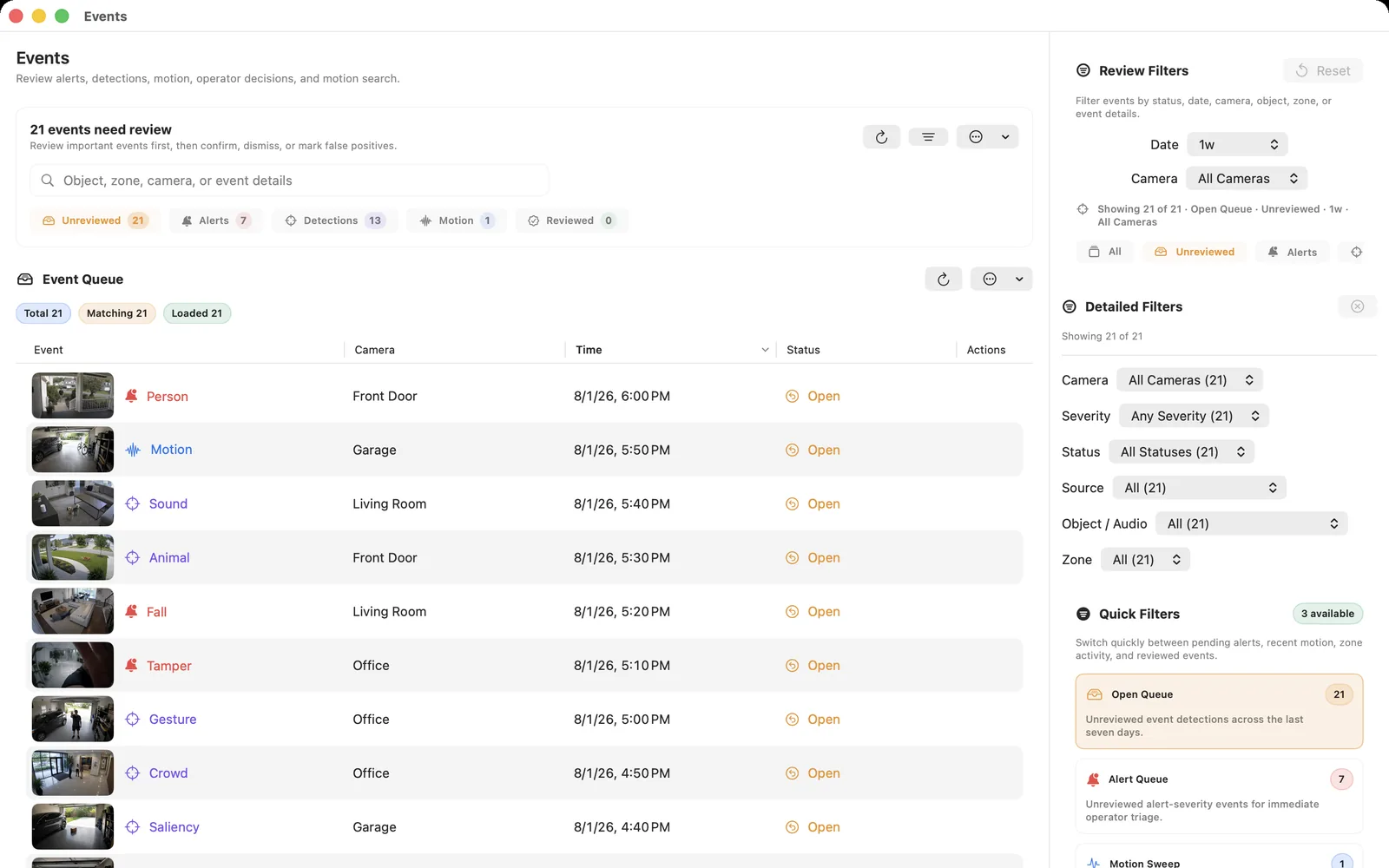
Compare OmniNVR and Frigate for local recording, Home Assistant, Docker, object detection, hardware accelerators, Apple viewing, and setup complexity.
11 min readIs Scrypted NVR free? Compare OmniNVR as a Scrypted alternative for Mac by cost, setup, local recording, AI, camera support, storage, and upkeep.
12 min read
Compare OmniNVR with Synology Surveillance Station by required hardware, camera licenses, ONVIF and RTSP, recording, AI, mobile access, storage, and maintenance.
10 min read
Compare OmniNVR with two self-hosted NVR systems by Linux deployment, protocols, recording, AI plugins, web access, licensing, and maintenance effort.
11 min readCompare OmniNVR with Nx Witness by deployment scale, camera integration, clients, recording, analytics, licensing, multi-site management, and operational fit.
9 min readCompare open-source and adjacent self-hosted NVR options for local recording, Home Assistant, Linux, AI, licensing, storage, and maintenance.
11 min readCompare Blue Iris alternatives for Mac by host platform, camera depth, recording, remote access, automation, licensing, and migration effort.
10 min readEvaluate SecuritySpy alternatives: compare native Mac operation, local storage, ONVIF, recording depth, synchronized playback, automation, and licensing.
10 min readCompare Frigate alternatives for Mac by local AI, Home Assistant, detector hardware, containers, camera streams, storage, and native app simplicity.
10 min readCompare Scrypted NVR alternatives by server setup, plugins, smart-home bridges, AI, storage, camera licensing, Apple clients, and maintenance.
10 min readCompare Agent DVR alternatives for Apple users by server model, web access, local recording, AI, integrations, remote subscriptions, and native apps.
10 min readCompare Synology Surveillance Station alternatives by NAS ownership, camera licenses, storage, recording, clients, failover needs, and host flexibility.
10 min readCompare Shinobi alternatives for Mac by Linux or container administration, camera recording, plugins, web UI, licensing, updates, and local storage.
10 min readCompare ZoneMinder alternatives for Mac by Linux administration, capture modes, events, web access, camera compatibility, storage, and maintenance.
10 min readCompare Xeoma alternatives on Mac by cross-platform hosting, modular automation, camera support, licensing, local recording, clients, and setup depth.
10 min readCompare UniFi Protect alternatives for mixed ONVIF cameras by adoption limits, profiles, recording, storage, hardware, camera features, and migration.
10 min readCamera compatibility
Model-aware RTSP URLs, ONVIF setup, stream roles, limitations, recording checks, and brand-specific troubleshooting.
Connect Hikvision CCTV cameras, DVRs, and NVR channels with the correct RTSP channel IDs, main/sub streams, ONVIF settings, and device-discovery tools.
10 min readUse Reolink RTSP URLs, ONVIF discovery, main and sub streams, or Reolink NVR channels to record compatible cameras with OmniNVR on Mac.
9 min readUse Dahua CCTV camera and recorder RTSP URLs, channel numbers, stream subtypes, and ONVIF accounts for reliable viewing and recording.
8 min readCreate a Tapo camera account, connect CCTV camera RTSP stream1 and stream2, check model limits, and record a compatible Tapo camera on Mac.
9 min readConnect TP-Link VIGI cameras or NVR channels through ONVIF or RTSP, choose profiles, and diagnose third-party recorder connection failures.
8 min readCheck EZVIZ CCTV model and firmware compatibility, use the correct local credential, and test RTSP or ONVIF recording on Mac.
8 min readConnect an Axis camera to OmniNVR on Mac with the VAPIX RTSP media URL, H.264 stream profiles, ONVIF discovery, and recording checks.
8 min readConnect supported Intelbras VIP cameras and recorder channels to OmniNVR with main/extra stream URLs and ONVIF.
8 min readIntegrate current Ajax video devices or Ajax NVR streams with OmniNVR using ONVIF authorization and the RTSP links supplied by Ajax.
8 min readA model-safe workflow for connecting CP Plus CCTV cameras and NVR channels through ONVIF or documented RTSP streams.
8 min readUnderstand the eufy S4 Max PoE NVR, HomeBase, model-specific NAS/RTSP support, and when a powered eufy camera can connect to OmniNVR.
9 min readCheck current Wyze RTSP limits for Cam v2, Cam v3 and Cam Pan, understand the removed legacy firmware downloads, and evaluate a community bridge for NVR use.
9 min readUnderstand the UniFi NVR Instant, its PoE ports and storage, third-party ONVIF camera adoption, and what to verify before using a stream with OmniNVR.
10 min readConnect a compatible Amcrest camera or NVR channel through its documented RTSP or ONVIF profiles, then validate recording, playback, and recovery.
9 min readConnect a compatible ANNKE camera or recorder channel to OmniNVR using the device's verified RTSP or ONVIF profiles.
7 min readConnect a compatible Bosch camera or recorder channel to OmniNVR using the device's verified RTSP or ONVIF profiles.
7 min readConnect a compatible Foscam camera or recorder channel to OmniNVR using the device's verified RTSP or ONVIF profiles.
7 min readConnect a compatible GeoVision camera or recorder channel to OmniNVR using the device's verified RTSP or ONVIF profiles.
7 min readConnect a compatible Hanwha Vision camera or recorder channel to OmniNVR using the device's verified RTSP or ONVIF profiles.
7 min readCheck a Lorex 4K Fusion NVR or camera system by exact model, verify documented RTSP or ONVIF access, and test channel recording safely.
9 min readConnect a compatible Uniview camera or recorder channel to OmniNVR using the device's verified RTSP or ONVIF profiles.
7 min readConnect a compatible Vivotek camera or recorder channel to OmniNVR using the device's verified RTSP or ONVIF profiles.
7 min readVerify whether a Xiaomi CCTV camera exposes RTSP or ONVIF before NVR setup, including the documented local-stream limitation of the Xiaomi C300.
9 min readCheck which Aqara cameras support RTSP before planning NVR recording: the Camera Hub G5 Pro does officially, while the G2H Pro and G3 currently do not.
9 min readChoose the right camera
Research-based purchase reviews that separate official specifications, cited reviewer coverage, and the local RTSP/ONVIF checks needed before a camera joins an NVR.
A research-based Reolink RLC-811A review covering 4K PoE, 5× optical zoom, local recording, RTSP/ONVIF verification, and whether it fits an OmniNVR setup.
9 min readA research-based Reolink Duo 3 PoE review covering dual 4K lenses, 180° coverage, PoE, local streams, and the trade-offs of using one panoramic camera with OmniNVR.
9 min read
A research-based Reolink TrackMix PoE review covering dual views, pan/tilt tracking, 4K PoE video, RTSP verification, and the limitations a third-party NVR should expect.
10 min readA research-based Tapo C120 review for local NVR buyers: 2K video, IP66, microSD, Wi-Fi-only networking, RTSP/ONVIF setup, and realistic trade-offs.
9 min readA research-based TP-Link Tapo C225 review covering 2K pan/tilt monitoring, privacy mode, Wi-Fi limits, RTSP/ONVIF, microSD, and local NVR suitability.
9 min readA research-based Tapo C325WB review covering ColorPro low-light video, Wi-Fi or Ethernet data, non-PoE power, RTSP/ONVIF, and its fit for a local NVR.
9 min readA research-based Aqara Camera Hub G5 Pro PoE review covering 2.6K video, PoE, RTSP, Apple smart-home use, local storage limits, and NVR suitability.
10 min readA research-based VIGI C540-W review covering 4MP outdoor pan/tilt coverage, Wi-Fi, IP66, microSD, RTSP, ONVIF Profile S, and NVR fit.
9 min readA research-based eufyCam E330 Professional review covering 4K wired Wi-Fi, HomeBase 3, 24/7 recording, expandable local storage, and why it is not a direct RTSP/ONVIF NVR choice.
9 min readA research-based Wyze Cam v4 review covering 2.5K video, microSD, Wi-Fi 6, local storage, cloud services, and why released direct RTSP/ONVIF support must not be assumed for OmniNVR.
8 min readA research-based ANNKE C800 review covering 4K PoE, fixed-lens outdoor coverage, RTSP/ONVIF verification, local storage, and direct NVR suitability.
9 min readA research-based UniFi G5 Turret Ultra review covering 2K PoE, UniFi Protect, local processing, stream-access expectations, and why it is not a straightforward standalone OmniNVR purchase.
9 min read100 real U.S. locations
Start from the closest operating scene, then adapt the camera field test, recording policy, retention, privacy boundary, secure access, and recovery test.
Plan driveway package delivery with local NVR recording, camera placement, storage, recovery, privacy, and secure remote access for a U.S. site.
9 min readPlan front porch and entry door with local NVR recording, camera placement, storage, recovery, privacy, and secure remote access for a U.S. site.
9 min readPlan detached garage and tool storage with local NVR recording, camera placement, storage, recovery, privacy, and secure remote access for a U.S. site.
9 min readPlan backyard gate and pool perimeter with local NVR recording, camera placement, storage, recovery, privacy, and secure remote access for a U.S. site.
9 min readPlan rural driveway and property gate with local NVR recording, camera placement, storage, recovery, privacy, and secure remote access for a U.S. site.
9 min readPlan vacation home while unoccupied with local NVR recording, camera placement, storage, recovery, privacy, and secure remote access for a U.S. site.
9 min readPlan apartment entry with indoor privacy with local NVR recording, camera placement, storage, recovery, privacy, and secure remote access for a U.S. site.
9 min readPlan townhouse parking spaces with local NVR recording, camera placement, storage, recovery, privacy, and secure remote access for a U.S. site.
9 min readPlan home workshop and maker space with local NVR recording, camera placement, storage, recovery, privacy, and secure remote access for a U.S. site.
9 min readPlan multigenerational home common area with local NVR recording, camera placement, storage, recovery, privacy, and secure remote access for a U.S. site.
9 min readPlan apartment building lobby with local NVR recording, camera placement, storage, recovery, privacy, and secure remote access for a U.S. site.
9 min readPlan apartment package room with local NVR recording, camera placement, storage, recovery, privacy, and secure remote access for a U.S. site.
9 min readPlan apartment parking garage with local NVR recording, camera placement, storage, recovery, privacy, and secure remote access for a U.S. site.
9 min readPlan shared laundry room entrance with local NVR recording, camera placement, storage, recovery, privacy, and secure remote access for a U.S. site.
9 min readPlan elevator lobby and hallway junction with local NVR recording, camera placement, storage, recovery, privacy, and secure remote access for a U.S. site.
9 min readPlan shared bicycle storage room with local NVR recording, camera placement, storage, recovery, privacy, and secure remote access for a U.S. site.
9 min readPlan hoa clubhouse and amenities with local NVR recording, camera placement, storage, recovery, privacy, and secure remote access for a U.S. site.
9 min readPlan gated community vehicle entrance with local NVR recording, camera placement, storage, recovery, privacy, and secure remote access for a U.S. site.
9 min readPlan condo trash and recycling enclosure with local NVR recording, camera placement, storage, recovery, privacy, and secure remote access for a U.S. site.
9 min readPlan vacant rental unit turnover with local NVR recording, camera placement, storage, recovery, privacy, and secure remote access for a U.S. site.
9 min readPlan convenience store with local NVR recording, camera placement, storage, recovery, privacy, and secure remote access for a U.S. site. Includes a.
9 min readPlan boutique clothing store with local NVR recording, camera placement, storage, recovery, privacy, and secure remote access for a U.S. site.
9 min readPlan jewelry store with local NVR recording, camera placement, storage, recovery, privacy, and secure remote access for a U.S. site. Includes a practical.
9 min readPlan liquor store with local NVR recording, camera placement, storage, recovery, privacy, and secure remote access for a U.S. site. Includes a practical.
9 min readPlan pharmacy front-of-house with local NVR recording, camera placement, storage, recovery, privacy, and secure remote access for a U.S. site.
9 min readPlan grocery checkout lanes with local NVR recording, camera placement, storage, recovery, privacy, and secure remote access for a U.S. site.
9 min readPlan self-checkout area with local NVR recording, camera placement, storage, recovery, privacy, and secure remote access for a U.S. site. Includes a.
9 min readPlan shopping mall kiosk with local NVR recording, camera placement, storage, recovery, privacy, and secure remote access for a U.S. site. Includes a.
9 min readPlan licensed cannabis dispensary with local NVR recording, camera placement, storage, recovery, privacy, and secure remote access for a U.S. site.
9 min readPlan temporary pop-up retail shop with local NVR recording, camera placement, storage, recovery, privacy, and secure remote access for a U.S. site.
9 min readPlan coffee shop with local NVR recording, camera placement, storage, recovery, privacy, and secure remote access for a U.S. site. Includes a practical.
9 min readPlan restaurant entrance and dining room with local NVR recording, camera placement, storage, recovery, privacy, and secure remote access for a U.S. site.
9 min readPlan restaurant receiving and kitchen access with local NVR recording, camera placement, storage, recovery, privacy, and secure remote access for a U.S. site.
9 min readPlan bar and nightclub with local NVR recording, camera placement, storage, recovery, privacy, and secure remote access for a U.S. site. Includes a.
9 min readPlan food truck commissary with local NVR recording, camera placement, storage, recovery, privacy, and secure remote access for a U.S. site.
9 min readPlan bakery storefront and production entrance with local NVR recording, camera placement, storage, recovery, privacy, and secure remote access for a U.S. site.
9 min readPlan hotel lobby with local NVR recording, camera placement, storage, recovery, privacy, and secure remote access for a U.S. site. Includes a practical.
9 min readPlan motel exterior corridors and parking with local NVR recording, camera placement, storage, recovery, privacy, and secure remote access for a U.S. site.
9 min readPlan vacation rental exterior with local NVR recording, camera placement, storage, recovery, privacy, and secure remote access for a U.S. site.
9 min readPlan campground office and entrance with local NVR recording, camera placement, storage, recovery, privacy, and secure remote access for a U.S. site.
9 min readPlan small office lobby with local NVR recording, camera placement, storage, recovery, privacy, and secure remote access for a U.S. site. Includes a.
9 min readPlan coworking space entry with local NVR recording, camera placement, storage, recovery, privacy, and secure remote access for a U.S. site.
9 min readPlan law office records room entrance with local NVR recording, camera placement, storage, recovery, privacy, and secure remote access for a U.S. site.
9 min readPlan accounting office entrance and file area with local NVR recording, camera placement, storage, recovery, privacy, and secure remote access for a U.S. site.
9 min readPlan real estate office with local NVR recording, camera placement, storage, recovery, privacy, and secure remote access for a U.S. site. Includes a.
9 min readPlan dental office reception with local NVR recording, camera placement, storage, recovery, privacy, and secure remote access for a U.S. site.
9 min readPlan medical clinic public areas with local NVR recording, camera placement, storage, recovery, privacy, and secure remote access for a U.S. site.
9 min readPlan veterinary clinic with local NVR recording, camera placement, storage, recovery, privacy, and secure remote access for a U.S. site. Includes a.
9 min readPlan salon and spa reception with local NVR recording, camera placement, storage, recovery, privacy, and secure remote access for a U.S. site.
9 min readPlan gym entrance and front desk with local NVR recording, camera placement, storage, recovery, privacy, and secure remote access for a U.S. site.
9 min readPlan warehouse loading docks with local NVR recording, camera placement, storage, recovery, privacy, and secure remote access for a U.S. site.
9 min readPlan self-storage facility with local NVR recording, camera placement, storage, recovery, privacy, and secure remote access for a U.S. site.
9 min readPlan auto repair shop with local NVR recording, camera placement, storage, recovery, privacy, and secure remote access for a U.S. site. Includes a practical.
9 min readPlan car dealership lot with local NVR recording, camera placement, storage, recovery, privacy, and secure remote access for a U.S. site. Includes a.
9 min readPlan construction site with local NVR recording, camera placement, storage, recovery, privacy, and secure remote access for a U.S. site. Includes a.
9 min readPlan manufacturing floor perimeter with local NVR recording, camera placement, storage, recovery, privacy, and secure remote access for a U.S. site.
9 min readPlan server and telecom room entrance with local NVR recording, camera placement, storage, recovery, privacy, and secure remote access for a U.S. site.
9 min readPlan recycling and scrap yard with local NVR recording, camera placement, storage, recovery, privacy, and secure remote access for a U.S. site.
9 min readPlan fuel station and convenience forecourt with local NVR recording, camera placement, storage, recovery, privacy, and secure remote access for a U.S. site.
9 min readPlan last-mile delivery depot with local NVR recording, camera placement, storage, recovery, privacy, and secure remote access for a U.S. site.
9 min readPlan daycare exterior and entry with local NVR recording, camera placement, storage, recovery, privacy, and secure remote access for a U.S. site.
9 min readPlan private school entrances with local NVR recording, camera placement, storage, recovery, privacy, and secure remote access for a U.S. site.
9 min readPlan school bus loading zone with local NVR recording, camera placement, storage, recovery, privacy, and secure remote access for a U.S. site.
9 min readPlan college laboratory corridor with local NVR recording, camera placement, storage, recovery, privacy, and secure remote access for a U.S. site.
9 min readPlan public library entry with local NVR recording, camera placement, storage, recovery, privacy, and secure remote access for a U.S. site. Includes a.
9 min readPlan church and worship center with local NVR recording, camera placement, storage, recovery, privacy, and secure remote access for a U.S. site.
9 min readPlan community center with local NVR recording, camera placement, storage, recovery, privacy, and secure remote access for a U.S. site. Includes a practical.
9 min readPlan youth sports facility with local NVR recording, camera placement, storage, recovery, privacy, and secure remote access for a U.S. site.
9 min readPlan public park maintenance yard with local NVR recording, camera placement, storage, recovery, privacy, and secure remote access for a U.S. site.
9 min readPlan museum and small gallery with local NVR recording, camera placement, storage, recovery, privacy, and secure remote access for a U.S. site.
9 min readPlan farm equipment yard with local NVR recording, camera placement, storage, recovery, privacy, and secure remote access for a U.S. site. Includes a.
9 min readPlan livestock barn with local NVR recording, camera placement, storage, recovery, privacy, and secure remote access for a U.S. site. Includes a practical.
9 min readPlan greenhouse with local NVR recording, camera placement, storage, recovery, privacy, and secure remote access for a U.S. site. Includes a practical.
9 min readPlan orchard gate and equipment access with local NVR recording, camera placement, storage, recovery, privacy, and secure remote access for a U.S. site.
9 min readPlan winery or brewery production entrance with local NVR recording, camera placement, storage, recovery, privacy, and secure remote access for a U.S. site.
9 min readPlan marina dock with local NVR recording, camera placement, storage, recovery, privacy, and secure remote access for a U.S. site. Includes a practical.
9 min readPlan boat and rv storage yard with local NVR recording, camera placement, storage, recovery, privacy, and secure remote access for a U.S. site.
9 min readPlan remote solar installation with local NVR recording, camera placement, storage, recovery, privacy, and secure remote access for a U.S. site.
9 min readPlan cell tower compound with local NVR recording, camera placement, storage, recovery, privacy, and secure remote access for a U.S. site. Includes a.
9 min readPlan remote hunting cabin exterior with local NVR recording, camera placement, storage, recovery, privacy, and secure remote access for a U.S. site.
9 min readPlan assisted living common areas with local NVR recording, camera placement, storage, recovery, privacy, and secure remote access for a U.S. site.
9 min readPlan home healthcare arrival verification with local NVR recording, camera placement, storage, recovery, privacy, and secure remote access for a U.S. site.
9 min readPlan nonprofit donation center with local NVR recording, camera placement, storage, recovery, privacy, and secure remote access for a U.S. site.
9 min readPlan laundromat with local NVR recording, camera placement, storage, recovery, privacy, and secure remote access for a U.S. site. Includes a practical.
9 min readPlan car wash with local NVR recording, camera placement, storage, recovery, privacy, and secure remote access for a U.S. site. Includes a practical.
9 min readPlan pet boarding kennel with local NVR recording, camera placement, storage, recovery, privacy, and secure remote access for a U.S. site. Includes a.
9 min readPlan dog daycare play yards with local NVR recording, camera placement, storage, recovery, privacy, and secure remote access for a U.S. site.
9 min readPlan funeral home exterior and public entry with local NVR recording, camera placement, storage, recovery, privacy, and secure remote access for a U.S. site.
9 min readPlan laboratory access corridor with local NVR recording, camera placement, storage, recovery, privacy, and secure remote access for a U.S. site.
9 min readPlan after-hours urgent care exterior with local NVR recording, camera placement, storage, recovery, privacy, and secure remote access for a U.S. site.
9 min readPlan temporary festival perimeter with local NVR recording, camera placement, storage, recovery, privacy, and secure remote access for a U.S. site.
9 min readPlan farmers market with local NVR recording, camera placement, storage, recovery, privacy, and secure remote access for a U.S. site. Includes a practical.
9 min readPlan weekend sports tournament with local NVR recording, camera placement, storage, recovery, privacy, and secure remote access for a U.S. site.
9 min readPlan school graduation exterior with local NVR recording, camera placement, storage, recovery, privacy, and secure remote access for a U.S. site.
9 min readPlan construction trailer and temporary office with local NVR recording, camera placement, storage, recovery, privacy, and secure remote access for a U.S. site.
9 min readPlan mobile command post with local NVR recording, camera placement, storage, recovery, privacy, and secure remote access for a U.S. site. Includes a.
9 min readPlan snow-season cabin with local NVR recording, camera placement, storage, recovery, privacy, and secure remote access for a U.S. site. Includes a.
9 min readPlan hurricane evacuation property check with local NVR recording, camera placement, storage, recovery, privacy, and secure remote access for a U.S. site.
9 min readPlan wildfire-season remote property with local NVR recording, camera placement, storage, recovery, privacy, and secure remote access for a U.S. site.
9 min readPlan small municipal building exterior with local NVR recording, camera placement, storage, recovery, privacy, and secure remote access for a U.S. site.
9 min readPlan a complete surveillance system
Understand CCTV and IP architectures, compare wired and wireless cameras, plan a DIY installation, and choose NVR, PoE, storage, privacy, and recovery for a home system.
CCTV is a restricted-distribution video system, not one camera type. Learn how analog and IP cameras, DVRs, NVRs, storage, and viewing fit together.
9 min readChoose a home CCTV system by coverage, camera compatibility, recording, storage, privacy, and recovery—not an unsupported brand ranking.
12 min readChoose an IP security camera for a local NVR by verifying RTSP, ONVIF, power, codec, stream profiles, and recording behavior before buying.
12 min readPlan an outdoor IP camera installation with PoE or Wi-Fi, local RTSP recording, night-scene checks, cable protection, and secure remote viewing.
11 min readConnect a compatible wireless IP camera to a local NVR using RTSP, then test Wi-Fi stability, stream profiles, recovery, and retention before scaling up.
10 min readBuild a DIY home security camera system with a local NVR: plan coverage, select RTSP cameras, install safely, test recording, and protect remote access.
13 min readOpen, test, record, and deliver streams
Understand RTSP, credentials, URLs, ports, local recording, and the right delivery layer for low-latency or browser-based viewing.
Connect an RTSP camera to NVR software on Mac, choose TCP or UDP, verify H.264 recording, and test timeline playback after a restart.
9 min readA structured checklist for RTSP cameras that display live video but fail to create, retain, or play NVR recordings.
10 min readFix an RTSP camera connection systematically by testing reachability, stream paths, credentials, transport, codec, and NVR-specific recording behavior.
12 min readChoose an RTSP viewer for Mac to open IP camera streams, test VLC playback, build a live wall, or add NVR recording, timeline, retention, and recovery.
10 min readRTSP controls live IP camera sessions while RTP usually carries the media. Learn how RTSP URLs, port 554, codecs, ONVIF, viewers, and NVRs fit together.
9 min readPort 554 is the default RTSP port. Learn when RTSP uses TCP or UDP, how media ports differ, how to test a camera safely, and why an open port may show no video.
9 min readA consolidated RTSP URL list for Hikvision, Dahua, Reolink, Axis, Bosch, and 14 more brands: main and sub stream address formats with model cautions.
12 min readFind a working RTSP test stream in 2026: which public URLs still exist, plus exact MediaMTX and ffmpeg commands to create your own local test stream.
9 min readMost video doorbells never expose RTSP. See which doorbells document RTSP or ONVIF support, what wiring they need, and how to record one with a local NVR.
10 min readFind the correct RTSP URL for an IP camera through official model documentation or ONVIF media profiles, then identify main and sub streams without exposing credentials.
10 min readTest an RTSP camera stream on Mac for URL, authentication, transport, codec, stability, reconnect, and actual NVR recording—without relying on unsafe public camera URLs.
10 min readFix RTSP authentication failures by verifying the exact camera account, stream URL, protocol settings, and local-network reachability without exposing camera services.
10 min readUnderstand IP camera live streaming: use RTSP for the local camera input, then choose WebRTC or HLS for browser and device playback without confusing it with recording.
11 min readUse WebRTC as a low-latency security camera viewing layer while keeping the local RTSP-to-NVR recording path separate, tested, and private.
10 min readUse HLS for compatible security-camera playback while retaining RTSP as the tested local NVR input and accounting for HLS latency, access control, and retention.
10 min readUse RTMP deliberately for a security-camera relay or broadcast workflow while preserving a verified RTSP local input and independent NVR recording path.
9 min readUse MediaMTX as an advanced local media bridge for an already-tested IP camera and NVR workflow, with explicit access control and separate recording validation.
12 min readDiscover and control cameras
Learn what ONVIF does, discover cameras on Mac, choose media profiles, and understand how ONVIF and RTSP work together.
RTSP and ONVIF are complementary, not interchangeable. Learn how discovery, media profiles, PTZ control, and video streaming fit together.
8 min readUse ONVIF NVR software on Mac to discover IP cameras, verify media profiles and stream URIs, add recordings, and troubleshoot blocked discovery.
10 min readONVIF is the open industry standard that lets IP cameras, NVRs, and video software interoperate. Learn its history, profiles, conformance rules, and limits.
9 min readCompare ONVIF Profiles S, T, G, and M for NVR software, verify exact camera firmware, and choose the profile that matches streaming, storage, or analytics needs.
11 min readPlan and operate
Build a dependable Apple-platform recorder with intentional storage, retention, playback, detection, remote access, and recovery.
Learn how a software NVR records RTSP and ONVIF cameras, how it differs from a hardware recorder, and when a supported Apple device can be the right NVR.
8 min readSet up a Mac NVR for RTSP and ONVIF cameras. Plan storage, continuous recording, restart recovery, timeline playback, and video export.
10 min readCompare continuous, event-triggered, and hybrid NVR recording policies for evidence coverage, storage use, review time, and reliability.
8 min readCalculate NVR storage from camera count, bitrate, schedule, retention, and headroom, then build cleanup rules that keep IP-camera recording healthy.
11 min readCompare local NVR recording with cloud camera subscriptions across three-year cost, privacy, storage, outage behavior, remote access, and maintenance.
8 min readPlan a useful IP-camera live wall with stream roles, layouts, camera ordering, status signals, and Apple-device screen sizes.
7 min read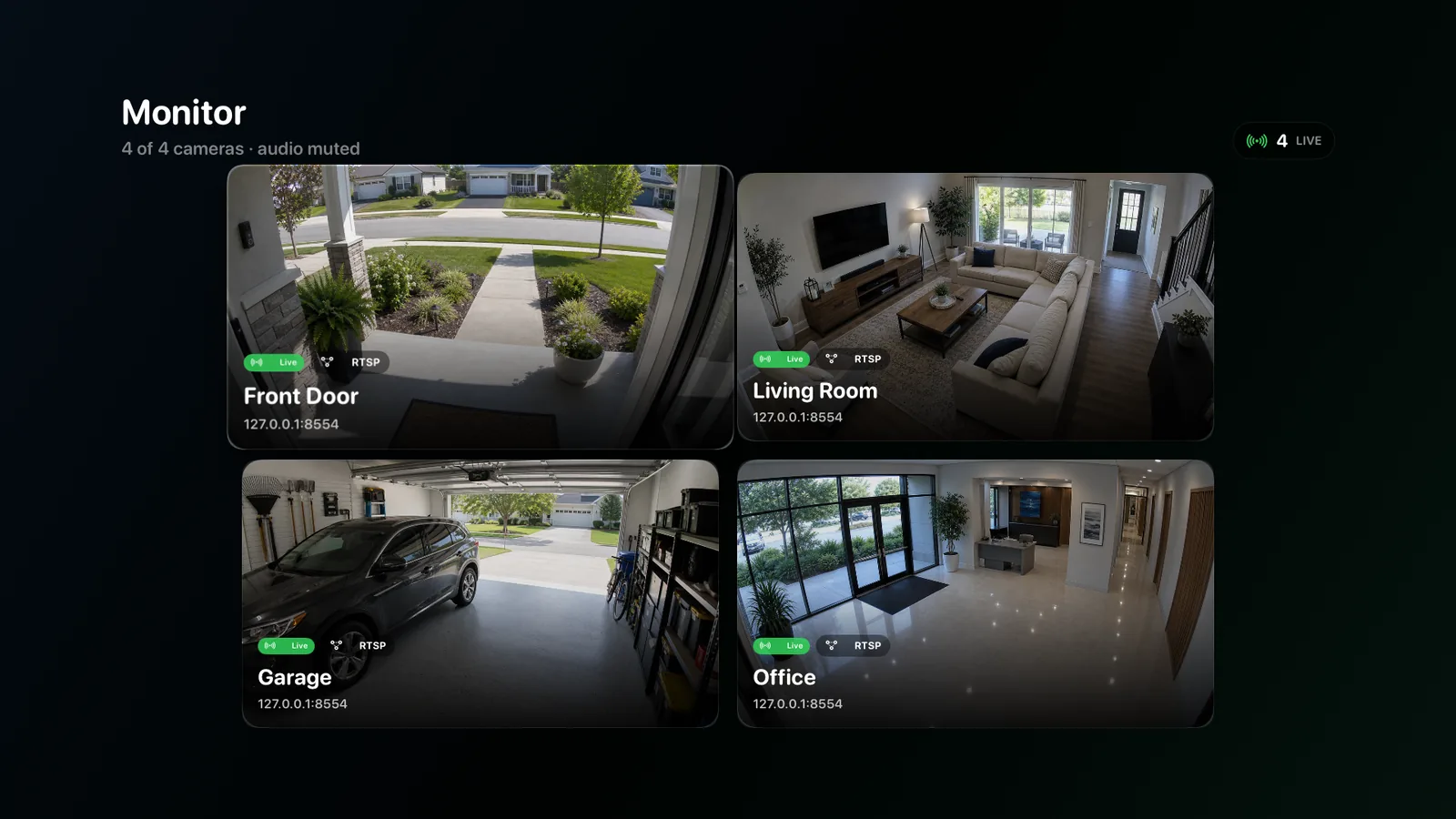
Use OmniNVR as an Apple TV security camera viewer for compatible RTSP and ONVIF streams, a multi-camera wall, manual local recording, and event history.
7 min readReach a local camera system remotely without exposing camera and RTSP ports directly to the public internet.
9 min read
Use camera main and sub streams efficiently for continuous recording, live walls, AI analysis, and high-quality event clips.
8 min readUnderstand how a motion-first on-device detection pipeline can create useful NVR events while keeping camera video local.
8 min readDiagnose an NVR black screen by separating camera connection, stream selection, codec decoding, keyframes, rendering, and saved-recording problems.
10 min readRestore missing NVR audio by verifying that the camera sends an audio track, the selected stream includes it, the codec is compatible, and playback is intentionally unmuted.
9 min readReview NVR recordings efficiently with camera filters, time navigation, event context, playback checks, and a repeatable evidence-export workflow.
10 min readCompare Hikvision and Reolink for a home NVR: product range, RTSP and ONVIF support, firmware experience, NDAA context, and which fits an Apple-based system.
10 min readUse a repeatable NVR camera compatibility test for RTSP, ONVIF, codec, streams, audio, PTZ, recording, reconnect, and firmware-specific behavior.
12 min readSize NVR software by camera bitrate, recording method, live decoding, detection, network traffic, disk writes, retention, and recovery instead of using a vague camera-count limit.
12 min readAn NVR records and indexes IP camera video over a network. Learn what NVR means, how it works, and how hardware and software NVRs differ.
9 min readLearn how a PoE NVR camera system powers and networks IP cameras, compare integrated and separate-switch designs, and plan recording safely.
10 min readBuild a Home Assistant NVR with ONVIF cameras, live streams, clip recording, Frigate or Scrypted, plus clear storage, codec, and security choices.
11 min readChoose home NVR software by camera compatibility, local recording, storage, recovery, privacy, and the devices your household can actually operate.
10 min readCompare small-business NVR software for one site by recording reliability, staff roles, retention, export, maintenance, and camera compatibility.
10 min readPick DIY NVR software by host complexity, camera standards, storage math, recovery tests, and the maintenance work you are willing to own over time.
10 min readCompare local NVR software by camera paths, on-site storage, offline behavior, account boundaries, retention, and secure remote review over time.
10 min readCompare no-subscription NVR software without confusing purchase price, updates, remote services, business use, storage, and ongoing maintenance.
10 min readChoose ONVIF NVR software by conformant profiles, discovery, media URLs, authentication, PTZ, events, and a real recording test on exact cameras.
10 min readCompare RTSP recording software by authentication, transport, codec handling, segment health, reconnection, retention, playback, and export.
10 min readSelect multi-camera NVR software by stream roles, stable layouts, decode load, recording health, synchronized review, retention, and recovery.
10 min readEvaluate private NVR software by local processing, credential storage, account scope, network exposure, retention, export, and optional integrations.
10 min readChoose NVR software for Mac, iPhone, iPad, and Apple TV by native workflow, recording role, storage, camera compatibility, and recovery on each device.
10 min readUse a Mac mini as an NVR by planning camera streams, storage, sleep settings, network capacity, recovery, and a staged OmniNVR recording test.
10 min readPlan an Apple Silicon NVR around stream copy, hardware decoding, camera bitrate, detection load, storage, thermals, and restart recovery under load.
10 min readTurn an iMac into a local security-camera recorder with compatible streams, external storage, sleep prevention, timeline checks, and restart recovery.
10 min readA MacBook can record compatible cameras, but sleep, lid state, mobility, battery, heat, storage, and network changes make reliability testing essential.
10 min readChoose an iPhone NVR app by camera compatibility, local recording behavior, storage pressure, background limits, battery, review, and export needs.
10 min readUse an iPad as a camera monitor and local recorder by testing stream layouts, storage, power, app lifecycle, timeline review, and recovery in daily use.
10 min readEvaluate an Apple TV NVR app by big-screen viewing, manual local recording, event history, storage behavior, remote control, and recovery on tvOS.
10 min readDesign an Apple ecosystem NVR without assuming feature parity: assign Mac, iPhone, iPad, and Apple TV clear recording, review, and ownership roles.
10 min readCompare Mac IP camera recording software by native host support, RTSP and ONVIF inputs, storage, retention, playback, export, and remote access.
10 min readChoose a Mac ONVIF camera app by discovery, media profiles, PTZ, authentication, recording, retention, timeline review, and reconnection after restarts.
10 min readChoose local-storage camera software by volume ownership, retention, filesystem access, disk health, export, backup, and recovery after failure.
10 min readPlan external-drive NVR recording on Mac by throughput, capacity, retention, filesystem access, disconnect behavior, disk health, and recovery.
10 min readBuild cloudless camera recording with local streams, private accounts, on-site storage, offline review, secure remote access, and recovery tests.
10 min readPlan an offline IP camera recorder by separating LAN video, internet services, time, licensing, updates, notifications, remote access, and local recovery.
10 min readChoose continuous camera recording software by stream bitrate, disk writes, segmentation, retention, health alerts, sleep prevention, and recovery.
10 min readEvaluate motion-activated NVR software by detection ownership, zones, pre-roll, post-roll, false alerts, fallback recording, review, and export.
10 min readPlan a 16-camera Mac viewer by sub-streams, decode capacity, stable layouts, network bandwidth, priority views, recording health, and recovery.
10 min readChoose camera timeline software by time accuracy, camera filters, gap visibility, event context, scrubbing, playback, synchronized review, and export.
10 min readExport security camera footage on Mac with correct time, camera identity, context, playable format, protected originals, secure transfer, and verification.
10 min readUse camera main and sub streams for live grids, continuous recording, detailed event clips, AI, storage, and reliable reconnection after camera restarts.
10 min readCompare software and hardware NVRs by host ownership, camera network, storage, upgrades, power, recovery, vendor lock-in, and operating effort.
10 min readCompare NVR software and video management systems by recording, users, sites, integrations, failover, audit, deployment, and support requirements.
10 min readCompare local and cloud camera recording by outage behavior, bandwidth, retention, privacy, recurring cost, off-site copies, remote access, and export.
10 min readCompare a general software NVR with NAS surveillance by hardware ownership, camera licenses, storage pools, apps, backups, updates, and recovery.
10 min readCompare free and paid NVR software by licensing, business use, updates, support, remote access, AI services, storage, maintenance, and exit cost.
10 min readCompare open-source and commercial NVR software by license, maintenance, security updates, integrations, support, configuration ownership, and exit plan.
10 min readCompare Mac and Windows NVR software by native products, hardware acceleration, camera depth, licensing, maintenance, storage, clients, and remote access.
10 min readCompare self-hosted and cloud surveillance by control plane, video path, updates, accounts, storage, bandwidth, remote access, support, and incident recovery.
10 min readCompare ONVIF NVRs and proprietary recorders by interoperability, camera features, adoption, updates, support, migration, and long-term replacement.
10 min readUse a 2026 NVR buying checklist for host platform, camera streams, recording, storage, playback, export, privacy, remote access, licensing, and recovery.
10 min read