
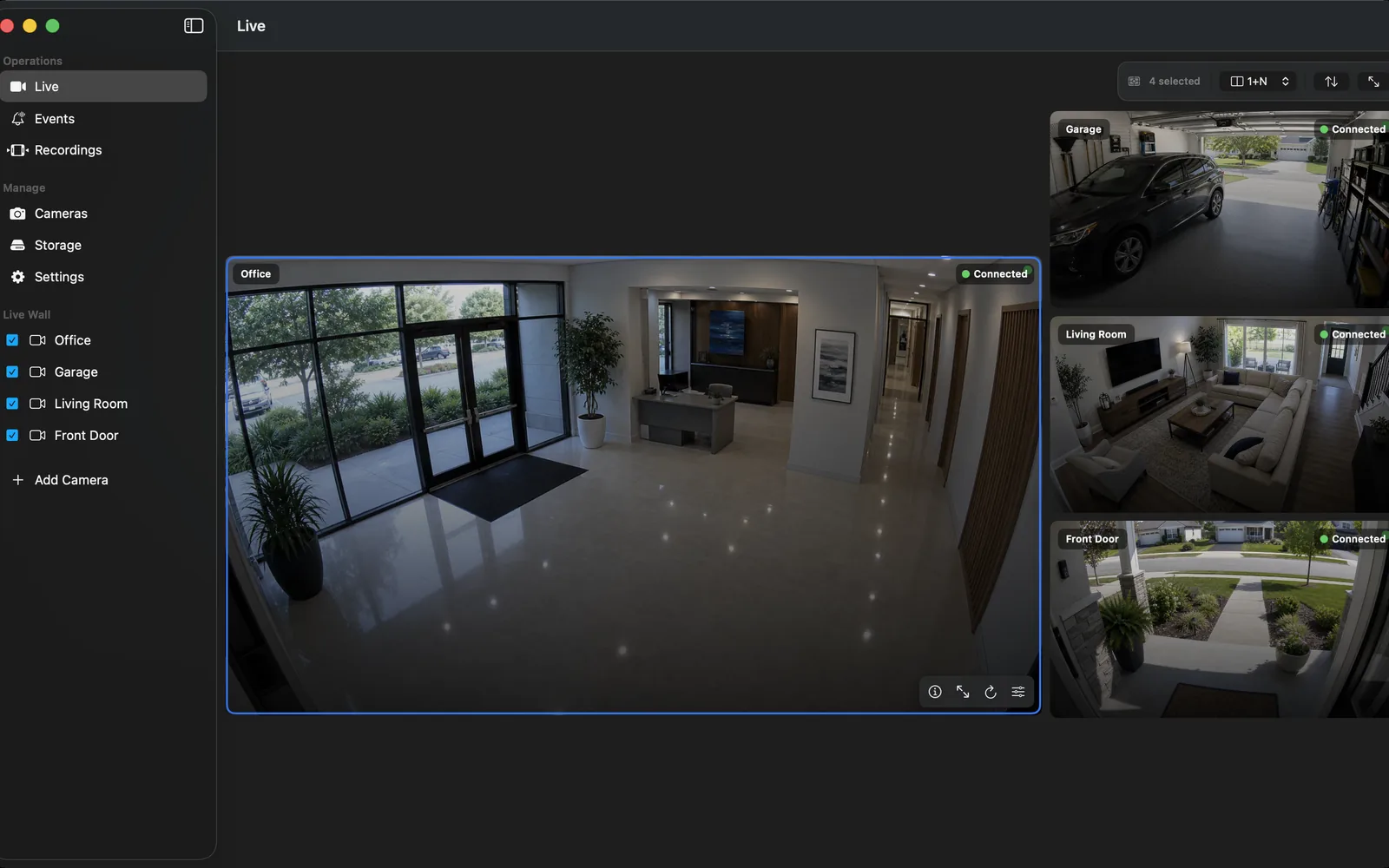
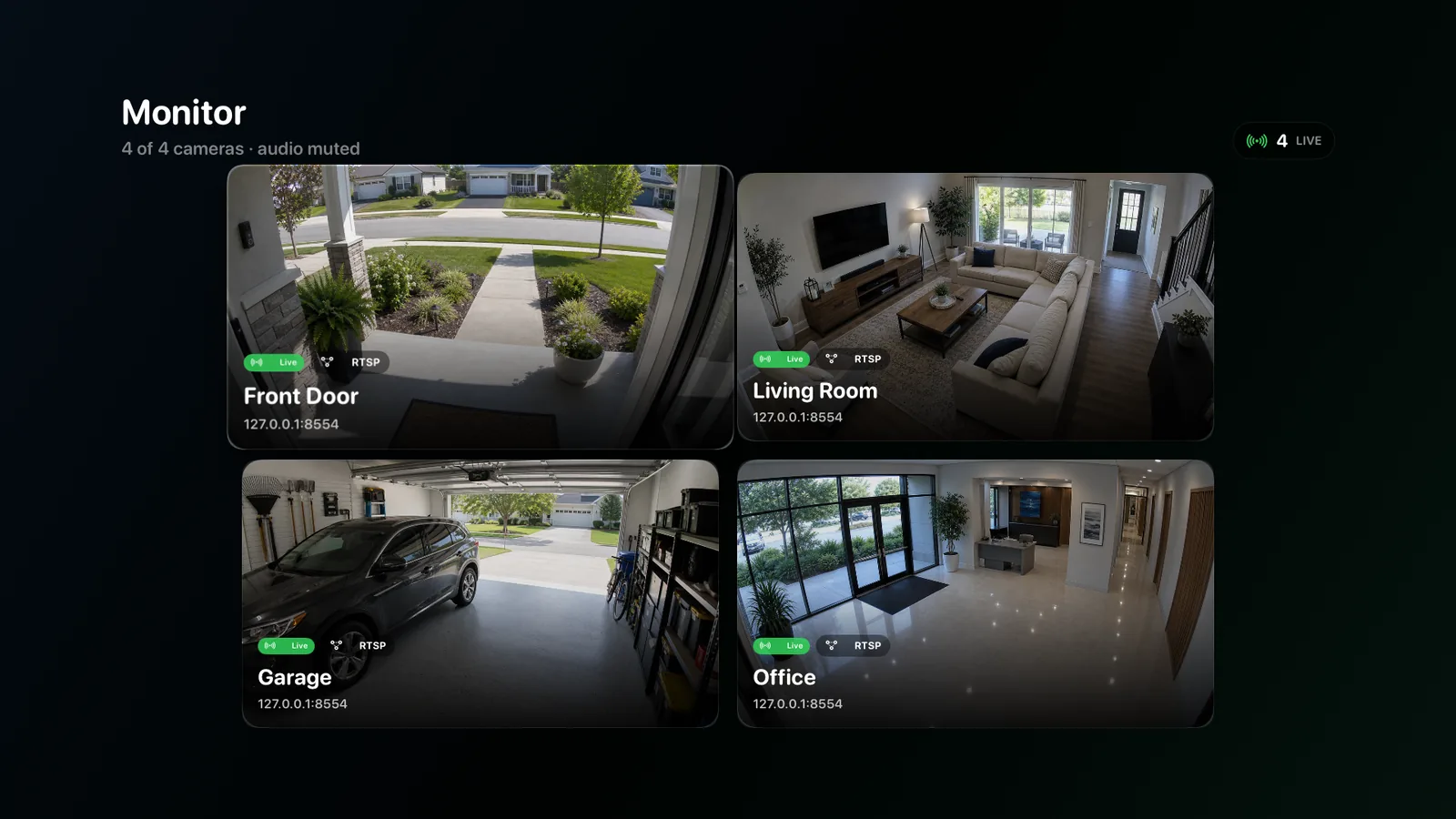
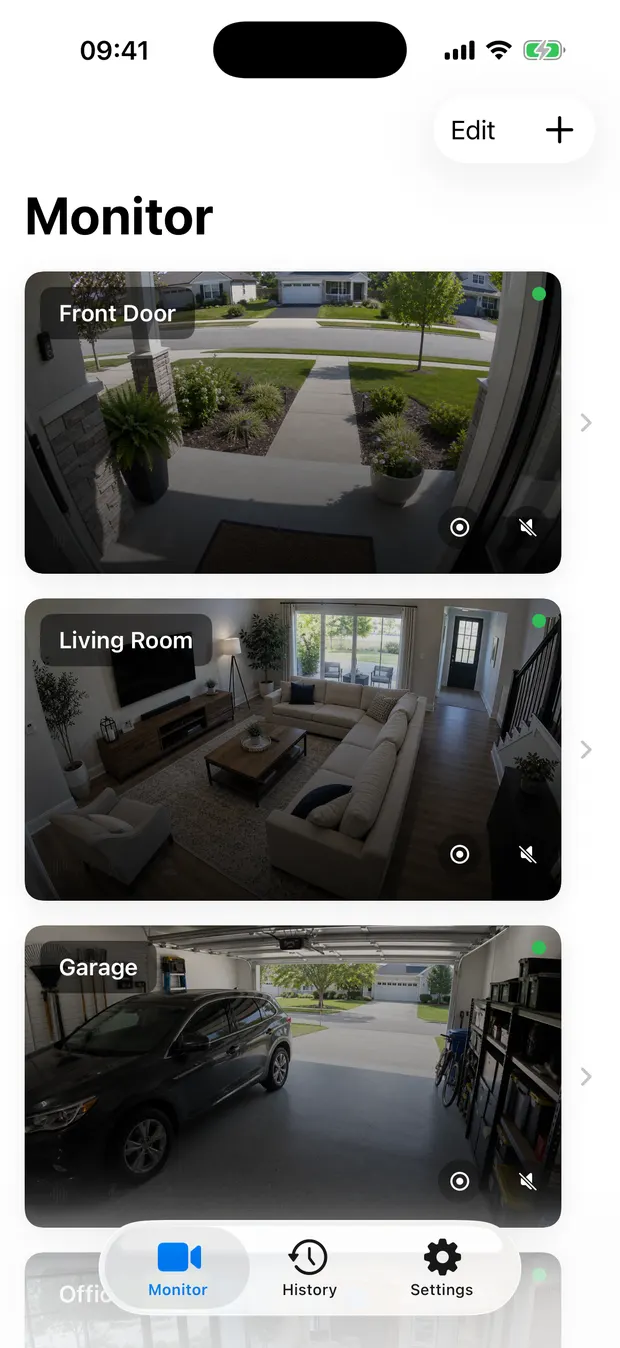
Mac
Local camera recording, live monitoring, timeline review, and export.
Download · App StoreAvailable on Mac, iPhone, iPad, and Apple TV
Record continuously. Review any moment. Connect compatible H.264 RTSP and ONVIF cameras and record locally on Mac, iPhone, iPad, or Apple TV, with monitoring and review adapted to each screen.
iOS · macOS · tvOS
A platform-by-platform record of public availability and the limits that apply to product claims.
Local camera recording, live monitoring, timeline review, and export.
Download · App StoreMobile camera recording, viewing, management, and event review.
Download · App StoreBig-screen camera monitoring, manual local recording, and event history.
Download · App StoreA clear path from incoming video to the clip you need.
Save continuous sub-stream video and higher-quality event clips.
Organize segments by camera, time, and detected event.
Move across cameras and recordings on one timeline.
Choose a time range and save the relevant clip.
Use the sub-stream for continuous coverage and the main stream when an event needs more detail.
Keep a practical record of every configured camera without default re-encoding.
Preserve more detail around detected activity when the camera provides a main stream.
Rebuild recording state after a restart and continue from the available streams.
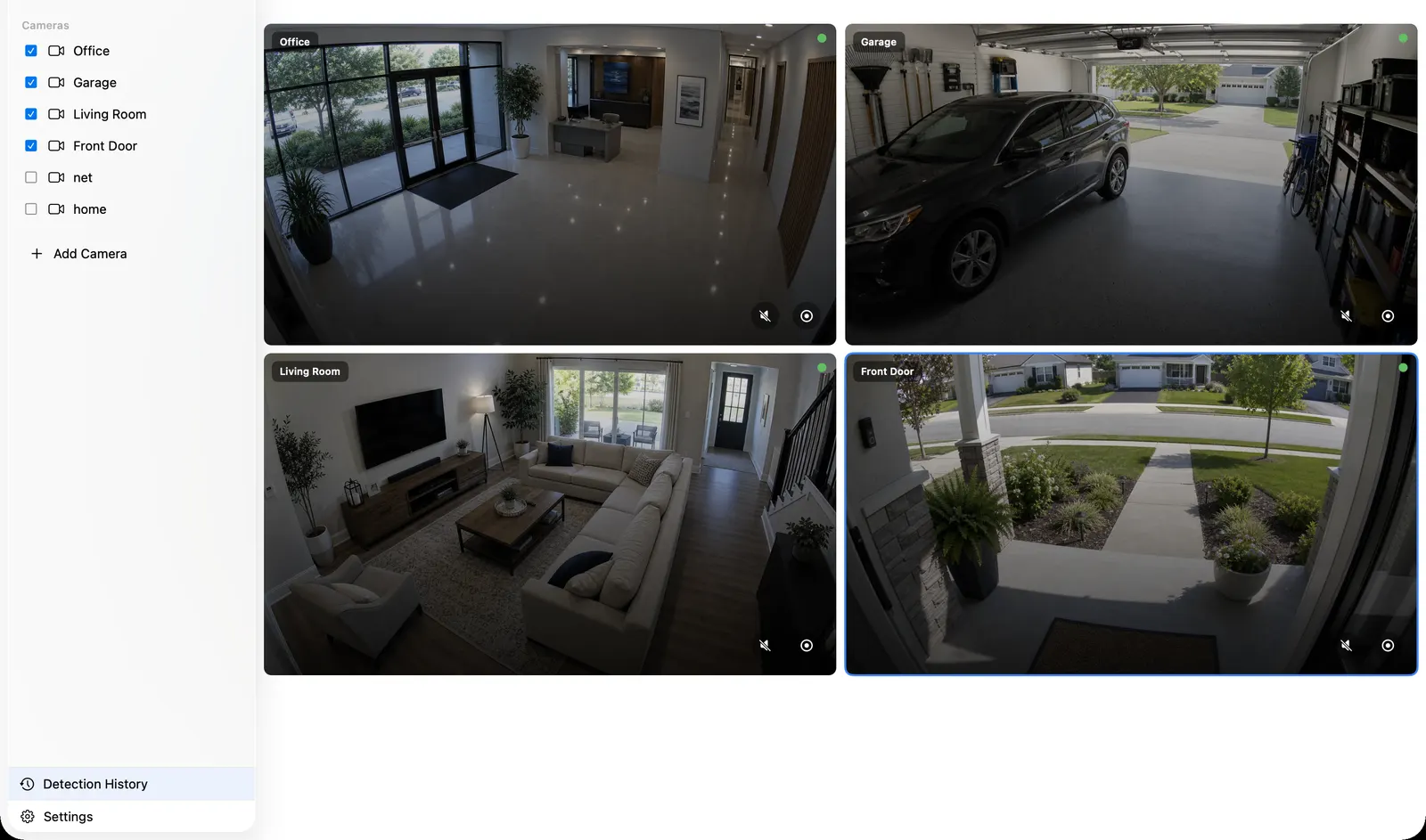
Review recorded time directly instead of searching through folders of video files.
Compare recordings from several cameras against the same clock.
Jump to detected activity without losing the surrounding context.
Play, pause, and seek through recorded time from one review view.
Set a start and end within available recorded coverage, then export the section you need.
 REC
RECChoose local or external storage and use retention rules to manage available space.
Segment tracking, storage checks, and restart recovery help the recorder return to a known state.
Connect compatible H.264 RTSP or RTSPS streams directly. Use ONVIF for discovery, profiles, PTZ, and presets where the camera supports them.
Use RTSP for direct video streams. Use ONVIF to discover cameras, select profiles, and control supported PTZ and presets. Camera brand guides
RTSP essentials: What is RTSP? · Find a camera URL · Port 554 · Test a stream on Mac
RTSP · ONVIF · NVR · Timeline playback
Add one camera, verify live video, choose storage, enable recording, and confirm the timeline after a restart.
→02Use the sub-stream for continuous coverage and the main stream when an event needs more detail.
→03Use RTSP for direct video streams. Use ONVIF to discover cameras, select profiles, and control supported PTZ and presets.
→04Review recorded time directly instead of searching through folders of video files.
→05Choose the recorder that matches your hardware, operating system, camera count, setup tolerance, and remote-access needs.
→06Troubleshoot camera connections, recording, storage, detection, Apple Home, and live push.
→Connect a camera, choose storage, and confirm the first recording on the device you use.
iOS · macOS · tvOS · RTSP · ONVIF