
2026 NVR software selection
Best NVR Software for Small Business in 2026
Compare small-business NVR software for one site by recording reliability, staff roles, retention, export, maintenance, and camera compatibility.
The short answer
The best small-business NVR is one the designated owner can maintain, audit, and recover without creating an enterprise project or an unmanaged consumer account.
Start with the job and failure modes, then compare products. For a small office, shop, clinic exterior, workshop, or single-site business, the minimum useful shortlist must cover clear administrator ownership, per-camera recording health, written retention, repeatable incident export, account removal, and a supportable remote-access design. A product that cannot pass those checks should not advance because of a large camera-count claim or a fashionable feature.
Build a requirement-led shortlist
Separate must-have requirements from preferences. Record the host platform, exact camera models and firmware, stream protocols, codecs, camera count, continuous or event policy, retention days, storage location, authorized users, remote-access boundary, and the time available for maintenance.
A low purchase price does not cover staff time, storage replacement, business licensing, off-site access, or the cost of discovering that an incident was never recorded.
Verify camera and recorder compatibility
Use the exact camera, not a brand-level promise. RTSP can provide the direct media session; ONVIF can help with discovery, profiles, time, PTZ, and events when both client and device support the same functions. Neither label proves recording, retention, timeline, or export quality.
Test one camera through authentication, live view, multiple recorded segments, playback, a network interruption, a host restart, and a storage cleanup cycle before buying or migrating the rest.
Where OmniNVR fits
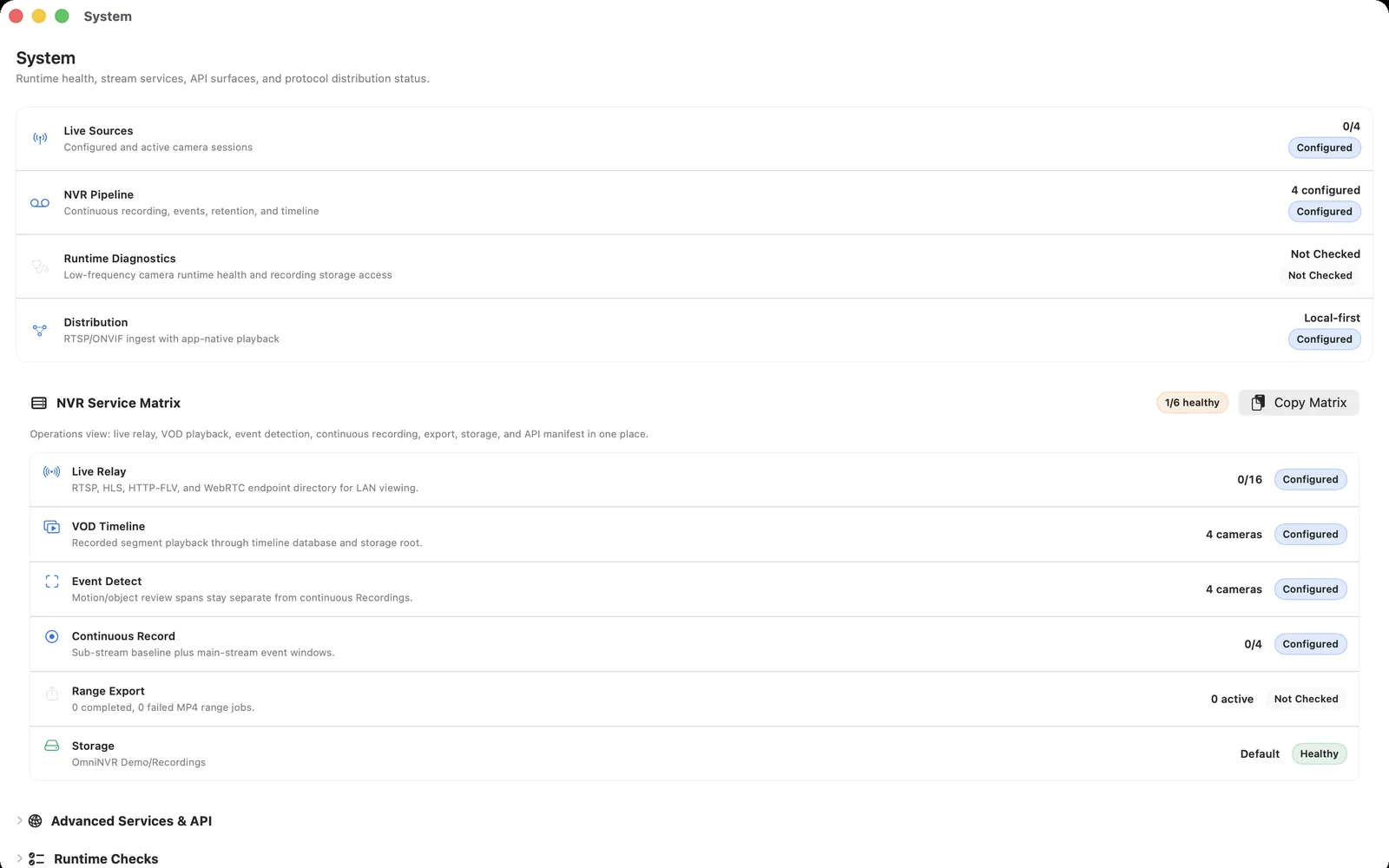
OmniNVR fits a modest compatible-camera deployment when a supported Apple device can be the local recorder and the business values a focused native workflow. Multi-site failover, formal enterprise roles, and large integration programs point toward a professional VMS instead.
Compare current platform roles on the OmniNVR platform facts page. Mac, iPhone, iPad, and Apple TV can all record locally, but recording modes, storage options, and review tools can differ by platform and app version. Do not infer feature parity.
Run a fair 2026 acceptance test
Use a real closing-time event, have a second authorized person retrieve it, revoke that person, and verify the recorder survives a planned power and network recovery test.
Document the result, camera firmware, stream profile, codec, bitrate, storage destination, app version, and any optional service. Repeat the test after the first meaningful update. The best software is the option that remains understandable after normal change, not merely the one that looked easiest during initial setup.
Frequently asked questions
What is the best small-business nvr software in 2026?
The best small-business NVR is one the designated owner can maintain, audit, and recover without creating an enterprise project or an unmanaged consumer account. OmniNVR is one candidate when compatible cameras and supported Apple devices fit; compare other products when Windows depth, self-hosted AI, NAS recording, or enterprise VMS operation is required.
Does ONVIF guarantee that every camera feature works?
No. Verify the exact registered profile and test media, authentication, events, audio, PTZ, time, recording, and recovery with the precise camera and firmware.
Can NVR software work without the internet?
The local camera, network, recorder, and storage path can operate without the internet when the product and cameras support it. Installation, licensing, updates, notifications, or optional remote services may have separate requirements.
How should I test NVR software before buying?
Use a real closing-time event, have a second authorized person retrieve it, revoke that person, and verify the recorder survives a planned power and network recovery test.
Sources and further reading
Record locally on the Apple device that fits the job.
Mac, iPhone, iPad, and Apple TV all support local recording. Recording modes and storage options can differ by platform and app version.