
ONVIF
ONVIF NVR Software for Mac: Discover and Add IP Cameras
Use ONVIF NVR software on Mac to discover IP cameras, verify media profiles and stream URIs, add recordings, and troubleshoot blocked discovery.
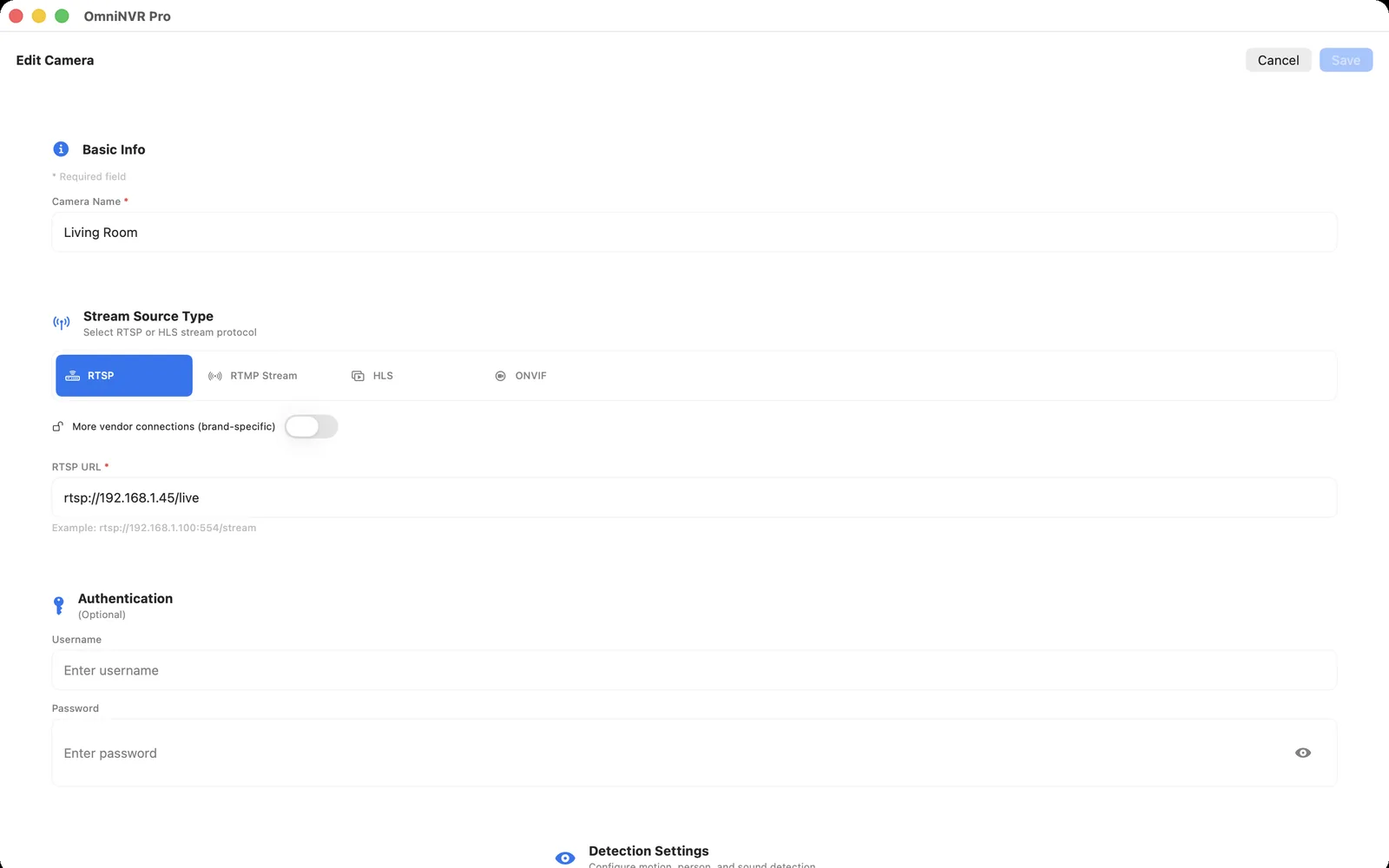
What ONVIF NVR software does—and what it does not do
ONVIF defines interoperable interfaces for physical-security devices. A discovery response can identify a camera and advertise service addresses, while later requests can enumerate media profiles, stream URIs, PTZ capabilities, and other supported functions. In many NVR workflows, ONVIF finds and describes the device, and RTSP carries the actual audio and video.
A camera appearing in a scan does not guarantee that every feature works. Discovery, authentication, media streaming, PTZ, and event delivery are separate stages. Test each stage you plan to use instead of treating an “ONVIF” label as a complete compatibility result.
Prepare the camera and Mac network
Connect the Mac and camera to network segments that can reach each other. ONVIF WS-Discovery uses a probe to the IPv4 multicast address 239.255.255.250 on port 3702. Guest Wi-Fi, client isolation, VPNs, routers, and VLAN boundaries may block that multicast path even when a direct IP connection is allowed. For a permanent recorder, a stable camera address—through a DHCP reservation or carefully managed static assignment—also prevents a saved endpoint from changing later.
Enable ONVIF in the camera if the vendor requires a separate switch. Create a dedicated camera account rather than reusing the cloud-app login or administrator account. The exact menu, permissions, and whether ONVIF is available at all are model- and firmware-specific.
Discover, authenticate, and inspect profiles
- Start an ONVIF scan from the Mac while it is on the same reachable network as the camera.
- Match the result by IP address and model, not only by a friendly name that may be duplicated.
- Authenticate with the camera-local account.
- Inspect the available media profiles and identify which one represents the main stream and which represents a lower-bandwidth sub stream.
- Open the selected stream and confirm several minutes of stable video before saving a recording policy.
Record the chosen profile and stream role in your camera inventory. Firmware changes or a factory reset can alter profiles, credentials, or addresses.
When the camera is not discovered
Enter the camera IP address manually if the NVR supports direct ONVIF setup. Then check basic reachability, camera time, credentials, service enablement, and firewall rules. If direct setup works but scanning does not, the likely problem is the discovery path rather than the media stream.
If neither method works, confirm the exact model in the ONVIF conformant-products database or the manufacturer documentation. Some products use proprietary discovery, expose RTSP without ONVIF, or support ONVIF only on certain regional or business-oriented models.
Validate recording after discovery
Select a stream, make a short recording, and play it from the timeline. Restart the NVR, briefly interrupt the camera network, and confirm that recording resumes. Also test PTZ separately if it matters; working video does not establish that the camera exposes a compatible PTZ service.
Keep the final configuration narrow: one dedicated account, only the stream profiles you use, and no public exposure of the camera’s ONVIF or RTSP services.
Frequently asked questions
What is ONVIF NVR software?
ONVIF NVR software discovers and configures compatible network cameras through standardized services, then records a usable media stream—often an RTSP stream—after authentication and profile selection.
What port does ONVIF discovery use?
ONVIF WS-Discovery sends IPv4 probe messages to multicast address 239.255.255.250 on port 3702. Firewalls, guest Wi-Fi, VPNs, and VLAN boundaries can block that discovery traffic.
Why can my Mac reach a camera by IP but not discover it?
Direct IP traffic can cross a route that multicast discovery does not. Guest Wi-Fi, client isolation, VPNs, and VLANs commonly block discovery while still allowing a manually entered address.
Does ONVIF send the camera video?
ONVIF commonly helps an NVR discover the device and request a media profile or stream URI. The resulting live media is often delivered through an RTSP-controlled session.
Does an ONVIF logo guarantee that every NVR feature works?
No. Confirm the exact model and profile, then test authentication, video, recording, playback, PTZ, and events individually. Implementations and supported ONVIF profiles vary.
Sources and further reading
Record locally on the Apple device that fits the job.
Mac, iPhone, iPad, and Apple TV all support local recording. Recording modes and storage options can differ by platform and app version.