
Camera setup
Wyze RTSP Options: Cam v3 Firmware, Bridge and NVR Setup
Check current Wyze RTSP limits for Cam v2, Cam v3 and Cam Pan, understand the removed legacy firmware downloads, and evaluate a community bridge for NVR use.
Compatibility is model- and firmware-specific. OmniNVR and TardisLabs are not affiliated with or endorsed by Wyze.
Check compatibility before you start
Start with Wyze's current RTSP support article for the exact model. As of its April 21, 2026 update, Wyze says the separate RTSP firmware files were removed, RTSP is not a stock feature, and the old branch does not receive the same new app features. A camera that already runs the legacy build is a different situation from a new Wyze Cam v3 purchase that has no official download path.
Do not flash firmware intended for another generation. Wyze's historic scope was Cam v2, Cam v3, and the original Cam Pan—not Pan v2, Pan v3, Cam v4, Duo Cam, Bulb Cam, or every product carrying the Wyze name. For models without an official RTSP path, Docker Wyze Bridge is a community project, not a Wyze or OmniNVR product. Review its supported-device list, authentication handling, update history, and security implications before using it.
Add the camera or NVR channel
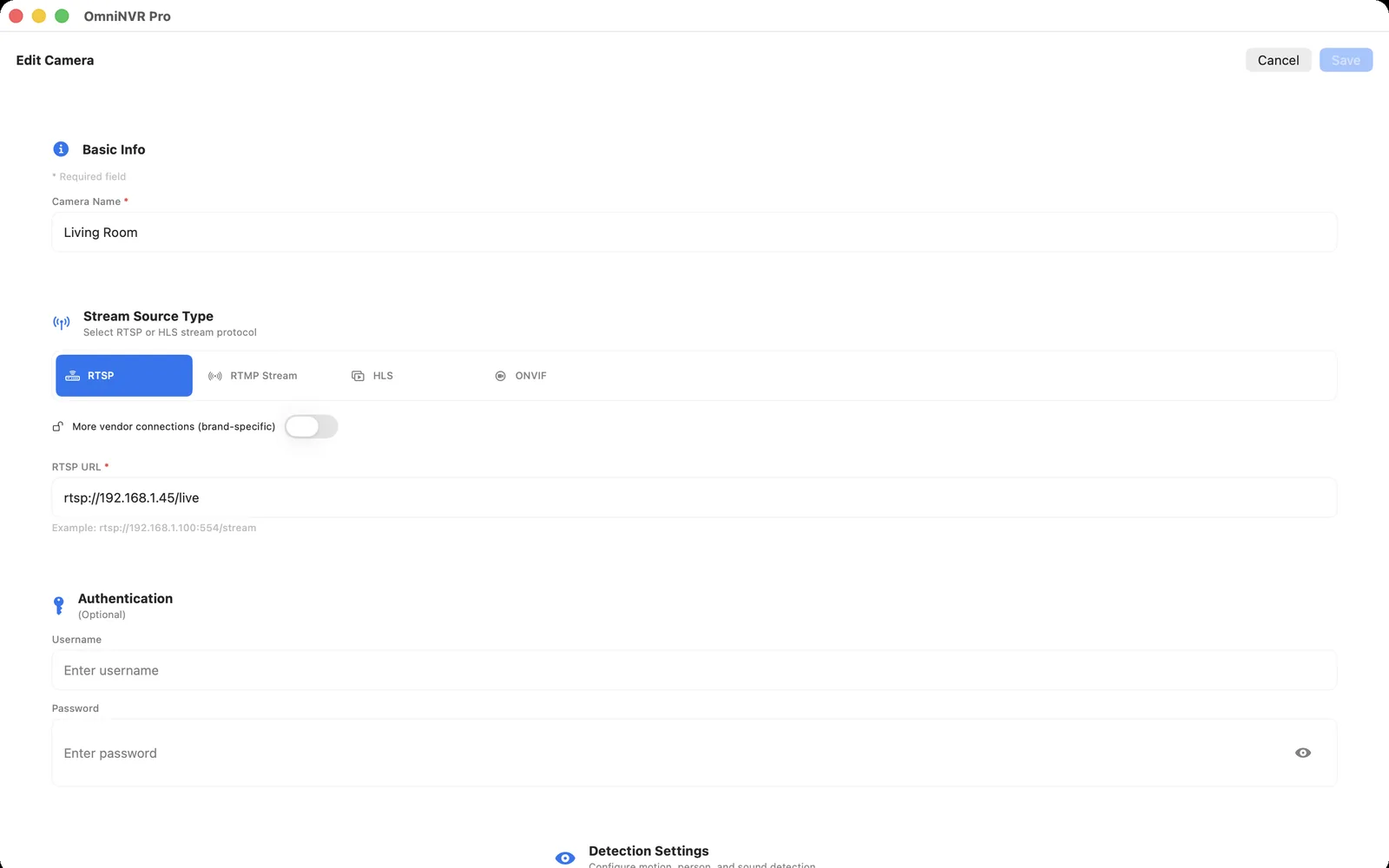
Native RTSP firmware displays or defines the camera's stream URL after setup. With a bridge, the RTSP endpoint belongs to the bridge host, and each camera is addressed by the normalized stream name documented by that project. Copy the generated URL into OmniNVR and keep the bridge on a stable IP.
Test camera reconnect, bridge restart, and account reauthentication before relying on recording. Monitor both the camera and bridge because either can interrupt the timeline.
Choose recording roles
Use the lower-bitrate sub stream for continuous history when it has enough detail, and reserve the main stream for focused live view or event clips. This reduces storage and decode load without giving up high-quality evidence around important moments.
Before scaling up, record one camera for at least fifteen minutes, play it from the timeline, disconnect the network briefly, and restart OmniNVR. A working live preview alone does not prove that timestamps, recovery, and storage are reliable.
Troubleshooting checklist
- No RTSP option: the installed production firmware or model may not support native RTSP.
- Bridge stream disappeared: check the bridge logs, Wyze authentication, and stream-name mapping.
- Frequent outages: restart and update the bridge independently of OmniNVR.
- Security concern: keep the bridge local, protect its UI, and do not expose RTSP directly to the internet.
Frequently asked questions
Does every Wyze camera work with OmniNVR?
No. The camera or recorder must expose a compatible RTSP, RTSPS, ONVIF, or HLS stream, and support varies by model, firmware, codec, power mode, and network topology.
Should I connect to the camera or the brand NVR?
Connect directly when the camera is reachable and you want independent streams. Connect to the NVR when cameras are isolated behind its PoE network or the recorder is the only endpoint that exposes each channel.
Can I expose the RTSP port to the internet?
Do not forward camera RTSP ports for long-term remote access. Keep cameras local and use a trusted VPN when remote viewing is required.
Sources and further reading
Record locally on the Apple device that fits the job.
Mac, iPhone, iPad, and Apple TV all support local recording. Recording modes and storage options can differ by platform and app version.