
Apple TV
How to View and Record RTSP and ONVIF Cameras on Apple TV
Use OmniNVR as an Apple TV security camera viewer for compatible RTSP and ONVIF streams, a multi-camera wall, manual local recording, and event history.
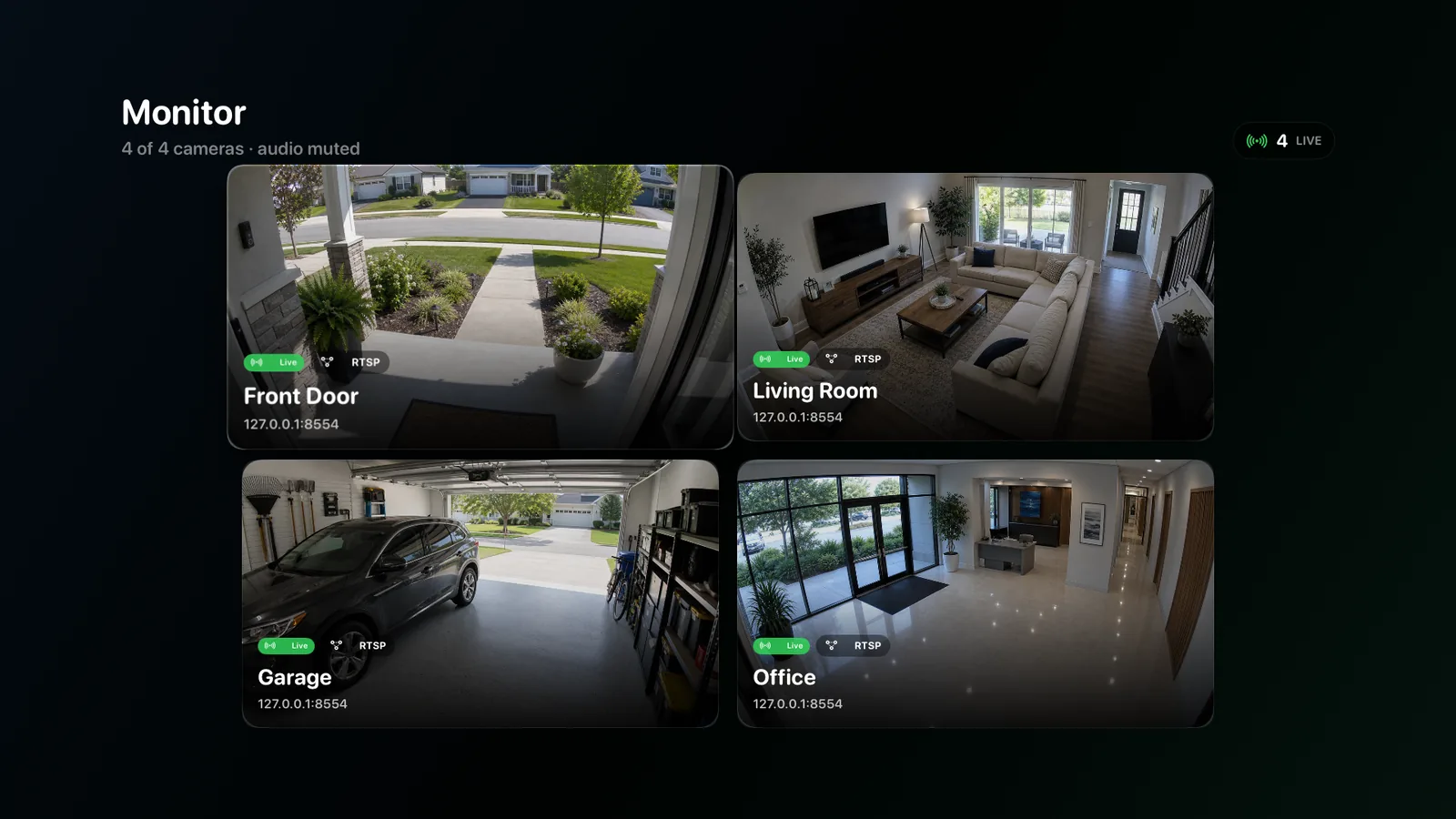
Use Apple TV as a multi-camera security viewer
A television is useful for entrances, shops, workshops, and common areas where several people need passive awareness. Use a stable camera wall for the overview, then open one priority feed when more detail is needed. Focus navigation, clear camera names, and quick switching matter more than bringing desktop configuration forms onto the television.
Start with a small set of priority cameras and use sub streams for small tiles when available. Read the multi-camera live wall guide for layout, stream, and reconnect decisions.
Connect cameras on the local network
Keep Apple TV and cameras on networks that can route the required media and discovery traffic. ONVIF multicast discovery may not cross VLANs by default, so manual camera entry or explicit network configuration may be necessary.
Use a dedicated camera account. If the Apple TV app syncs configuration from another Apple device, verify which fields sync and how credentials are protected before relying on it.
Choose the recording mode deliberately
OmniNVR TV supports manual local recording and recording history, so Apple TV is not limited to viewing. Start a short recording, confirm it appears in history, play it back, and repeat the test after restarting the app.
If the requirement is unattended or continuous coverage, verify that exact mode, background behavior, available storage, and recovery flow in the current tvOS release. A Mac, iPhone, iPad, or Apple TV can all record with OmniNVR, but their recording modes and storage options are not assumed to be identical.
Design for remote control
Use stable camera order, large focus targets, and one clear action to open a camera. Avoid controls that require fine pointer movement. PTZ can be useful, but it should not make ordinary camera selection harder.
Test focus after reconnects and app relaunches. A living-room interface should return to a predictable camera hub instead of exposing a technical error console.
Frequently asked questions
Can I view RTSP cameras on Apple TV?
Yes. OmniNVR TV can open compatible RTSP or RTSPS camera streams on Apple TV. Use a camera-local account, verify the exact model path and codec, and test reconnect behavior on the intended network.
Can Apple TV record cameras?
Yes. The released OmniNVR TV listing confirms manual recording and recording history. Verify continuous or unattended recording separately in the current app version before relying on it for that duty.
Does Apple TV discover ONVIF cameras?
Discovery depends on the app and network. Multicast discovery may be blocked across guest networks or VLANs, so manual setup can still be required.
Can I use PTZ from Apple TV?
OmniNVR supports an Apple TV experience with camera control, subject to the camera exposing compatible ONVIF PTZ services.
Sources and further reading
Record locally on the Apple device that fits the job.
Mac, iPhone, iPad, and Apple TV all support local recording. Recording modes and storage options can differ by platform and app version.