
DIY CCTV system guide
DIY Home Security Camera System: Installation, NVR and Storage Guide
Build a DIY home security camera system with a local NVR: plan coverage, select RTSP cameras, install safely, test recording, and protect remote access.
Define the job of each camera
List the events you need to review: a door approach, vehicle arrival, driveway activity, a side gate, or an indoor area you are authorized to monitor. Give each camera a purpose and identify the required detail, lighting, mounting position, and privacy boundary.
A system with fewer well-placed views is easier to operate than an indiscriminate collection of wide shots. Avoid recording beyond your property or authority, and check local rules before mounting cameras that can capture neighbours or public areas.
Choose a local-video foundation
Select cameras with a documented local RTSP stream and test the exact model before final installation. An RTSP stream is enough for direct NVR video input; ONVIF can add discovery, profile selection, and some controls. Do not buy an entire kit based only on a cloud-app preview.
For fixed outdoor coverage, PoE can simplify both power and data. For an indoor or difficult-to-cable location, a mains-powered Wi-Fi camera can work after a sustained local-stream test. Treat battery cameras as event-oriented unless the manufacturer documents the local behavior you need.
Install in a sequence that keeps problems small
- Update one camera from the official vendor source and create a unique local account.
- Give it a stable local address and enable its documented RTSP stream.
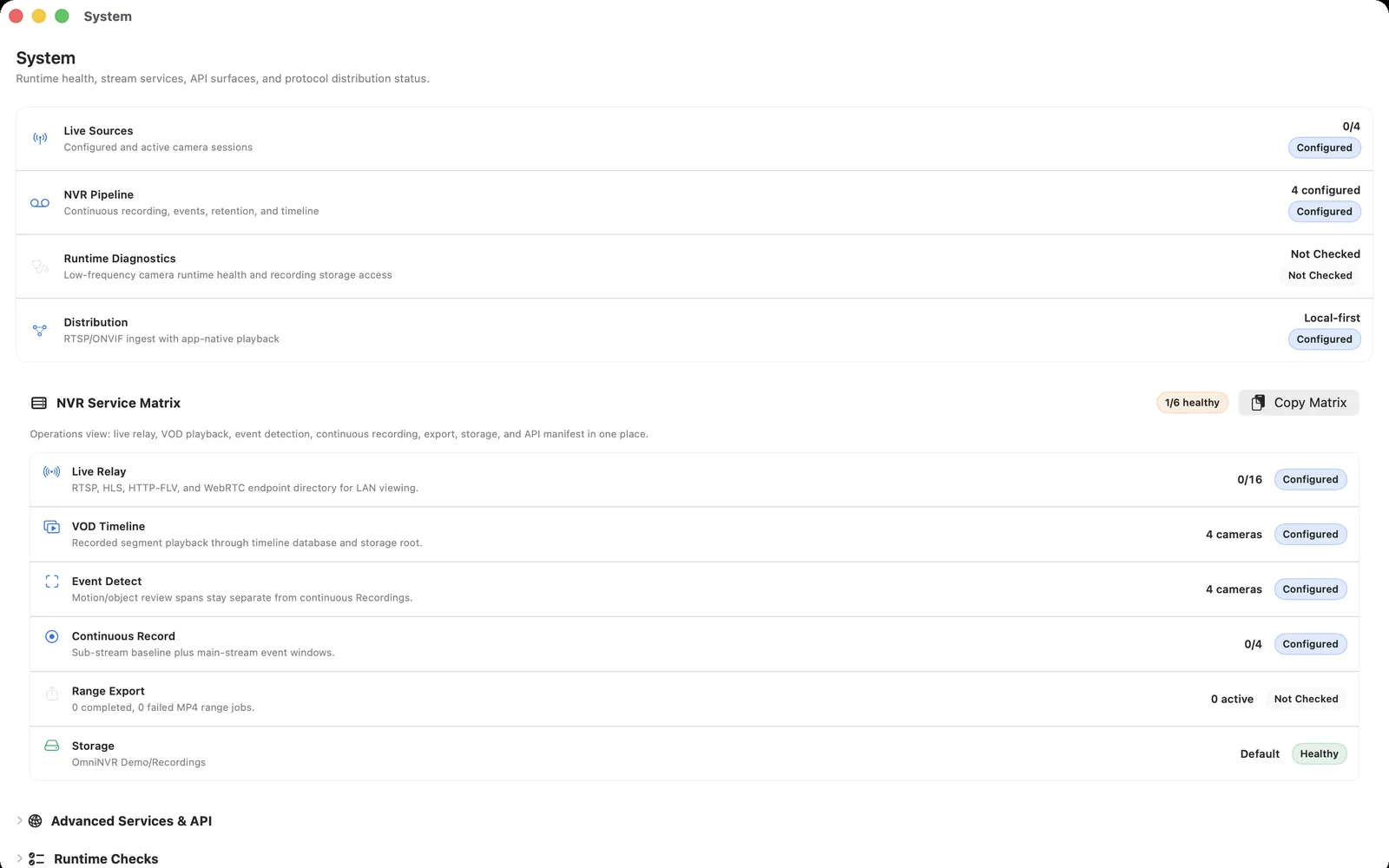
- Add it to OmniNVR, validate live view, record for a short period, restart, and play back the newest segment.
- Move it to the real location and repeat the day/night check.
- Only then repeat for the next camera.
This staged approach catches power, cable, Wi-Fi, credential, and codec problems while the installation is still easy to change.
Plan storage around real footage
Retention depends on camera count, bitrate, continuous versus event recording, audio, and the quality required for review. Start with a representative week of footage if possible, then compare actual disk use with the retention period you need. Keep enough free capacity for normal segment rotation and protect clips needed for review or export.
Use a sub stream for broad live monitoring where appropriate, while keeping a main stream for higher-value clips. Test a recording interruption and restart so you know that the system resumes and the timeline remains usable.
Make remote access a deliberate choice
Do not forward camera web, RTSP, or ONVIF ports directly to the internet. Keep device administration inside the local network, apply supported updates, and use a method with explicit authentication for remote viewing. Disable accounts and integrations no longer needed.
Maintain a simple inventory with model, serial or placement label, firmware, network address, account role, enabled protocol, and tested stream profile. It is the most valuable troubleshooting document a DIY system can have.
Frequently asked questions
Can I install my own CCTV or IP camera system?
Yes, for locations and cameras you are authorized to use. Start with one camera, confirm local stream, recording, restart recovery, and playback, then expand methodically.
What does a DIY NVR system need?
Purposeful cameras, reliable power and network paths, an NVR that can record the camera's verified local stream, storage sized from real footage, and secure access controls.
Do I need a separate NVR appliance?
Not necessarily. OmniNVR can provide local recording on supported Apple devices. The right device and storage choice depend on camera count, recording mode, availability, and platform capabilities.
How do I secure a DIY camera installation?
Use unique credentials, supported firmware, local network segmentation where appropriate, a limited recorder account, and no direct public exposure of camera or NVR services.
Sources and further reading
Record locally on the Apple device that fits the job.
Mac, iPhone, iPad, and Apple TV all support local recording. Recording modes and storage options can differ by platform and app version.