
Retail NVR use case
Liquor store: A Practical Local NVR Plan for U.S. Users
Plan liquor store with local NVR recording, camera placement, storage, recovery, privacy, and secure remote access for a U.S. site. Includes a practical.
Define the decision the video must support
The purpose is not to install the largest possible camera system. It is to help store owners, managers, loss-prevention staff, and authorized investigators answer a narrow question after a real event. For liquor store, the evidence path is entrance, checkout, high-value shelves, stockroom door, and parking approach. Write that sentence before buying cameras; it determines where the view starts and ends.
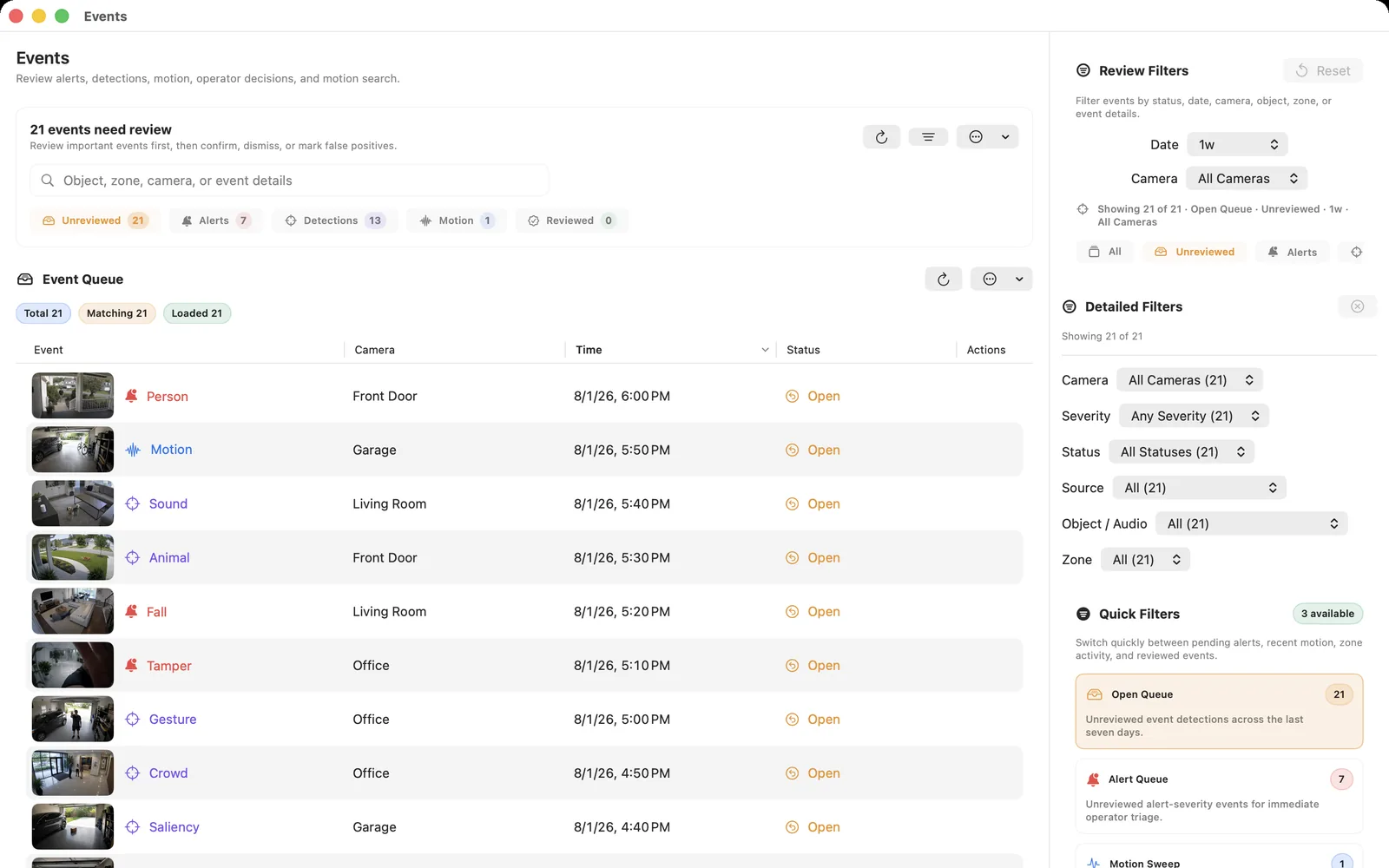
Then name the event that should be easy to find: a disputed sale, removal, conflict, or delivery. An event marker can speed up review, but it should not be treated as proof that every relevant moment was detected. Keep enough surrounding context to show what happened before and after the trigger.
Place cameras and prove the local stream
Pair an overview of customer flow with tighter views at transaction, merchandise, or handoff points; do not rely on digital zoom to create missing detail. Walk the site at the busiest and darkest times. Check faces or objects at the distance that matters, backlight, glare, moving obstructions, weather, and whether a camera can be reached for maintenance.
Before final mounting, confirm that each exact model and firmware exposes a supported local stream. RTSP can provide the direct video input; ONVIF may help with discovery and profile selection. Test the real credentials, codec, main or sub stream, clock, and sustained playback in the intended NVR.
Choose recording, storage, and retention
Continuous recording protects the minutes before an event, while bookmarks or event clips make checkout, delivery, and after-hours review faster. Estimate storage from measured bitrate rather than resolution alone. For a first design, four to sixteen cameras may be enough, but the required views and evidence quality should set the final count.
Choose 30 to 60 days from actual incident-discovery timing, insurer expectations, storage capacity, and written business policy. Add free-space headroom and confirm that cleanup deletes the oldest eligible segments before the disk fills. A retention promise is only real when an operator can find and play the oldest expected recording.
Test review, export, and recovery
Run a staged incident instead of accepting a live preview. For this site, test backlit coolers, narrow aisles, age-verification counter angles, and night parking coverage. Open the timeline from another authorized account, follow the event across the necessary cameras, and export a bounded clip with the correct time and camera names.
Restart the recorder and one camera during a planned window. Confirm automatic reconnection, a new playable segment, sensible timestamps, and visible offline status. Repeat the test after any firmware, camera-profile, storage, network, or time-zone change.
Set U.S. privacy and security boundaries
Keep cameras out of restrooms, changing areas, and other places with a strong expectation of privacy. Review employee and audio rules with qualified local counsel. U.S. federal, state, local, sector, lease, labor, and contract rules can apply differently, so this guide is an engineering plan rather than legal advice. Document the purpose, field of view, retention, access roles, export process, and deletion process before recording begins.
Use unique credentials, supported firmware, least-privilege accounts, and encrypted remote access. Keep camera administration, RTSP, and ONVIF off the public internet. Review account access periodically and remove installers, contractors, volunteers, staff, or household guests when their role ends.
Frequently asked questions
How many cameras are needed for liquor store?
Start with the fewest fixed views that can show entrance, checkout, high-value shelves, stockroom door, and parking approach. That is often four to sixteen cameras, but a field test—not the building size or a vendor bundle—should set the final count.
Should this NVR record continuously or only on events?
Continuous recording protects the minutes before an event, while bookmarks or event clips make checkout, delivery, and after-hours review faster. If event-only recording is used, test missed detections, pre-roll, post-roll, and recovery so a marker does not create an unexplained gap.
How much storage and retention are appropriate?
Choose 30 to 60 days from actual incident-discovery timing, insurer expectations, storage capacity, and written business policy. Measure the sustained bitrate of every recorded stream, calculate daily capacity, add safety headroom, and verify the oldest expected footage in the timeline.
Can the cameras be viewed remotely?
Yes, through an authenticated and encrypted access design. Do not forward camera management, RTSP, or ONVIF ports directly to the public internet, and give each viewer only the permissions required.
Is camera recording legal for liquor store?
The answer depends on the exact location, field of view, audio setting, people recorded, purpose, notice, access, retention, and applicable federal, state, local, sector, lease, labor, and contract rules. Obtain qualified local advice for the finished design.
Sources and further reading
Record locally on the Apple device that fits the job.
Mac, iPhone, iPad, and Apple TV all support local recording. Recording modes and storage options can differ by platform and app version.