
Outdoor IP camera guide
Outdoor IP Camera for a Local NVR: PoE, Night Video and Setup
Plan an outdoor IP camera installation with PoE or Wi-Fi, local RTSP recording, night-scene checks, cable protection, and secure remote viewing.
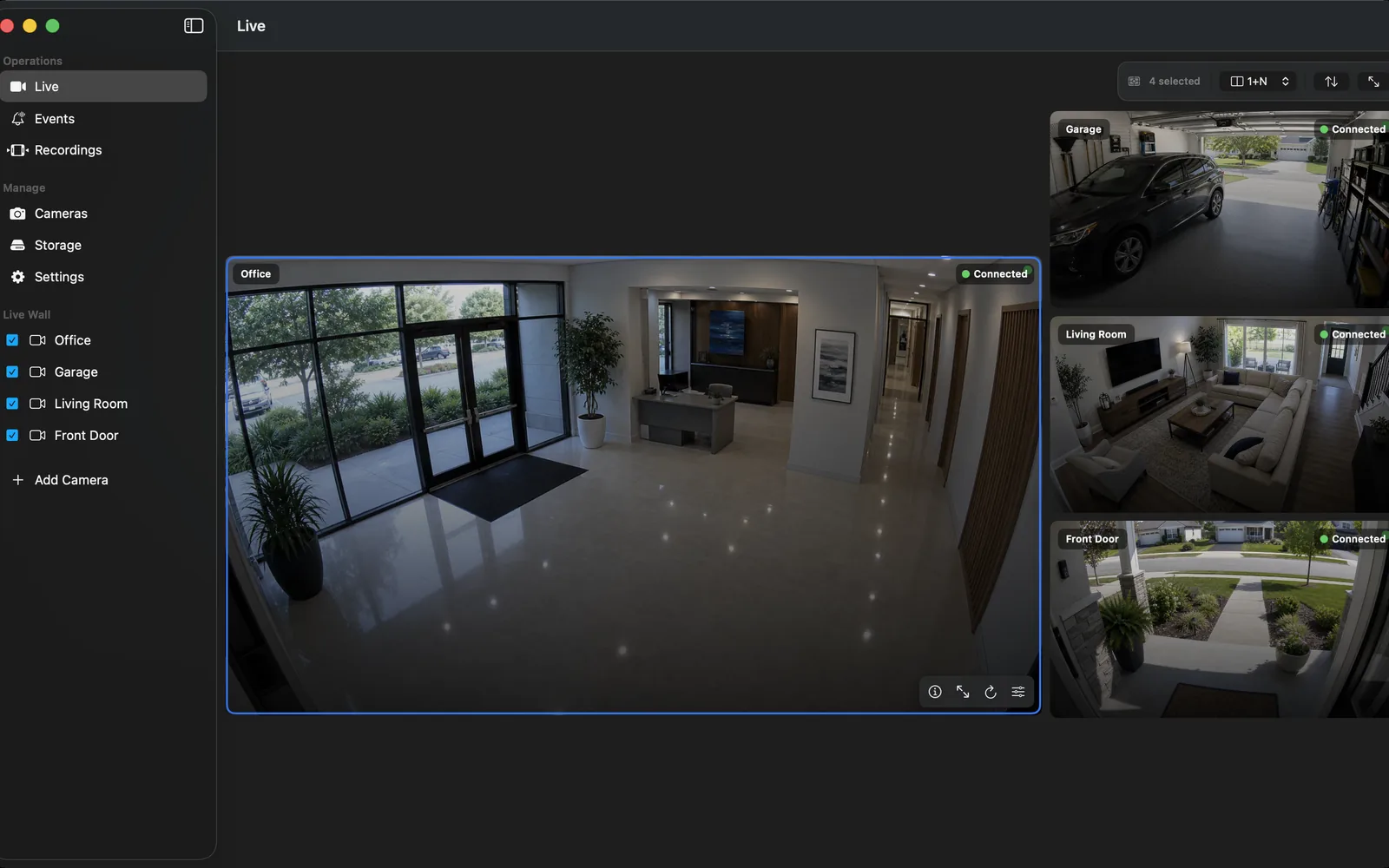
Map the view before choosing a camera
Mark the entry points, vehicle approach, gate, package area, and the direction of sunlight and streetlights. A camera aimed straight at a bright driveway or reflective wall can produce poor evidence regardless of its specification. Decide whether you need identification at a doorway, broad context across a yard, or both from separate cameras.
Mounting height is a trade-off: high positions reduce tampering but can make faces less useful; low positions improve detail but need physical protection. Keep private property and local privacy rules in mind when setting the field of view.
Why PoE is usually the simplest outdoor answer
Power over Ethernet carries both network data and power over one suitable cable. That can avoid a weather-exposed mains adapter and gives a more predictable path than marginal Wi-Fi. Plan the cable route, surge protection appropriate to the installation, weather-rated entry points, and a labeled switch or injector.
A Wi-Fi outdoor camera can still be a good choice where a cable route is impossible. Measure signal where the camera will live, watch for interference after installation, and reserve enough network capacity for the selected stream. Do not assume an indoor phone signal predicts outdoor camera reliability.
Verify RTSP before the final mount
Set up the camera on a bench first. Update it from the official source, create a dedicated recorder account, enable the documented local stream, and test RTSP playback in OmniNVR. If ONVIF discovery is available, compare the returned profiles with the stream you will record.
After mounting, repeat the test at day and night. Confirm that a local NVR can record the stream even if vendor-cloud features are unavailable. RTSP is sufficient for the direct video input; ONVIF can add discovery and controls but is optional for recording.
Test the night scene, not only the daytime preview
Infrared light can reflect from soffits, nearby walls, glass, rain, and insects. White-light modes can improve colour detail but may be unsuitable for every location. Review real clips in the conditions that matter: headlights, porch lights, rain, moving people, and vehicles at the edge of the frame.
For a multi-camera NVR, choose a sustainable bitrate and main/sub-stream plan. A high-detail main stream may be useful for evidence, while a modest sub stream makes an overview wall and continuous recording more practical.
Secure the camera and its remote access
Place camera administration on the local network, use a unique password, and avoid direct public exposure of RTSP, ONVIF, or web management ports. Keep a record of the exact model, firmware, enabled protocol, and local IP reservation.
Test recovery as well as video: restart the camera or switch during a planned window and ensure the NVR reconnects and produces a new, playable segment. A setup is only ready when it has recovered from a normal interruption.
Frequently asked questions
Is PoE better than Wi-Fi for outdoor IP cameras?
PoE is often the more predictable choice because one cable supplies power and data. Wi-Fi can work well where it is measured and tested at the camera location, but it has more variables to manage.
Can an outdoor IP camera work with a local NVR?
Yes, when the exact model releases a stable, supported RTSP stream. Verify it before final mounting and complete a real recording/playback test.
What should I test at night?
Review clips with the actual lighting, reflections, rain, headlight glare, and movement expected at the property. Daytime sharpness alone is not enough.
Should I expose my outdoor camera to the internet?
No. Keep camera services private and use an authenticated remote-access design rather than forwarding camera management or streaming ports to the internet.
Sources and further reading
Record locally on the Apple device that fits the job.
Mac, iPhone, iPad, and Apple TV all support local recording. Recording modes and storage options can differ by platform and app version.