
Architecture
PoE NVR Camera System: How It Works and What You Need
Learn how a PoE NVR camera system powers and networks IP cameras, compare integrated and separate-switch designs, and plan recording safely.
The short answer: PoE and NVR solve different jobs
Ethernet connects the camera, PoE adds power over the same cable, and the NVR records the video. A PoE-capable switch or injector is power sourcing equipment, and the camera is the powered device. Ordinary Ethernet provides the data link; PoE adds standardized DC power to that link, so a compatible camera location may not need a separate electrical outlet. The NVR then reaches the camera by IP and opens a supported media stream.
These layers must be evaluated separately. A camera can power on correctly and still fail to record because its RTSP path, ONVIF service, credentials, codec, timestamps, or network route are incompatible. The reverse is also possible: a separately powered Wi-Fi or Ethernet camera can work with an NVR even though it does not use PoE.
Integrated PoE NVR versus a separate PoE switch
| Design | How cameras connect | Main tradeoff |
|---|---|---|
| NVR appliance with integrated PoE | Cameras plug into PoE ports on the recorder; depending on the vendor design, those ports may use a private camera network | Can simplify an approved same-vendor installation, but direct camera access, replacement choices, channel limits, and third-party software access may be constrained |
| Separate PoE switch plus hardware NVR | Cameras and recorder attach to a managed or ordinary LAN through a PoE switch | More flexible topology and camera reachability, with separate switch, recorder, and network configuration to maintain |
| Separate PoE switch plus software NVR | The switch powers cameras; a supported computer or device reaches their IP streams over the LAN | Lets recording software run on selected hardware, but the operator owns host uptime, storage, permissions, and recovery |
Integrated PoE ports are not automatically ordinary LAN switch ports. Depending on the vendor and model, an appliance may isolate cameras behind a private interface and expose only recorder channel streams to other clients. Check the exact recorder's current network diagram and manual before planning a second recorder or software NVR, and verify whether cameras are directly routable or documented channel URLs can be used.
Plan power, bandwidth, and storage before buying
Check each camera's official PoE standard and maximum power demand, including infrared illumination, heaters, motors, and startup behavior. Then compare the total with the switch's overall PoE budget and the limit of each port. Do not select a switch only by its port count, and do not assume that a passive injector or proprietary power method is interchangeable with standards-based PoE.
Power capacity and recording capacity are different calculations. Estimate the aggregate bitrate of the streams crossing the switch uplink and being written by the recorder, then size storage for bitrate, recording hours, retention days, and safety margin. Main and sub streams can have very different costs. Use the storage calculator and retention guide, and confirm the physical design with the camera and switch documentation rather than relying on nominal headline capacity.
Set up PoE cameras with an NVR or OmniNVR
- Record the exact camera model, firmware, PoE requirement, codec options, and documented RTSP or ONVIF support.
- Connect one camera to a suitable PoE port and confirm that the switch reports stable power and link state.
- Give the camera a stable address through a managed static configuration or DHCP reservation, and verify that the intended recorder can reach it.
- Enable only the required local camera services and create a dedicated account with the minimum permissions needed for viewing or PTZ.
- Use ONVIF discovery or the exact documented RTSP/RTSPS URL, select the intended main and sub streams, then make and replay a short recording.
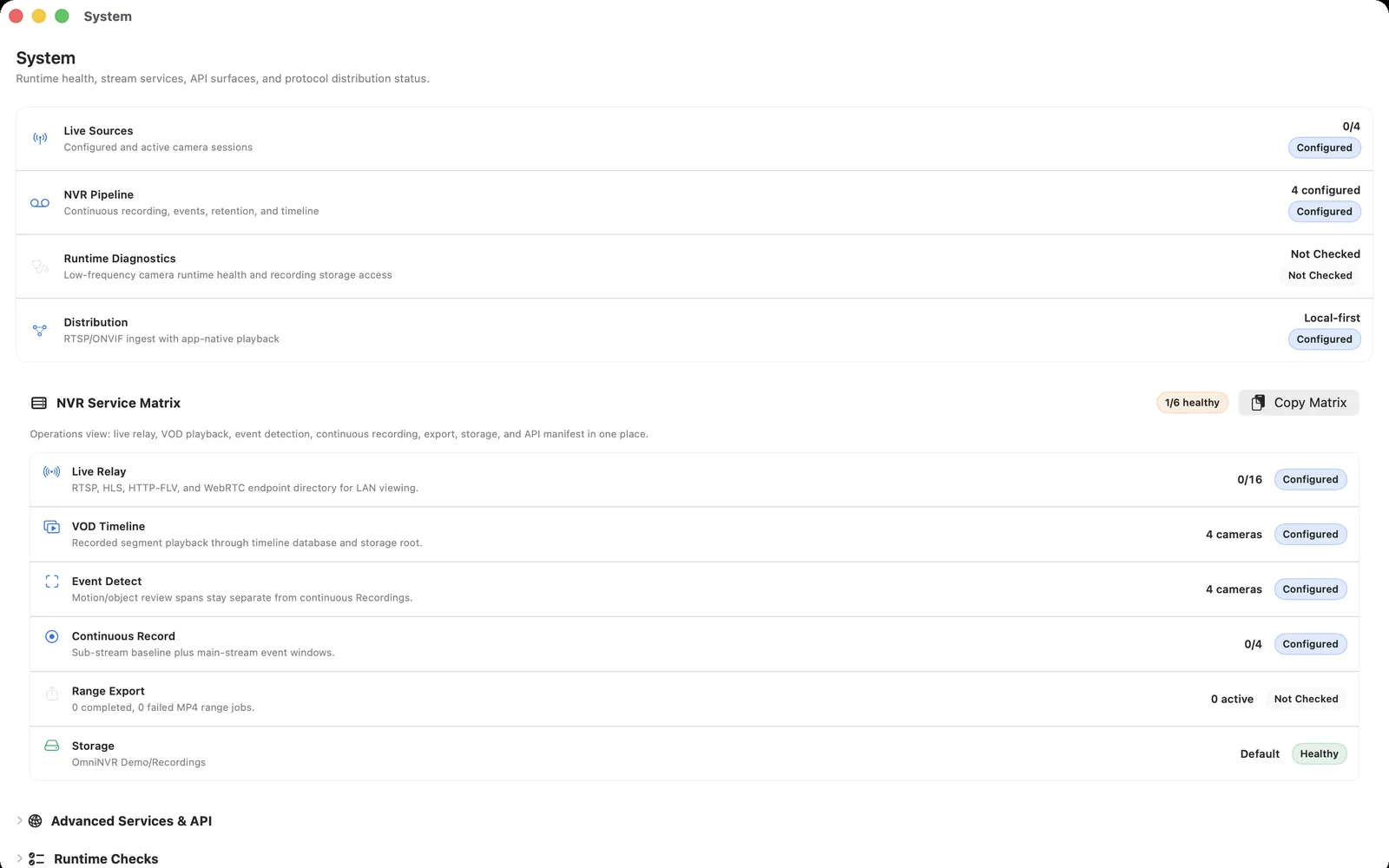
An Apple device running OmniNVR performs the recorder-software role; it is not the PoE power source. A separate PoE switch or suitable injector powers the cameras, and the Apple device must have routed IP access to their supported streams. Confirm current platform requirements and recording roles on the OmniNVR platform facts page.
Build for recovery and limit network exposure
Protect the entire recording path, not only the recorder. If continuous coverage matters, consider backup power for the cameras, PoE switch, router or required VLAN infrastructure, recorder host, and recording storage. Test a switch restart, camera reboot, recorder restart, and temporary uplink loss one at a time, then confirm that every expected stream resumes recording.
Keep camera administration, ONVIF, and RTSP services on networks you control. Restrict which recorder or management hosts can reach them, use unique camera-local credentials, and avoid forwarding camera or recorder service ports directly to the public internet. PoE reduces cabling at the camera; it does not create encryption, authentication, remote-access protection, or a backup copy of the recordings.
Frequently asked questions
Can OmniNVR record PoE cameras?
Yes, when the exact camera exposes an input supported by the released OmniNVR build on that Apple platform and the recording device can reach it over the network. Check the current platform facts and test the camera. A PoE switch or suitable injector powers the camera; OmniNVR does not replace that power equipment.
Does a PoE camera need a dedicated PoE NVR?
No. A compatible PoE camera can be powered by a separate standards-based PoE switch or injector and recorded by compatible hardware or software NVRs over the IP network. Vendor-specific cameras, private recorder networks, and proprietary protocols can still limit that flexibility.
Does PoE reduce NVR storage use?
No. PoE changes how a camera receives power, not how much video it produces. Storage depends mainly on recorded bitrate, number of streams, recording schedule, retention period, audio, and event policy.
Sources and further reading
Record locally on the Apple device that fits the job.
Mac, iPhone, iPad, and Apple TV all support local recording. Recording modes and storage options can differ by platform and app version.