
IP camera buying guide
Best IP Security Cameras for a Local NVR: RTSP and ONVIF Picks
Choose an IP security camera for a local NVR by verifying RTSP, ONVIF, power, codec, stream profiles, and recording behavior before buying.
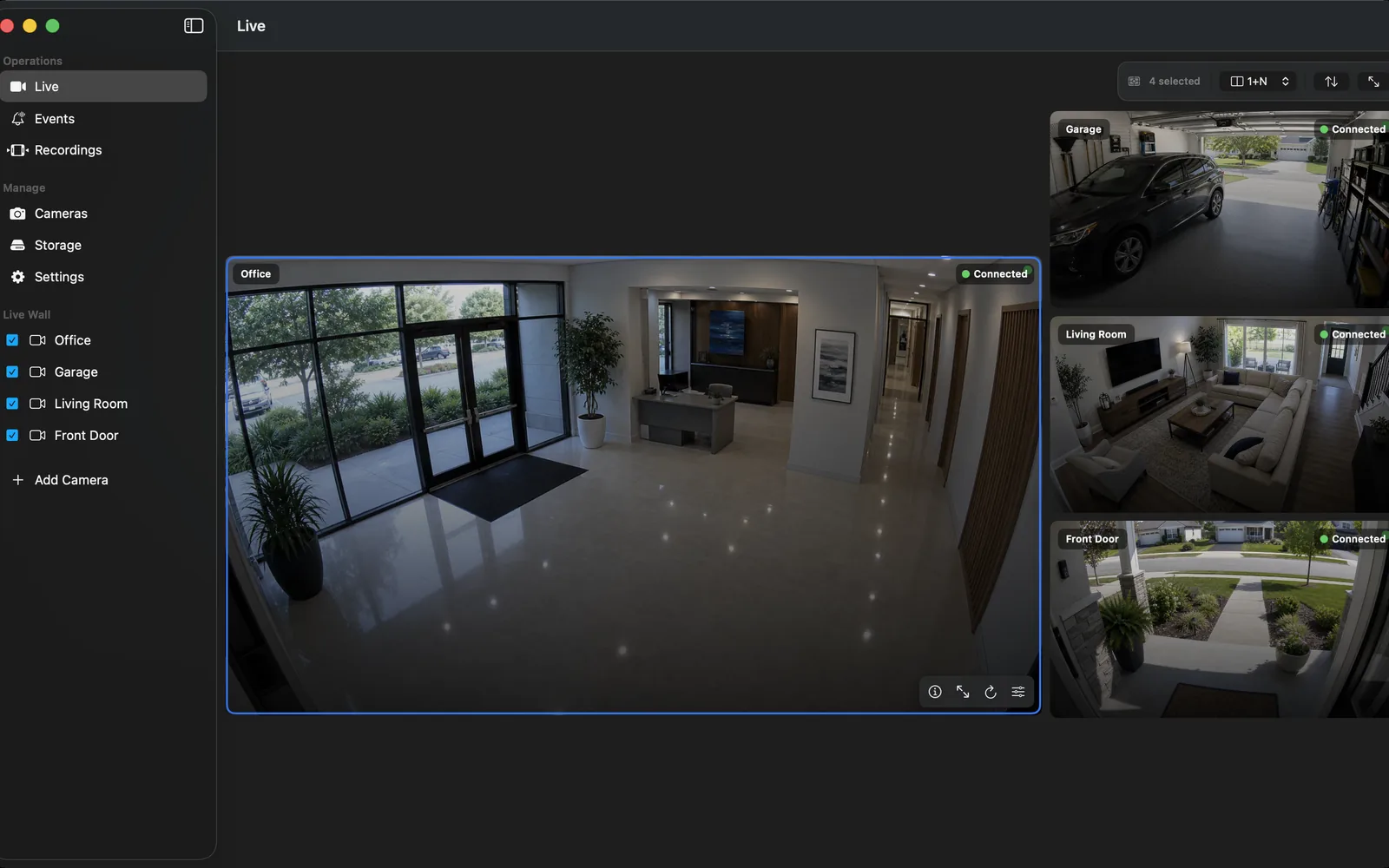
Start with the video path, not the marketing label
"IP camera" covers wired, Wi-Fi, cloud-first, battery, indoor, outdoor, PTZ, and NVR-bundle products. For a local recorder, ask one narrow question first: can this exact hardware and firmware expose a documented RTSP stream on your own network?
When a camera releases that RTSP stream, it can be used as direct NVR video input. ONVIF is useful for discovery, profiles, time settings, and controls, but it is not a replacement for a playable stream. Confirm the model, firmware, codec, and stream profile before committing to a multi-camera purchase.
A practical local-NVR shortlist
For a PoE outdoor installation, start with documented wired models such as the Reolink RLC-811A, Reolink Duo 3 PoE, or ANNKE C800. They are examples to verify, not a claim that every regional variant is identical.
For smaller Wi-Fi locations, begin with models that document their local stream switch, such as the Tapo C120, Tapo C225, or Tapo C325WB. The Aqara G5 Pro and VIGI C540-W serve different ecosystem and installation needs. Treat each linked assessment as a research checklist, then confirm the exact device in its official documentation.
Compare the stream that will actually be recorded
A clear live preview is not enough. Inspect the main and sub streams, advertised resolution, frame rate, codec, audio, variable bitrate behavior, and the network transport that works in your environment. A lower-bitrate sub stream is often more suitable for a multi-camera wall; a higher-quality main stream may be reserved for event clips or evidence.
Run a short recording and playback test before the return window closes. Check that the timeline survives an app restart, timestamps remain sensible, and the newest segment is playable. A camera that works only in a vendor cloud app has not passed a local-NVR compatibility test.
Choose power and connectivity for the place
PoE puts power and data on one Ethernet cable, which makes fixed outdoor cameras easier to place and troubleshoot. Wi-Fi can be appropriate for an indoor or low-camera-count setup when the signal is measured at the mounting point, not only beside the router. Battery cameras are a separate category: their sleep and vendor-cloud design can limit continuous third-party streaming.
For exterior coverage, assess the mounting height, cable route, backlight, weather exposure, night reflections, and whether a wide lens or a narrow field of view is needed. A reliable 24/7 view from a modest camera is more useful than an ambitious specification that cannot maintain a stream.
Buy safely and keep the installation private
Use a unique camera account for the recorder, keep the management interface on the local network, apply supported firmware, and avoid exposing a camera or NVR directly to the public internet. Remote viewing should go through a deliberate, authenticated access method rather than port forwarding a camera service.
Keep the box, model label, firmware version, enabled protocols, and verified stream profile in your installation notes. It makes later replacement and troubleshooting much faster, especially when one camera vendor changes an app menu or firmware behavior.
Frequently asked questions
What is the best IP camera for an NVR?
The best choice is the exact model that exposes a documented RTSP stream, remains stable in a local recording test, and fits the required power, mounting, lens, and night conditions. Verify the regional model and firmware rather than relying on a brand name alone.
Do IP cameras need ONVIF to work with an NVR?
No. A released RTSP stream can be enough for direct NVR video input. ONVIF is valuable for discovery, profiles, and controls, but a camera can be recordable through RTSP even when ONVIF is unavailable or incomplete.
Can a Wi-Fi IP camera record continuously?
It can when the camera offers an always-available local stream and the Wi-Fi link remains stable. Test recording through a restart and review the resulting timeline before relying on it for continuous coverage.
Are battery cameras good for a local NVR?
Not usually for continuous recording. Many battery models sleep between events or restrict third-party access. Check the exact manufacturer documentation before buying one for an NVR workflow.
Sources and further reading
- Reolink — Which Reolink products support CGI/RTSP/ONVIF
- TP-Link Tapo — View cameras with RTSP and ONVIF
- TP-Link Tapo — RTSP/ONVIF model and recording limits
- TP-Link VIGI — Use cameras with third-party NVR or software
- Aqara — Camera Hub G5 Pro product page with RTSP and NAS support
- Cisco — What Is Power over Ethernet (PoE)?
- CISA — Internet Exposure Reduction Guidance
Record locally on the Apple device that fits the job.
Mac, iPhone, iPad, and Apple TV all support local recording. Recording modes and storage options can differ by platform and app version.