
Camera review
Reolink RLC-811A review: is it right for a local NVR?
A research-based Reolink RLC-811A review covering 4K PoE, 5× optical zoom, local recording, RTSP/ONVIF verification, and whether it fits an OmniNVR setup.
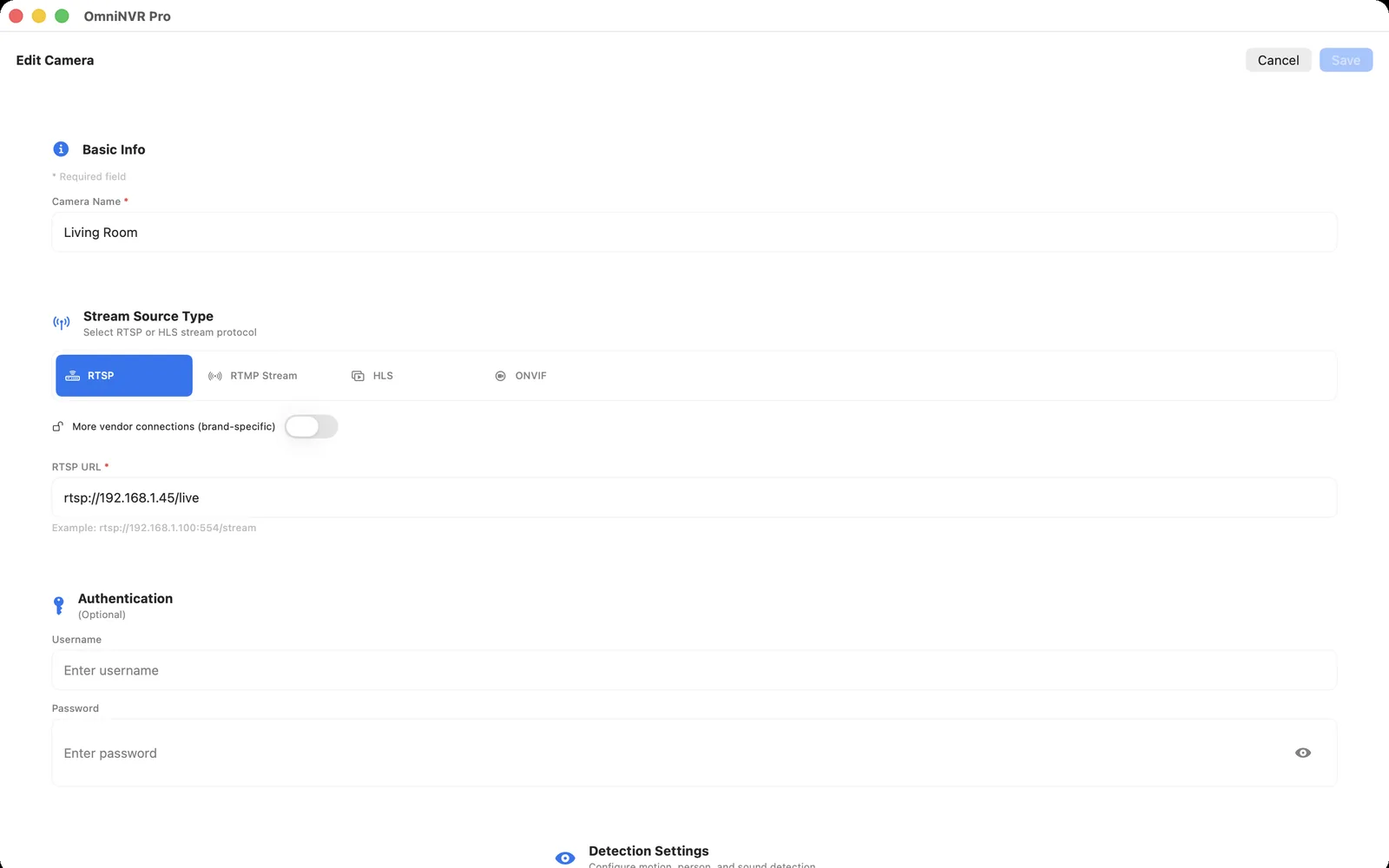
Compatibility is model- and firmware-specific. OmniNVR and TardisLabs are not affiliated with or endorsed by Reolink.
Purchase verdict
Choose the RLC-811A when a single, wired camera needs to frame a driveway, gate, or other fixed distance more tightly than a fixed-lens model can. Its PoE cabling and local-stream support make it a strong candidate for a standards-based NVR, provided the buyer verifies the exact current firmware and stream profiles. Do not buy it merely for a zoom control: on a fixed bullet camera, the valuable use is setting the lens to the right long-term field of view.
This is a research-based buying assessment, not a lab test performed by OmniNVR. It separates current manufacturer documentation from the linked reviewer coverage, then treats a successful live stream and recorded timeline on the buyer's own network as the final compatibility test.
What the current product documentation establishes
Reolink describes the RLC-811A as an 8 MP / 4K PoE camera with a motorized 5× optical zoom and continuous, scheduled, or motion-triggered recording. Reolink's current protocol-support reference places ordinary wired camera models in the RTSP/ONVIF-capable group, subject to the product's setup and firmware. Power and data travel over Ethernet when paired with suitable PoE equipment.
Specifications describe the product family and available options; they do not prove that a particular firmware, regional SKU, network, or third-party recorder will behave identically. Confirm the full model code before ordering and retain the current manual with the camera inventory.
What published reviews are useful for
LifeHackster's RLC-811A walkthrough covers installation, day and night image checks, alert speed, detection distance, audio, spotlight, and siren behavior. The useful practical takeaway is not a universal score: it is that the lens, mounting position, and target distance should be chosen before drilling, because zoom cannot add a second viewing angle.
Independent reviews and creator videos are useful for seeing installation scale, noise, night scenes, app flow, and framing trade-offs that a specification table cannot convey. They can include affiliate links, receive pre-release units, or cover a prior firmware, so they are context rather than a substitute for the official documentation.
Local NVR and OmniNVR fit
Give the camera a stable address, enable its documented RTSP/ONVIF services, and start with its lower-bandwidth stream for a multi-camera overview. Verify that the exact firmware exposes the selected profile and that the required H.264/H.265 stream decodes on the target OmniNVR device.
Recommended for a direct local-NVR evaluation. A successful ONVIF discovery or RTSP preview is only the first check; record the final focal-length setting and test continuous or event recording before relying on it for coverage.
Before mounting permanently, use a dedicated camera account, test the intended main and sub stream for several minutes, make a short recording, review the timeline, and restart the recorder. Do not put camera web, RTSP, or ONVIF services directly on the public internet.
Who should choose it—and who should not
It suits a wired installation that benefits from one adjustable angle. It is less attractive for renters, locations without Ethernet, or a scene that truly requires two independent directions. A wider fixed lens, a dual-lens camera, or a PTZ design may be a better match in those cases.
Use the purchase checklist below to turn the review into an installation decision rather than a brand-level assumption.
- Confirm the chosen focal length covers the required identification zone, not only a wide overview.
- Use an appropriate PoE switch or injector and protect the cable transition from weather.
- Verify RTSP/ONVIF and the planned codec after the camera's initial firmware update.
- Test day, backlit, IR, spotlight, and rain scenes at the final zoom setting.
Frequently asked questions
Does the RLC-811A work with a software NVR?
It is a sensible candidate because Reolink documents local protocol support for its wired camera range, but exact compatibility still depends on the installed firmware, selected stream, codec, credentials, and network.
Is 5× optical zoom useful on a fixed camera?
Yes when it lets one permanent mount frame a gate, driveway, or distant target correctly. It does not replace a second camera or a PTZ when the required view changes direction.
Should I use the main stream on every live-wall tile?
Usually no. Use a lower-bandwidth stream for small tiles when available, then open the main stream for the selected camera or recording role.
Sources and further reading
Record locally on the Apple device that fits the job.
Mac, iPhone, iPad, and Apple TV all support local recording. Recording modes and storage options can differ by platform and app version.