
WebRTC camera guide
WebRTC Security Camera Viewing: Low-Latency Live Video without Losing Recording
Use WebRTC as a low-latency security camera viewing layer while keeping the local RTSP-to-NVR recording path separate, tested, and private.
Where WebRTC fits
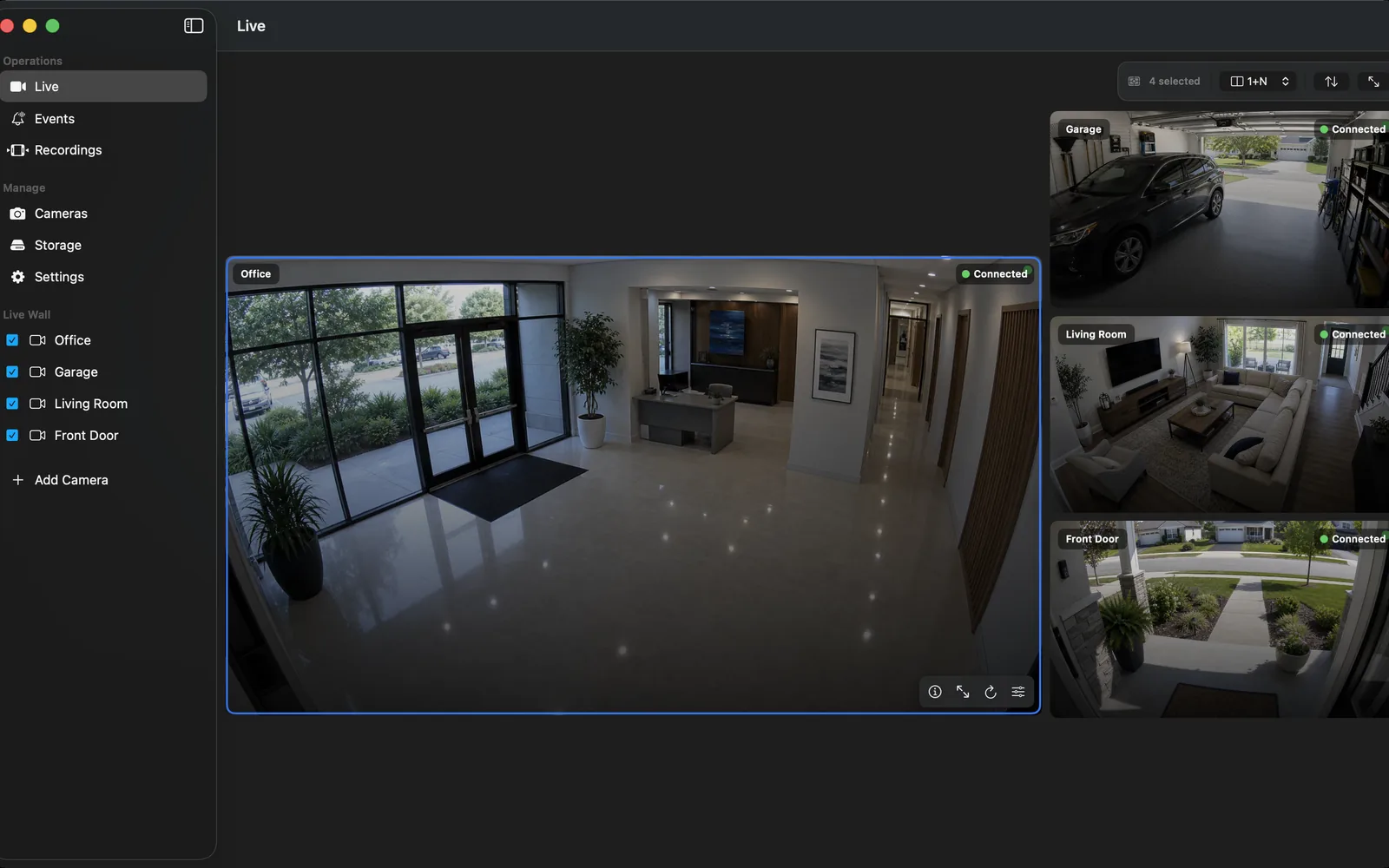
Use WebRTC when a monitored live view needs low latency in a compatible browser or application. It can be useful for a door, loading point, or an attended live wall where the delay of segmented HTTP playback is undesirable.
WebRTC does not turn an arbitrary camera into an NVR and it does not create retention by itself. The camera still needs a stable local input, and the recorder still needs to make recoverable segments according to its storage policy.
Keep RTSP recording as the source of truth
First verify the exact camera's local RTSP stream in OmniNVR. Confirm a recorded segment plays after a planned restart and that the timestamp, camera label, and required stream profile are correct. RTSP is sufficient for this direct media input; ONVIF may help discover profiles and controls.
Only then consider a WebRTC relay or viewer. This order avoids spending time on a fast remote preview while the evidence-recording path remains untested.
Plan browser access and network boundaries
A WebRTC viewer needs an intentional signalling and connectivity design. Give the service a known audience, authentication, logging, updates, and an exit plan. Do not make camera admin pages, ONVIF, or raw RTSP services reachable from the public internet as a shortcut to a live view.
For sites with several cameras, test concurrent viewers and the network conditions that matter. A single successful desktop preview does not establish capacity for a busy household or business.
Compare WebRTC with HLS honestly
WebRTC generally targets low-delay interactive playback. HLS is often simpler for HTTP-based distribution and Apple-friendly playback, but segment delivery can add latency. The right choice depends on the viewing requirement; both can sit beside local NVR recording when built carefully.
If the primary goal is review of past activity rather than live response, optimize the NVR timeline, storage, and event workflow first. Low latency is not a substitute for reliable playback.
Validate failure behavior
Test a browser refresh, a short network interruption, an NVR restart, and an overnight recording interval. Confirm that remote viewers receive only what they are authorized to see and that recording continues according to policy when the viewer disconnects.
Document the camera input, relay, authentication owner, stream name, and intended access method. This reduces the chance that a temporary test becomes a permanent exposed service.
Frequently asked questions
Can a WebRTC security camera record to an NVR?
It can when the camera also provides a compatible local stream and the NVR has a tested recording path. WebRTC is commonly used for live delivery rather than as the primary recording input.
Is WebRTC better than RTSP?
They solve different problems. RTSP is a common local camera-to-NVR media input; WebRTC is designed for real-time browser and application delivery.
Does WebRTC make a camera public?
It should not. A WebRTC deployment still needs deliberate authentication and network boundaries. Do not expose camera services to create it.
Can WebRTC replace an NVR?
No. It does not define retention, recovery, timeline review, or storage management. Those remain NVR responsibilities.
Sources and further reading
Record locally on the Apple device that fits the job.
Mac, iPhone, iPad, and Apple TV all support local recording. Recording modes and storage options can differ by platform and app version.