
HLS camera guide
HLS Security Camera Stream: Browser and Apple Playback for IP Cameras
Use HLS for compatible security-camera playback while retaining RTSP as the tested local NVR input and accounting for HLS latency, access control, and retention.
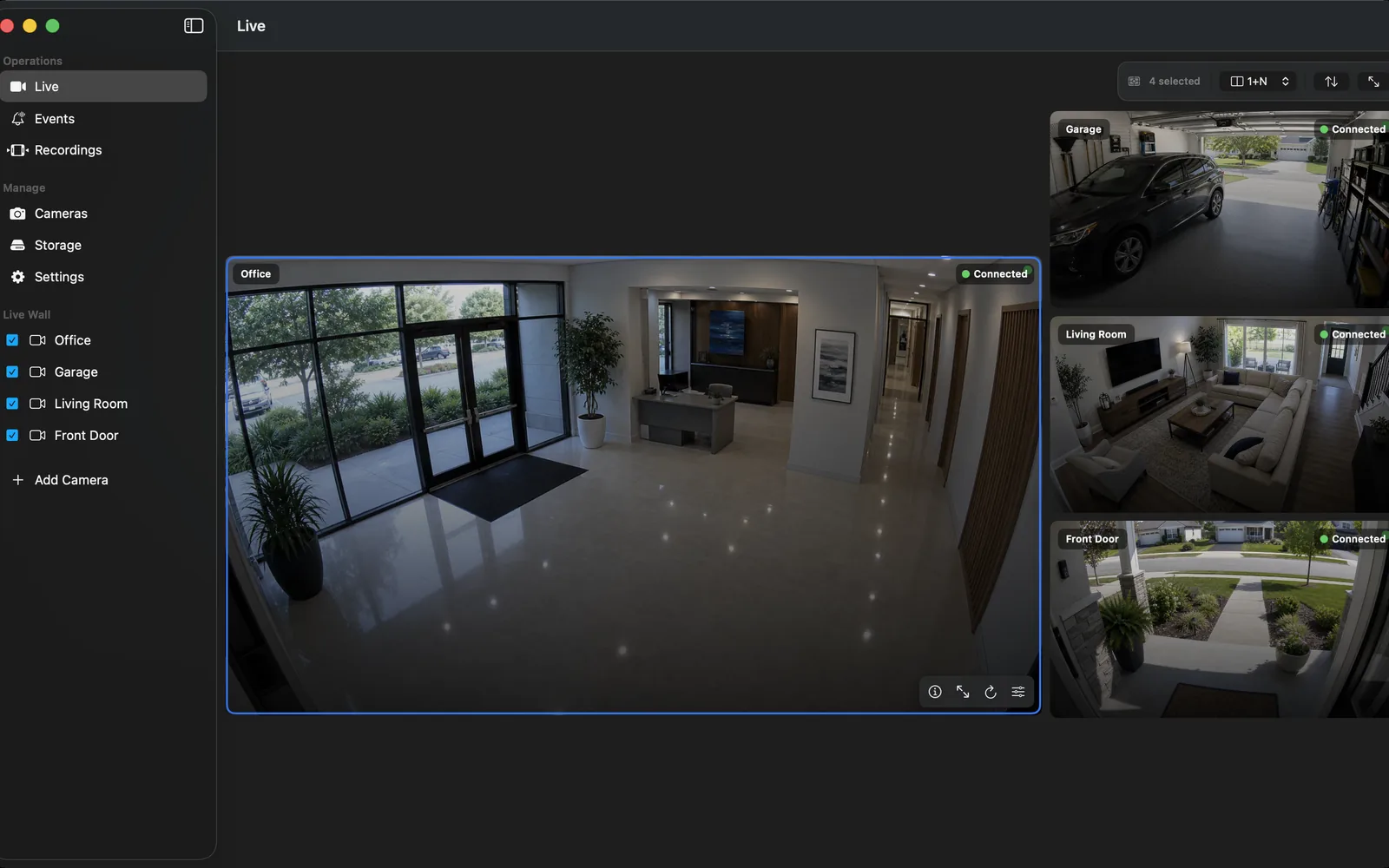
What an HLS camera stream is
HLS delivers media as playlists and segments over HTTP. That makes it a familiar option for web delivery and many Apple playback environments. In a camera system, an HLS playlist is normally produced from a source stream by a camera, NVR, or carefully configured relay.
Do not confuse an HLS viewer with evidence storage. A playlist can expire, a browser tab can close, and a relay can restart. The NVR must still record and retain the footage required for review.
Verify the RTSP recording path first
Before making an HLS view, add the camera's documented RTSP stream to OmniNVR and test live video, a short recording, restart recovery, and timeline playback. RTSP is the direct local video input to verify; ONVIF can make local discovery and profile selection easier when supported.
Choose a main/sub-stream plan appropriate to the location. A smaller stream can be suitable for a live overview, while the recorded stream needs to preserve the detail your review workflow requires.
Expect and design for latency
HLS segmenting usually introduces more delay than a real-time browser technology such as WebRTC. This may be acceptable for casual status checks, review-oriented monitoring, or broad device compatibility. It may not be appropriate for an operator who must react to a live event with minimal delay.
Measure actual delay in the finished path. Do not base a safety or operational decision on an assumed latency value from another device, network, or encoder setting.
Protect playlists and media segments
An HLS URL is access to video delivery. Do not leave it publicly discoverable or use it as a substitute for authenticated remote access. Configure the surrounding service so viewers receive only the cameras and time periods they are authorized to access.
Keep raw camera RTSP, ONVIF, and management interfaces private. HLS can reduce compatibility friction for a viewer, but it should not broaden access to the underlying camera network.
Test retention separately from delivery
Disconnect the viewer and confirm the NVR still records. Restart the relevant component in a planned test and play the newest recorded segment from the timeline. Test the real night scene and the number of concurrent viewers expected for the site.
Keep a record of the input stream, the HLS output owner, access method, and the intended retention policy. This makes the system supportable rather than merely demonstrable.
Frequently asked questions
Can an IP camera stream HLS?
Some can, while others need a recorder or media relay to produce HLS from a local camera stream. Verify the exact model and keep the raw input private.
Is HLS good for security cameras?
It can be good for broad, HTTP-based playback where some delay is acceptable. It is not a replacement for a tested local NVR recording path.
Does HLS record video?
No. HLS is a delivery format. Recording, retention, recovery, and review remain responsibilities of the NVR or storage system.
Should I use HLS or WebRTC?
Choose HLS for compatible HTTP-based playback with acceptable latency, and WebRTC when lower live-view latency is the priority. Keep either option separate from recording validation.
Sources and further reading
Record locally on the Apple device that fits the job.
Mac, iPhone, iPad, and Apple TV all support local recording. Recording modes and storage options can differ by platform and app version.