
Camera setup
Aqara Camera RTSP Setup: G2H Pro, G3 and NVR Recording
Check which Aqara cameras support RTSP before planning NVR recording: the Camera Hub G5 Pro does officially, while the G2H Pro and G3 currently do not.
Compatibility is model- and firmware-specific. OmniNVR and TardisLabs are not affiliated with or endorsed by Aqara.
Which Aqara cameras support RTSP
As of this writing, the Camera Hub G5 Pro is the Aqara camera with officially documented RTSP: its product page lists RTSP for local streaming to third-party video software alongside SMB NAS storage. For the Camera Hub G2H Pro and G3, Aqara staff on the official forum have said RTSP is not currently supported, that older cameras may run unstably with RTSP because of hardware resource limits, and that RTSP is planned as a standard feature for newly launched cameras rather than a guaranteed retrofit.
That status can change with firmware, so check the official product page, the release notes in the Aqara Home app, and the Aqara forum for your exact model and region before buying or promising a recording setup. Community projects that add RTSP to older Aqara cameras through modified firmware exist, but they are not official support: they carry their own security, warranty, and update risks and should not be treated as a product capability.
Enable RTSP on the Camera Hub G5 Pro
On the G5 Pro, RTSP is switched on from the camera's settings in the Aqara Home app. When you enable it, the app generates and displays the stream address along with a username and password for the camera. Aqara does not publish a universal URL pattern to type in by hand—use exactly the address and credentials the app shows, and expect them to change if the feature is toggled off and on or the camera is reset.
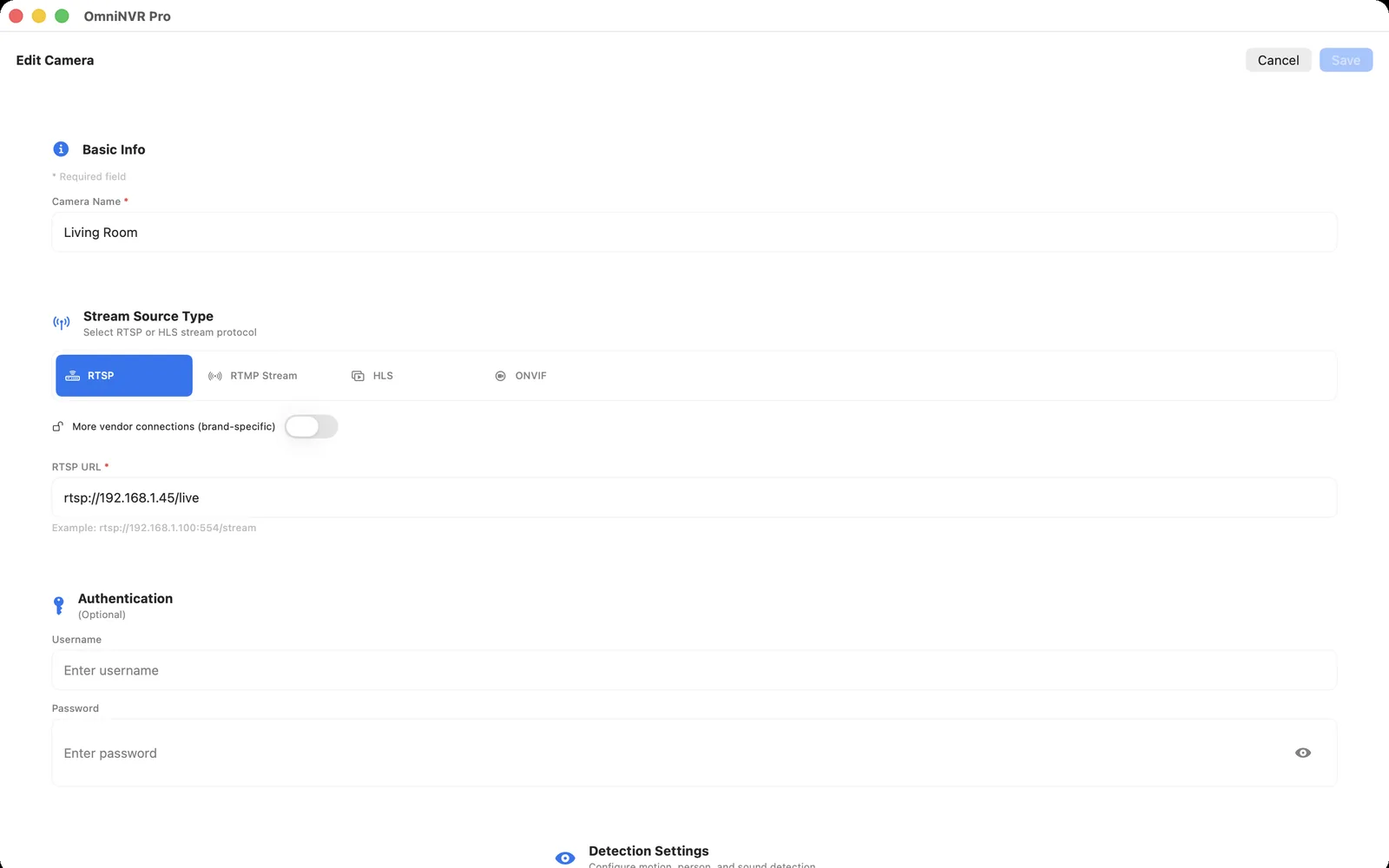
Give the camera a stable IP address with a DHCP reservation, then add the app-provided URL to OmniNVR as a manual RTSP camera, entering the username and password in the credential fields rather than pasting them into a shared URL. The app may present more than one resolution or stream variant; test the exact stream you intend to record, confirm several minutes of stable video, make a short recording, and play it back from the timeline before enabling continuous retention.
Remember the hub role
Aqara's camera hubs are not only cameras. The G2H Pro, G3, and G5 Pro also act as smart-home hubs—Zigbee on all three, with the G5 Pro adding Thread and Matter integration—so the device that streams video may also be the radio that connects your sensors, buttons, and locks. Rebooting, resetting, or re-pairing the camera to troubleshoot video can briefly take the attached smart-home devices down with it.
Plan placement and duty accordingly. A spot chosen for Zigbee coverage is not always the best camera angle, and a device already coordinating a busy hub network is doing extra work when it also serves a continuous RTSP stream. For a 24/7 recorded camera, prefer wired power, strong Wi-Fi or the PoE variant where available, and accept that RTSP on these products is a side feature of a smart-home hub rather than the design center of a dedicated security camera.
HomeKit Secure Video and local RTSP recording
Aqara's camera hubs support Apple HomeKit, and models including the G2H Pro, G3, and G5 Pro support HomeKit Secure Video, which records event clips to iCloud with end-to-end encryption and plays them back in the Apple Home app. HomeKit Secure Video availability and clip history depend on the model, your region, and your iCloud plan.
Local RTSP recording to an NVR is a separate, parallel path stored on hardware you control, with no iCloud dependency. On a model that supports both, HomeKit Secure Video and local OmniNVR recording can coexist, but each consumes camera and network resources. Test the exact platform recording mode and decide which system is authoritative for retention and review.
Limitations and a pre-purchase checklist
Plan around what is documented, not what a spec sheet implies. Aqara's product pages do not list ONVIF for these cameras, so expect no ONVIF discovery and add the camera by its app-generated URL; if ONVIF appears for your model in a future firmware, verify it in your own app before relying on it. App-generated addresses and credentials can change after resets, stream resolution and count are limited compared with dedicated IP cameras, and Wi-Fi models inherit every weakness of the Wi-Fi they run on.
- Exact model and regional variant confirmed, including firmware version
- RTSP documented on the official product page or shown in the Aqara Home app
- Stream address and credentials generated and recorded securely
- DHCP reservation assigned before the URL is saved in the NVR
- Live view, a fifteen-minute recording, playback, and a reconnect tested in the exact OmniNVR platform app
Frequently asked questions
Does the Aqara G2H Pro support RTSP?
Not officially at the time of writing. Aqara staff have said older cameras such as the G2H Pro may run unstably with RTSP due to hardware resource limits, so check the current firmware notes and official documentation for any change.
Does the Aqara G3 support RTSP?
The G3 has the same status: Aqara has stated RTSP is not currently supported and is planned as standard for newly launched cameras instead. Verify your exact model and firmware before planning NVR recording.
Does the Aqara Camera Hub G5 Pro support ONVIF?
Aqara's official G5 Pro product page lists RTSP and NAS support but does not mention ONVIF. Community reports describe ONVIF arriving in a later firmware, so treat it as unconfirmed until it appears in your own app and firmware.
What is the Aqara RTSP URL format?
Aqara does not publish a fixed URL pattern. On supported models the Aqara Home app generates and displays the exact stream address, username, and password when RTSP is enabled—use what the app shows rather than a format copied from forums.
Can I use HomeKit Secure Video and NVR recording at the same time?
On a model that supports both, yes—HomeKit Secure Video stores event clips in iCloud while the NVR records the RTSP stream locally. Both paths consume camera and network resources, so test them running together before relying on either.
Sources and further reading
Record locally on the Apple device that fits the job.
Mac, iPhone, iPad, and Apple TV all support local recording. Recording modes and storage options can differ by platform and app version.