
Camera setup
Xiaomi CCTV Camera NVR Setup: Check RTSP and ONVIF First
Verify whether a Xiaomi CCTV camera exposes RTSP or ONVIF before NVR setup, including the documented local-stream limitation of the Xiaomi C300.
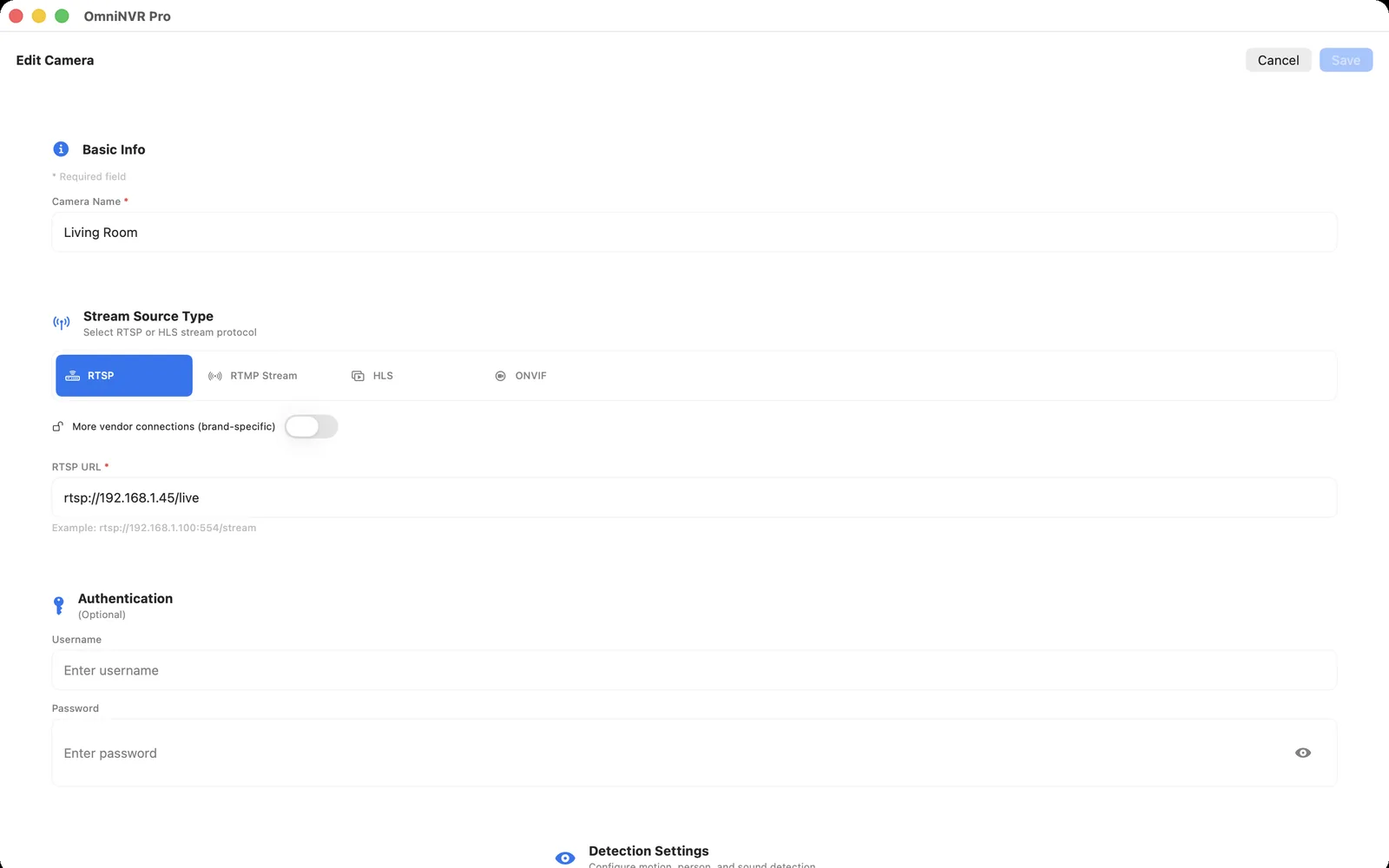
Compatibility is model- and firmware-specific. OmniNVR and TardisLabs are not affiliated with or endorsed by Xiaomi.
Start with the exact model—not a generic Xiaomi URL
Find the full model name and hardware identifier on the camera label, box, or device information screen. Then consult the official support page for that exact product and sales region. Do not copy an RTSP path from another Xiaomi or Mi camera: a similar enclosure or app interface does not mean the firmware exposes the same local protocols.
Look specifically for the terms RTSP, ONVIF, NAS, local streaming, and third-party NVR. A mention of viewing over the local network is not necessarily a standards-based stream that an NVR can record.
Important Xiaomi C300 limitation
Xiaomi’s official C300 FAQ currently states that the Xiaomi Smart Camera C300 does not support ONVIF and does not support RTSP. That means the C300 should not be presented as a direct RTSP/ONVIF camera for OmniNVR or another standards-based NVR.
Check the current official documentation for your model and region before purchasing or changing firmware. Product names can be reused across markets, and support information may change. A cloud-app video feed, microSD recording, or vendor-specific NAS feature does not by itself create an ONVIF or RTSP endpoint.
If the model officially supports RTSP or ONVIF
Enable the documented local-streaming option and create a camera-local account if required. Give the camera a stable local address, keep the Mac and camera on reachable network segments, and try ONVIF discovery first. If discovery is unavailable but the documentation provides an RTSP path, add that URL manually without embedding credentials in notes or screenshots.
Test the exact main or sub stream you intend to record. Confirm the codec, several minutes of stable playback, a short recording, and recovery after a disconnect before enabling continuous retention.
If the model has no supported local stream
There is no universal setting in an NVR that can manufacture an RTSP or ONVIF service the camera does not expose. Prefer a camera whose official specifications explicitly document a standards-based local stream. This gives you a supportable path and avoids depending on unofficial firmware or fragile reverse-engineered bridges.
Community bridges may exist for some ecosystems, but they add another host, authentication path, update dependency, and point of failure. Evaluate their security and legal implications separately; do not treat them as official camera support.
A purchase and setup checklist
- Exact model and regional SKU confirmed
- Official RTSP or ONVIF support documented
- Local account and protocol-enable steps understood
- Codec and stream profiles compatible with the intended NVR
- Live view, recording, timeline playback, and reconnect tested
Saving this evidence with your camera inventory makes future firmware changes and replacements easier to diagnose.
Frequently asked questions
Does the Xiaomi Smart Camera C300 support RTSP or ONVIF?
Xiaomi’s official C300 FAQ currently says it supports neither ONVIF nor RTSP. Verify the current documentation for the exact model and region before planning an NVR connection.
Can an NVR discover a Xiaomi camera that only works in the Xiaomi app?
Not necessarily. Vendor-app access does not prove that the camera exposes ONVIF or RTSP. The exact model must provide a compatible local service.
Can I use an RTSP URL from a different Xiaomi model?
Do not assume so. Stream paths and protocol availability are model- and firmware-specific. Use only the official instructions for the exact camera you own.
Sources and further reading
Record locally on the Apple device that fits the job.
Mac, iPhone, iPad, and Apple TV all support local recording. Recording modes and storage options can differ by platform and app version.