
2026 NVR software selection
Best ONVIF NVR Software in 2026: Test Profiles, Not Labels
Choose ONVIF NVR software by conformant profiles, discovery, media URLs, authentication, PTZ, events, and a real recording test on exact cameras.
The short answer
The best ONVIF NVR is the client that can discover the exact camera, select a usable media profile, authenticate safely, keep the stream stable, and expose only the controls that both sides genuinely support.
Start with the job and failure modes, then compare products. For mixed ONVIF camera deployments, the minimum useful shortlist must cover verified profile conformance, correct time and credentials, usable media profiles, explicit PTZ or event support, and a fallback way to enter the documented stream manually. A product that cannot pass those checks should not advance because of a large camera-count claim or a fashionable feature.
Build a requirement-led shortlist
Separate must-have requirements from preferences. Record the host platform, exact camera models and firmware, stream protocols, codecs, camera count, continuous or event policy, retention days, storage location, authorized users, remote-access boundary, and the time available for maintenance.
An ONVIF logo or discovery response does not prove that every codec, event, audio channel, PTZ function, or firmware combination will interoperate.
Verify camera and recorder compatibility
Use the exact camera, not a brand-level promise. RTSP can provide the direct media session; ONVIF can help with discovery, profiles, time, PTZ, and events when both client and device support the same functions. Neither label proves recording, retention, timeline, or export quality.
Test one camera through authentication, live view, multiple recorded segments, playback, a network interruption, a host restart, and a storage cleanup cycle before buying or migrating the rest.
Where OmniNVR fits
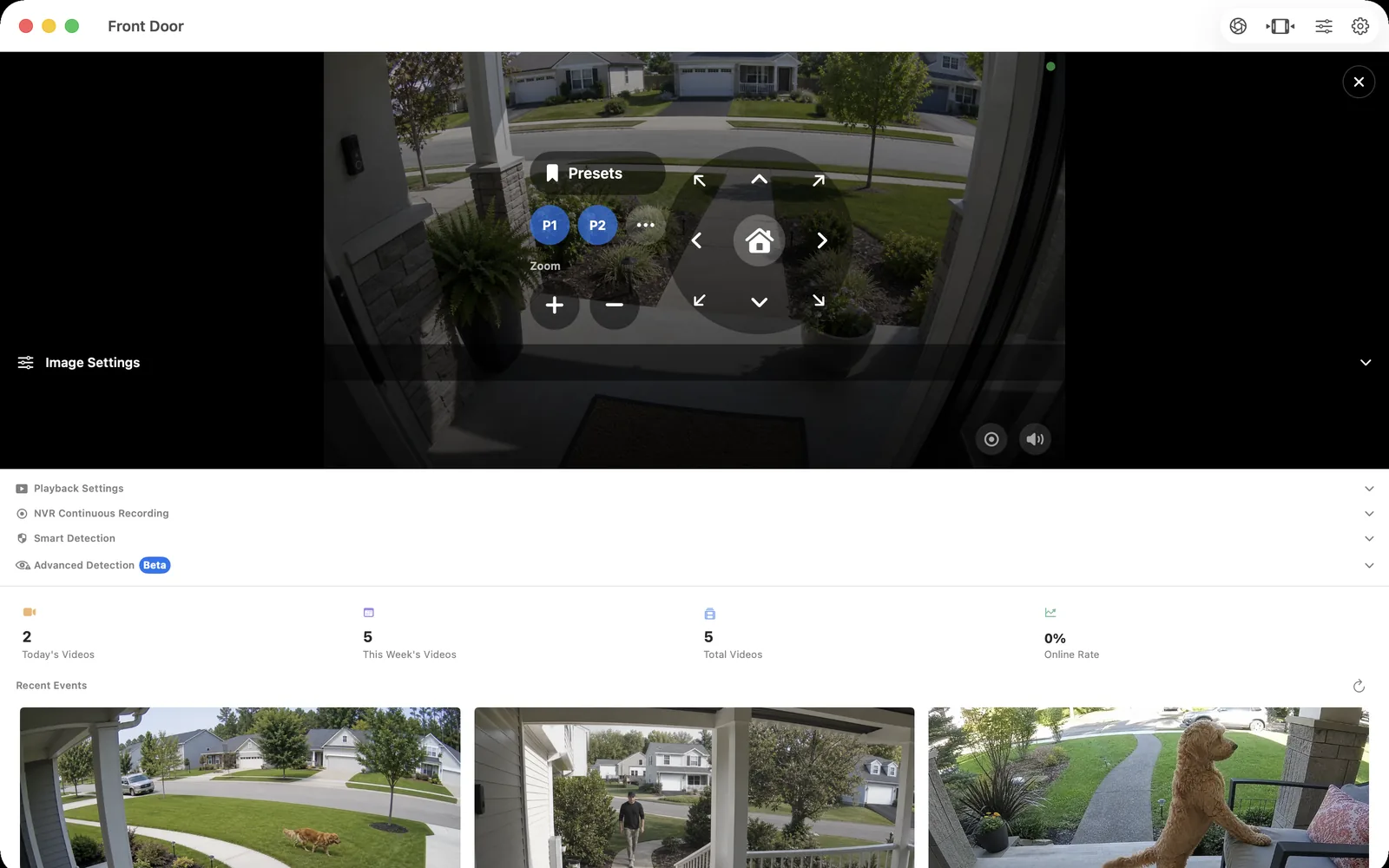
OmniNVR can use ONVIF to discover compatible cameras and profiles on supported platforms, with RTSP or another compatible stream carrying the media. Test the exact camera and firmware before a multi-camera purchase.
Compare current platform roles on the OmniNVR platform facts page. Mac, iPhone, iPad, and Apple TV can all record locally, but recording modes, storage options, and review tools can differ by platform and app version. Do not infer feature parity.
Run a fair 2026 acceptance test
Discover the camera, inspect each returned profile, record the intended one, test a supported control, restart both endpoints, and verify that the same profile reconnects.
Document the result, camera firmware, stream profile, codec, bitrate, storage destination, app version, and any optional service. Repeat the test after the first meaningful update. The best software is the option that remains understandable after normal change, not merely the one that looked easiest during initial setup.
Frequently asked questions
What is the best onvif nvr software in 2026?
The best ONVIF NVR is the client that can discover the exact camera, select a usable media profile, authenticate safely, keep the stream stable, and expose only the controls that both sides genuinely support. OmniNVR is one candidate when compatible cameras and supported Apple devices fit; compare other products when Windows depth, self-hosted AI, NAS recording, or enterprise VMS operation is required.
Does ONVIF guarantee that every camera feature works?
No. Verify the exact registered profile and test media, authentication, events, audio, PTZ, time, recording, and recovery with the precise camera and firmware.
Can NVR software work without the internet?
The local camera, network, recorder, and storage path can operate without the internet when the product and cameras support it. Installation, licensing, updates, notifications, or optional remote services may have separate requirements.
How should I test NVR software before buying?
Discover the camera, inspect each returned profile, record the intended one, test a supported control, restart both endpoints, and verify that the same profile reconnects.
Sources and further reading
Record locally on the Apple device that fits the job.
Mac, iPhone, iPad, and Apple TV all support local recording. Recording modes and storage options can differ by platform and app version.