
Advanced camera streaming
MediaMTX for IP Cameras: Bridge RTSP to HLS, WebRTC or RTMP Safely
Use MediaMTX as an advanced local media bridge for an already-tested IP camera and NVR workflow, with explicit access control and separate recording validation.
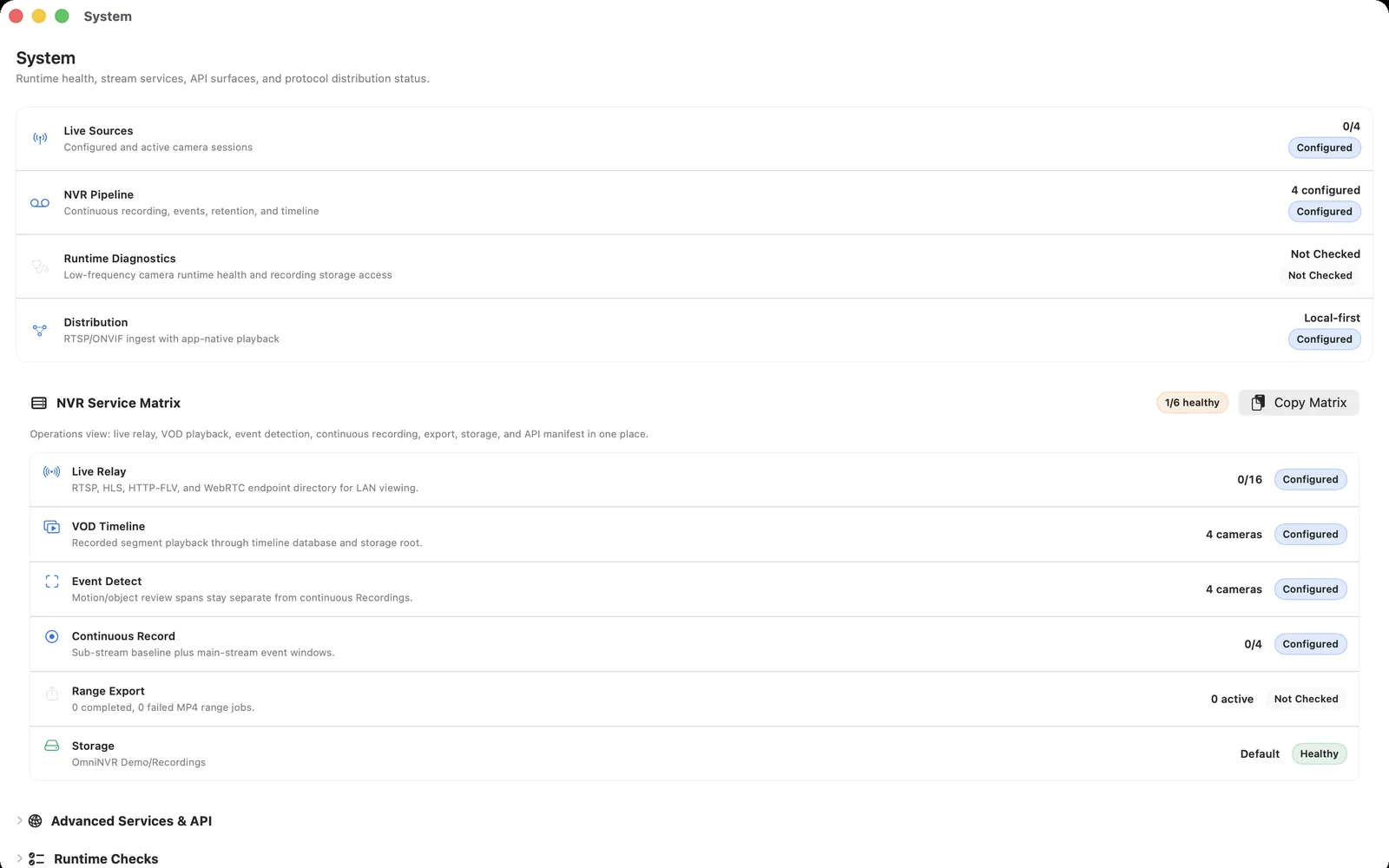
Use a bridge only when it solves a stated problem
MediaMTX can be useful when a private deployment needs to translate a known source stream into a delivery protocol such as HLS, WebRTC, or RTMP. It is an advanced component, not a requirement for ordinary local NVR recording.
First establish the camera-to-NVR foundation: a documented local RTSP stream, a stable connection, a recording test, a restart test, and timeline playback. A bridge cannot repair a camera source that is unavailable, misconfigured, or unsuitable for the needed retention.
Keep the architecture simple
Think of the camera as the input, OmniNVR as the local recording and review system, and MediaMTX as an optional protocol bridge for a particular delivery audience. Give each layer an owner, a clear network boundary, and a reason to exist.
RTSP is sufficient for direct NVR video input. ONVIF can help discover compatible cameras and profiles, but it does not need to sit in the delivery path. Do not introduce a relay solely because a camera supports multiple protocols.
Set access control before adding viewers
Use authentication, least privilege, restricted network reachability, supported updates, and an explicit inventory of paths and viewers. Keep camera management, ONVIF, and raw RTSP private. A stream bridge can increase reach, so it must not quietly expand who can view video.
Never use an internet scan result, a public camera list, or a guessed stream URL as a source. Operate only cameras and recordings you are authorized to access.
Choose an output by its actual need
Use WebRTC when a compatible client needs a low-latency live view, HLS for HTTP-oriented playback where delay is acceptable, and RTMP for defined ingest or relay workflows. Each output has different bandwidth, viewer, and operational implications.
Do not claim that every output is equivalent to local recording. If the main task is evidence review, protect storage and playback first. If the task is live response, measure end-to-end delay in the installed environment.
Test failure and removal paths
Restart the bridge in a planned test, disconnect a viewer, interrupt the network briefly, and confirm that the NVR's configured recording continues and produces playable segments. Watch the number of connected readers and the streams that actually traverse the system.
Document each path, its source, intended audience, authentication owner, and removal date for temporary tests. Reduce the design when the requirement disappears rather than leaving experimental services online.
Frequently asked questions
What is MediaMTX used for with IP cameras?
It can act as a self-hosted media router or bridge, taking a known camera stream and making it available through selected protocols. It is optional for a local NVR workflow.
Can MediaMTX replace an NVR?
No. A media bridge does not by itself provide the complete recording, retention, timeline review, and evidence workflow of an NVR.
Should I put every camera through MediaMTX?
Only if there is a specific, tested delivery requirement. Direct RTSP input to the NVR is simpler when no bridge is needed.
Is MediaMTX safe to expose publicly?
Treat it as a service requiring explicit authentication, update management, and network controls. Do not expose it or raw camera services by default.
Sources and further reading
Record locally on the Apple device that fits the job.
Mac, iPhone, iPad, and Apple TV all support local recording. Recording modes and storage options can differ by platform and app version.