
RTMP camera guide
RTMP Security Camera Streaming: When to Use It with a Local NVR
Use RTMP deliberately for a security-camera relay or broadcast workflow while preserving a verified RTSP local input and independent NVR recording path.
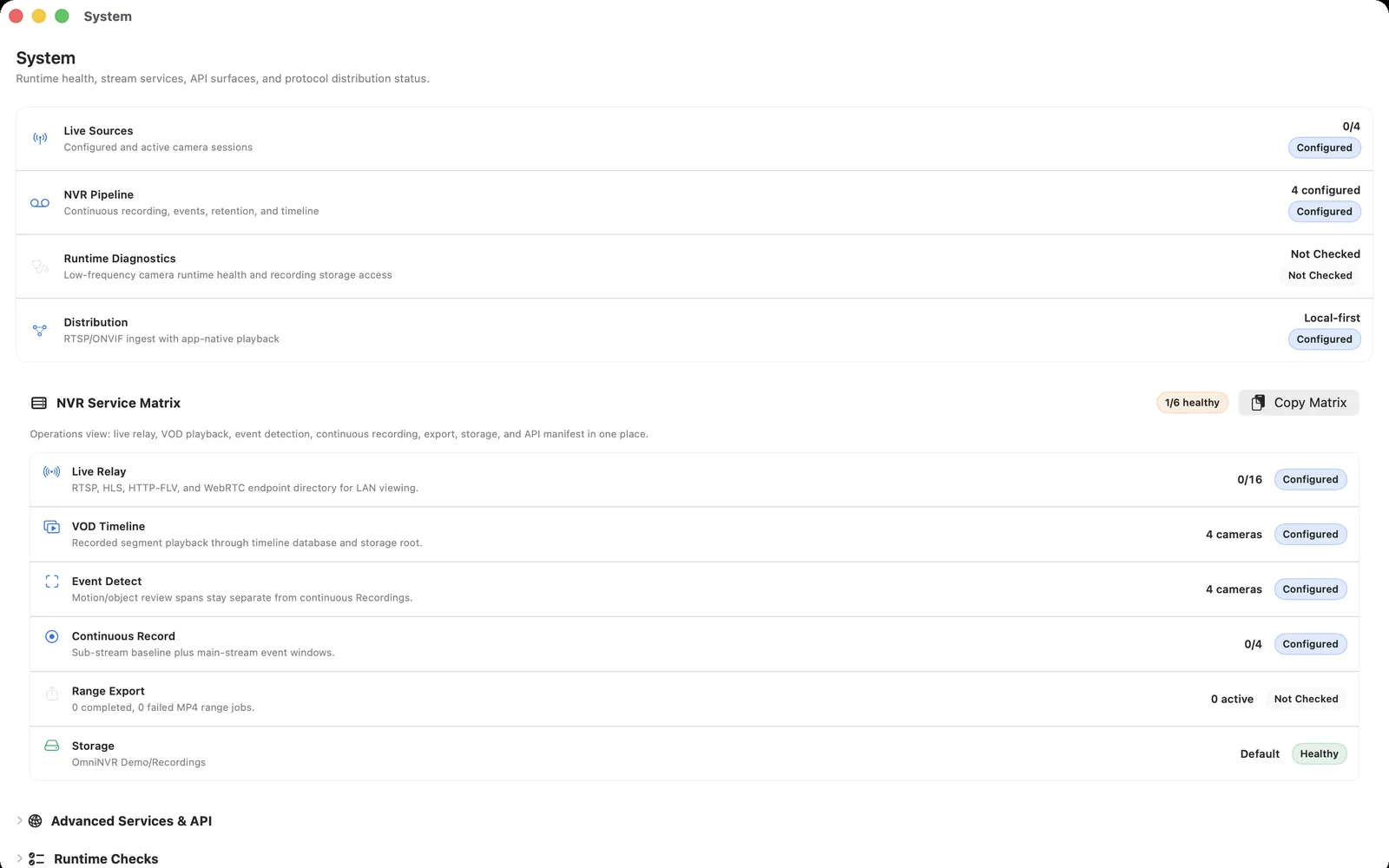
Separate camera input from RTMP delivery
Most IP camera compatibility work begins with a local RTSP stream. Verify it directly in the NVR first: live video, short recording, restart recovery, and playback. That is the evidence path.
RTMP may then be considered when a controlled downstream service needs an ingest format, such as a private production, relay, or selected event feed. It is not a reason to replace the camera's documented local stream or to publish an administrative camera interface.
Use RTMP only for a defined audience
Write down who needs the feed, how they authenticate, how long it must remain available, and who owns the service. If the answer is simply "a browser live view," HLS or WebRTC may be more appropriate delivery choices. If the answer is long-term evidence review, focus on NVR storage and the timeline instead.
A camera system can have more than one delivery option, but each adds bandwidth, credentials, update responsibility, and failure modes. Start with the smallest design that meets the real viewing requirement.
Keep the local recorder independent
Configure OmniNVR to continue recording even when an RTMP consumer disconnects. Test it by stopping the downstream viewer or relay and confirming that the local timeline still receives new playable segments.
For a multi-camera system, do not relay every high-bitrate stream by default. Choose the required camera and profile, account for outbound capacity, and protect the storage and network needed for the NVR's primary job.
Do not use RTMP as an internet-exposure shortcut
A reachable RTMP endpoint is still a service that needs access control and monitoring. Do not expose raw RTSP, ONVIF, camera web pages, or an unprotected relay as a quick workaround. Use deliberate authentication and keep device-management networks private.
When testing a relay, use non-sensitive demo footage or a private internal audience until authorization, retention, and shutdown procedures are known.
Validate the whole relay path
Test the camera input, the NVR recording, relay start and stop, viewer behavior, network interruption, and recovery. Verify that camera metadata and evidence remain available in the recorder even when the delivery layer is unavailable.
Document the stream purpose, owner, source profile, access method, and removal date for temporary workflows. This avoids accidentally leaving a test stream active.
Frequently asked questions
Can an RTMP stream be recorded by an NVR?
A workflow may relay video through RTMP, but OmniNVR's documented camera inputs are RTSP, RTSPS, ONVIF, and HLS. Use the camera's verified local RTSP path for the direct NVR input and treat RTMP as a separate delivery layer.
Is RTMP better than RTSP for cameras?
They are used for different parts of a system. RTSP is a common local camera-to-NVR input; RTMP is often used for ingest or relay in streaming workflows.
Can I stream a security camera to a private event?
Potentially, with authorization, a designed relay, and strong access controls. Keep the NVR's local recording independent and avoid exposing the camera itself.
Does RTMP provide secure remote access?
No. Secure access depends on the authentication, network boundaries, service configuration, and operational controls around the stream.
Sources and further reading
Record locally on the Apple device that fits the job.
Mac, iPhone, iPad, and Apple TV all support local recording. Recording modes and storage options can differ by platform and app version.