
NVR architecture comparison
NVR Software Buying Checklist for 2026
Use a 2026 NVR buying checklist for host platform, camera streams, recording, storage, playback, export, privacy, remote access, licensing, and recovery.
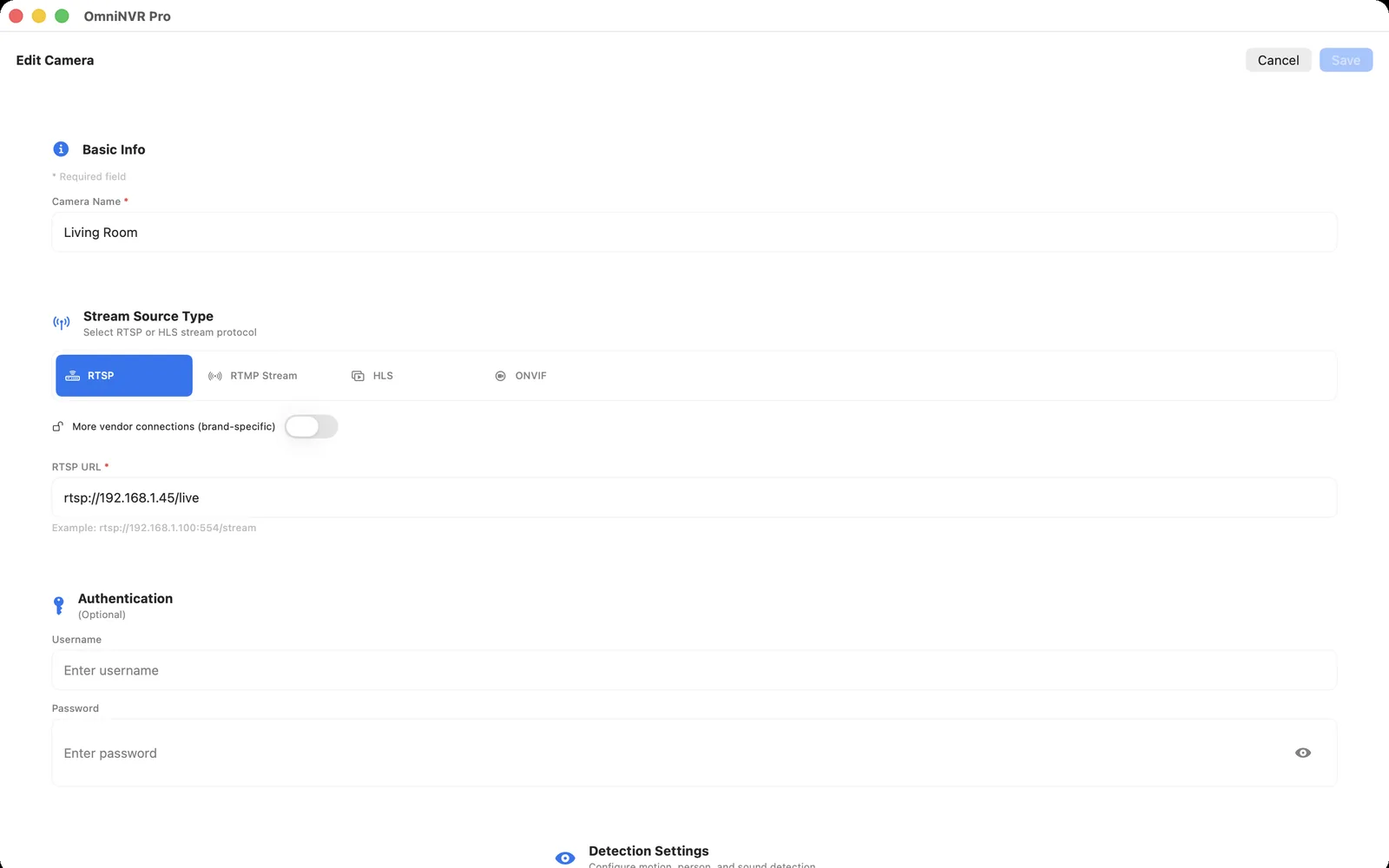
The architectural difference
A requirement-led choice starts with cameras, locations, evidence, retention, users, failures, and maintenance; a feature-list choice starts with claims that may never be tested in the intended environment.
Compare responsibilities as well as features: camera compatibility, power, host, storage, indexing, users, updates, remote access, backup, failure detection, incident export, and eventual replacement.
Draw the system boundary. Mark which organization owns each account and component, where video crosses a trust boundary, which layer is authoritative for retention, and what an operator can still do during internet, site, device, or vendor-service loss.
When to choose a requirement-led NVR purchase
Choose only after one exact camera completes live view, recording, playback, export, storage cleanup, restart, account, and remote-access tests.
Verify the choice with exact cameras and realistic recording load. A flexible architecture only helps when someone owns configuration, security, storage, updates, and recovery.
Budget the work as well as the hardware. Initial installation, camera onboarding, storage monitoring, software updates, user turnover, incident review, and replacement all consume time. A technically flexible option can be expensive when no one owns those recurring tasks.
When to choose a feature-list purchase
Avoid treating a high camera limit, AI label, app-store rating, free tier, ONVIF badge, or cloud dashboard as proof of the full recording workflow.
Integrated or managed products can reduce assembly work, but confirm licensing, expansion, replacement, export, account recovery, and what remains usable if a vendor service or proprietary component is unavailable.
Request a demonstration of failure and exit, not only normal operation. Replace a camera, revoke a user, export footage, fill storage, lose the internet, and recover an account. The answers reveal more about long-term fit than a feature matrix.
Where OmniNVR fits
Include OmniNVR when supported Apple devices and compatible local camera streams fit the requirement. Compare it honestly with Blue Iris, SecuritySpy, Agent DVR, Frigate, Scrypted, Synology, and professional VMS products where their operating models are stronger.
Use the OmniNVR platform facts page for current Apple-device roles. Mac, iPhone, iPad, and Apple TV can record locally, but modes, storage options, and review tools differ by platform and version.
Decision test
Score every candidate against must-have, nice-to-have, unacceptable, and unverified items; reject any product with an untested must-have before the return or trial window closes.
Record every assumption as verified, unverified, or unacceptable. Test one camera through live view, multiple recording segments, playback, export, interruption, restart, retention, and user revocation before committing the architecture.
Use the same scene, stream, time window, and success criteria for every candidate. A fair comparison controls the camera input and measures setup time, resource use, recovery, retrieval speed, export quality, and ongoing maintenance instead of relying on vendor-specific demos. Keep the completed scorecard with the installation record.
Frequently asked questions
What is the difference between a requirement-led NVR purchase and a feature-list purchase?
A requirement-led choice starts with cameras, locations, evidence, retention, users, failures, and maintenance; a feature-list choice starts with claims that may never be tested in the intended environment.
When should I choose a requirement-led NVR purchase?
Choose only after one exact camera completes live view, recording, playback, export, storage cleanup, restart, account, and remote-access tests.
When should I choose a feature-list purchase?
Avoid treating a high camera limit, AI label, app-store rating, free tier, ONVIF badge, or cloud dashboard as proof of the full recording workflow.
Where does OmniNVR fit?
Include OmniNVR when supported Apple devices and compatible local camera streams fit the requirement. Compare it honestly with Blue Iris, SecuritySpy, Agent DVR, Frigate, Scrypted, Synology, and professional VMS products where their operating models are stronger.
Sources and further reading
- OmniNVR platform facts and App Store availability
- ONVIF Profiles
- RFC 7826 — Real-Time Streaming Protocol Version 2.0
- Blue Iris — official features, requirements, and licensing
- SecuritySpy — official feature overview
- Agent DVR — official features and platform overview
- Frigate — official local AI NVR documentation
- Scrypted NVR — official feature overview
- Synology Surveillance Station — official specifications
- Nx Witness — official architecture and deployment overview
Record locally on the Apple device that fits the job.
Mac, iPhone, iPad, and Apple TV all support local recording. Recording modes and storage options can differ by platform and app version.