
NVR basics
What Is an NVR? How Network Video Recorders Work
An NVR records and indexes IP camera video over a network. Learn what NVR means, how it works, and how hardware and software NVRs differ.
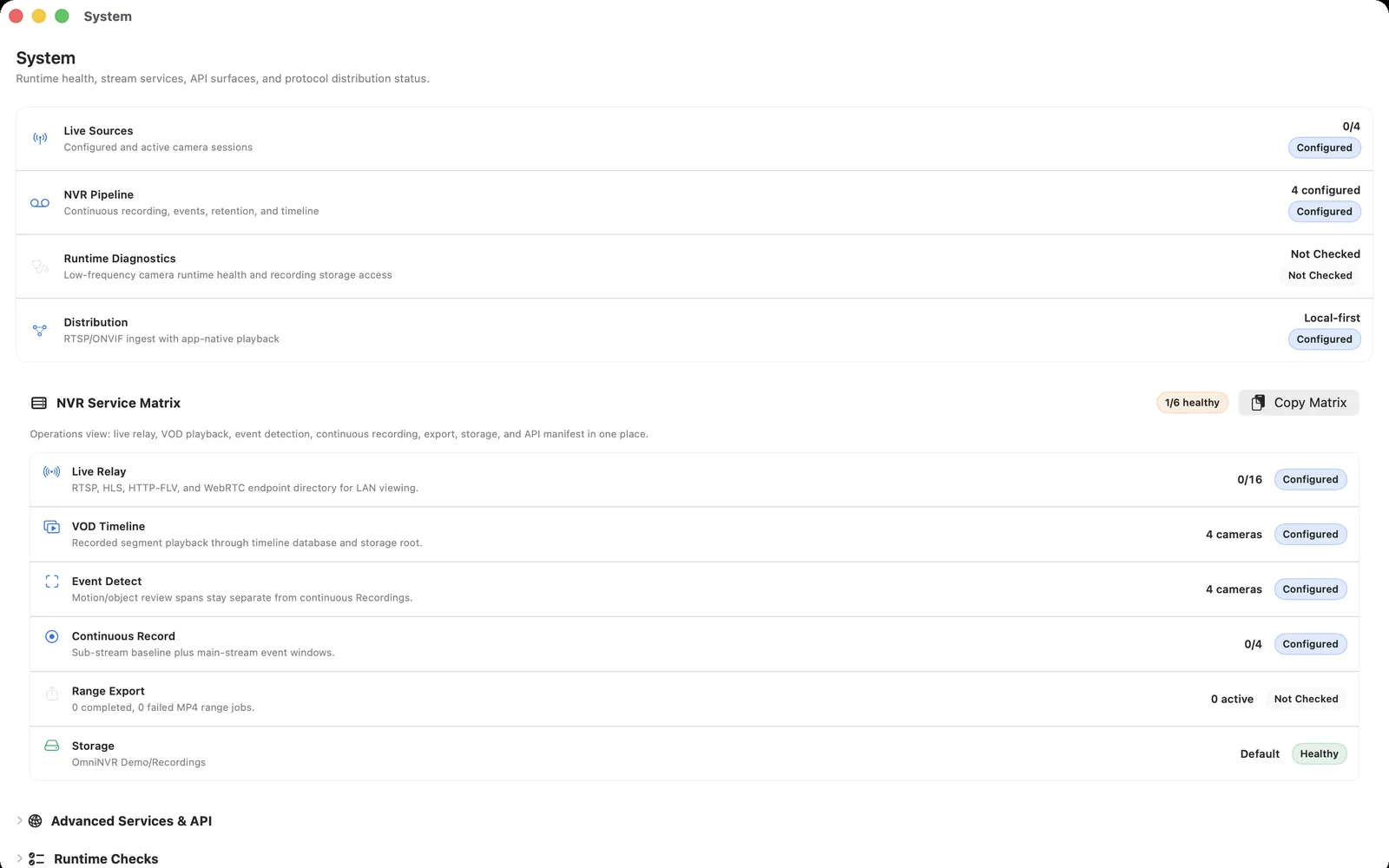
What NVR means in a camera system
NVR stands for network video recorder. The “network” part matters: compatible IP cameras or encoders send digital media across Ethernet or Wi-Fi, and the recorder receives that media through the local network. In many systems, RTSP controls the media session while RTP carries the encoded tracks; ONVIF can help the recorder discover a camera, inspect profiles, obtain a stream URI, or use controls such as PTZ.
An NVR is not defined by one box shape or one camera brand. A dedicated recorder appliance, a server application, and supported device software can all perform the recording role. They are not automatically interchangeable, because each product supports its own operating systems, camera protocols, codecs, storage choices, and recovery behavior. Read what a software NVR is for the application-based version of this architecture.
What an NVR actually does
A dependable NVR does more than show a live camera feed. It authenticates to each camera, maintains stream sessions, writes media segments, associates recordings with the correct camera and time, enforces retention limits, and restores connections after ordinary interruptions. Playback and export also depend on usable timestamps and an index, not merely on video files existing somewhere on disk.
- Connect: reach the camera and open an authorized RTSP, RTSPS, ONVIF, HLS, or other supported input.
- Record: write continuous, scheduled, manual, or event-based media according to the product's released capabilities.
- Index: organize recordings by camera, time, and available event metadata.
- Retain: delete eligible footage according to time and storage limits while protecting recordings the user has preserved.
- Review: provide live view, timeline playback, search, and export appropriate to the recorder.
A successful one-minute preview proves only part of this chain. Recording should also be tested after a camera disconnect, recorder restart, storage remount, and the expected retention interval.
Hardware NVR, software NVR, and other recording options
| Recording option | Where it runs | What to verify |
|---|---|---|
| Dedicated hardware NVR | A recorder appliance that may combine compute, storage bays, display outputs, and sometimes PoE camera ports | Supported cameras, channel and bandwidth limits, drive support, update policy, export, and access to cameras behind private ports |
| Software NVR | An application on a computer, server, NAS, or supported device | Host operating system, uptime, network reachability, storage permissions, codecs, camera count, and recovery |
| Edge recording | Storage inside the camera, commonly a memory card or another camera-managed destination | Retention, card health, retrieval, time synchronization, and what happens if the camera is removed or damaged |
| Cloud recording | A vendor or service provider's remote infrastructure | Internet dependency, subscription, upload bandwidth, retention, privacy, export, and service availability |
These options can be combined. For example, a camera may keep short edge recordings while an NVR maintains the main searchable history. A NAS is storage until software gives it recorder functions; a live camera viewer is not an NVR unless it also creates and manages durable recordings.
What determines camera compatibility and recording capacity
An “IP camera” or “ONVIF compatible” label is not a complete compatibility test. Confirm the exact model and firmware, the local protocol that it exposes, the authenticated media URI, codec and profile, resolution, frame rate, audio format, and main/sub-stream behavior. ONVIF discovery and RTSP playback are separate stages, so a discovered camera can still return an unreachable or unsupported stream.
Capacity is also workload-specific. Add the bitrates of the streams that will actually be recorded, choose a retention target, allow free-space margin, and consider simultaneous live decoding, detection, playback, and export. There is no responsible universal answer to “how many cameras can this NVR record” without the camera settings, host, storage, network, and recording policy. Use the NVR storage and retention guide and system-requirements checklist before deployment.
How to choose and validate an NVR
Start with the required outcome rather than a feature count. List the cameras and protocols, recording schedule, evidence quality, retention days, review devices, export needs, remote-access boundary, expected uptime, and the person who will maintain the system. Then eliminate products that do not support the host, camera inputs, or storage plan. A PoE NVR design also needs a deliberate power and network topology; PoE by itself does not establish recorder compatibility.
Test one real camera before scaling: open the intended main and sub streams, record long enough to create several segments, play a selected time, export a clip, interrupt the camera network, restart the recorder, and confirm that recording resumes. OmniNVR is one software-NVR option for compatible cameras on supported Mac, iPhone, iPad, and Apple TV releases; platform roles, operating-system requirements, and storefront status should be checked on the current platform facts page rather than inferred from this general guide.
Frequently asked questions
What does NVR mean?
NVR means network video recorder. It receives compatible IP camera streams over a network and manages recording, indexing, retention, playback, and export.
Does an NVR need the internet?
A local NVR and local IP cameras can usually view and record without an internet connection when they can reach each other on the LAN. App installation, licensing, updates, notifications, cloud features, or off-site access may still require internet service, depending on the product.
Is an NVR hardware or software?
It can be either. A hardware NVR is a dedicated recorder appliance; a software NVR performs the recorder role on a supported computer, server, NAS, or device. Compare camera compatibility, storage, uptime, recovery, and maintenance rather than assuming one form is always better.
Sources and further reading
Record locally on the Apple device that fits the job.
Mac, iPhone, iPad, and Apple TV all support local recording. Recording modes and storage options can differ by platform and app version.