
RTSP
RTSP Port 554: TCP, UDP, Firewall, and Troubleshooting
Port 554 is the default RTSP port. Learn when RTSP uses TCP or UDP, how media ports differ, how to test a camera safely, and why an open port may show no video.
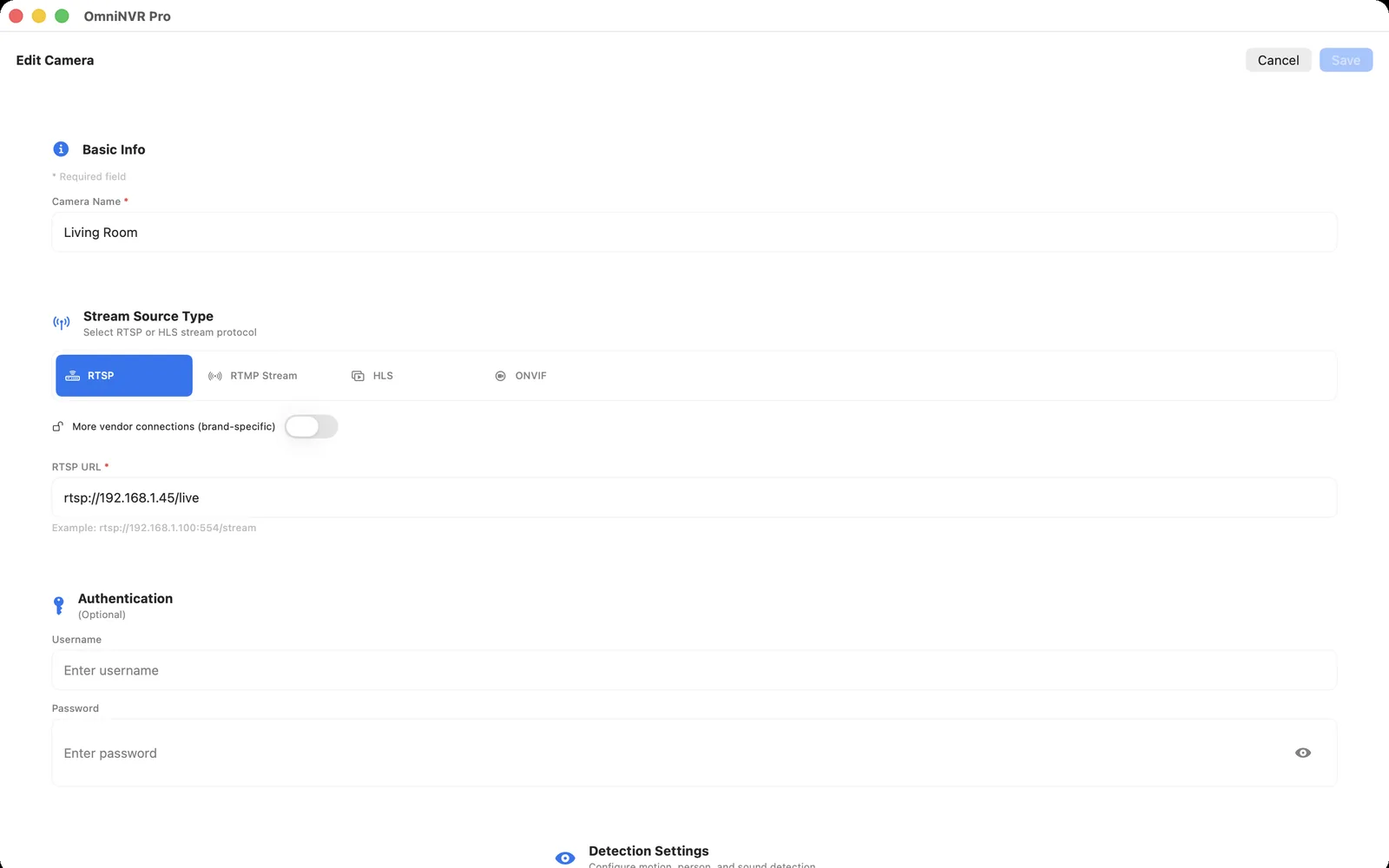
What RTSP port 554 means
The port identifies the camera or server endpoint that accepts the RTSP control session. RFC 7826 defines 554 as the default for the rtsp URI scheme, so rtsp://CAMERA_IP/live means the same default endpoint as rtsp://CAMERA_IP:554/live unless the device has been configured differently.
Port and path solve different problems. The port reaches the RTSP service; the vendor-specific path selects a presentation, channel, or main/sub stream. A correct port with a wrong path can connect and still return an error or no usable media.
Is RTSP port 554 TCP or UDP?
The IANA service registry assigns rtsp to both TCP and UDP port 554. In ordinary IP-camera deployments, the RTSP control conversation commonly uses TCP. After session setup, RTP media can use separately negotiated UDP ports, or the client can request interleaved media on the same RTSP TCP connection.
This is why a firewall rule for TCP 554 alone may allow negotiation but not UDP media, while RTSP-over-TCP can work through a narrower path. Start with the camera and application defaults, then compare transports only when troubleshooting the real deployment network.
Default, secure, alternate, and discovery ports
| Service | Registered or defined port | Purpose |
|---|---|---|
| RTSP | 554 TCP/UDP | Default RTSP service; an rtsp URI without a port uses 554 |
| RTSPS | 322 TCP | RTSP over a secure TLS connection when both client and server implement it |
| RTSP alternate | 8554 TCP/UDP | Registered alternate service and a common configurable or test-server choice |
| ONVIF WS-Discovery | 3702 UDP | Multicast device discovery; it is not the camera's video stream |
A product can use another configured port. Trust the exact camera interface, current manual, or authenticated ONVIF media URI over a generic port list.
How to find and test the configured RTSP port
- Open the local camera settings or current manual and locate the RTSP or media-service port.
- Check the full stream URI returned by an authenticated ONVIF profile where available.
- From a Mac on an authorized local network,
nc -vz CAMERA_IP 554can test whether a TCP connection reaches that endpoint. - Open the complete URL with the correct path and protected credentials in a viewer.
- Make a short NVR recording and replay it from the timeline.
The nc result is deliberately narrow: success proves TCP reachability only. It does not validate authentication, RTSP negotiation, RTP delivery, codec support, timestamps, storage, or recording.
Why port 554 is open but the camera shows no video
- Wrong stream path: the host answers, but the requested channel or profile does not exist.
- Authentication: the account, password, permission, or authentication method is rejected.
- Transport: RTSP negotiation succeeds but UDP media is blocked or the camera's TCP interleaving is faulty.
- Codec: media arrives but the viewer or NVR cannot decode the profile.
- Session limit: the camera already has the maximum number of clients or streams.
Follow the RTSP connection checklist in that order instead of changing several camera settings at once.
Firewall and remote-access safety
Allow only the NVR host or trusted viewer to initiate the camera connections it needs. On a segmented LAN, account for both the RTSP control path and the media transport selected during setup. Do not expose a camera's RTSP or administration ports directly to the public internet just to make remote viewing easier.
For off-site access, use a maintained VPN or another authenticated private-access layer, keep the gateway updated, and restrict access to the camera or NVR subnets that are required. A different public port number does not remove the exposure.
Frequently asked questions
What is the default port for RTSP?
Port 554 is the default for an rtsp URI when the URL omits a port. Cameras and media servers can be configured to use another port, including the registered alternate port 8554.
Is RTSP port 554 TCP or UDP?
IANA registers RTSP on both TCP and UDP 554. IP camera control sessions commonly use TCP, while RTP media may use separate UDP ports or be interleaved over the RTSP TCP connection.
Why is port 554 open but there is no video?
An open port proves only endpoint reachability. The stream path, credentials, RTSP negotiation, RTP transport, codec, session limit, and client recording pipeline can still fail.
What port does ONVIF discovery use?
ONVIF WS-Discovery uses UDP port 3702 and an IPv4 multicast address for discovery. It identifies devices and services; it is not the RTSP video port.
Should I forward RTSP port 554 to the internet?
No. Avoid direct public exposure of camera RTSP and administration services. Use a maintained VPN or another authenticated private path and restrict it to authorized devices.
Sources and further reading
Record locally on the Apple device that fits the job.
Mac, iPhone, iPad, and Apple TV all support local recording. Recording modes and storage options can differ by platform and app version.