
RTSP
What Is RTSP? How IP Camera Streaming Works
RTSP controls live IP camera sessions while RTP usually carries the media. Learn how RTSP URLs, port 554, codecs, ONVIF, viewers, and NVRs fit together.
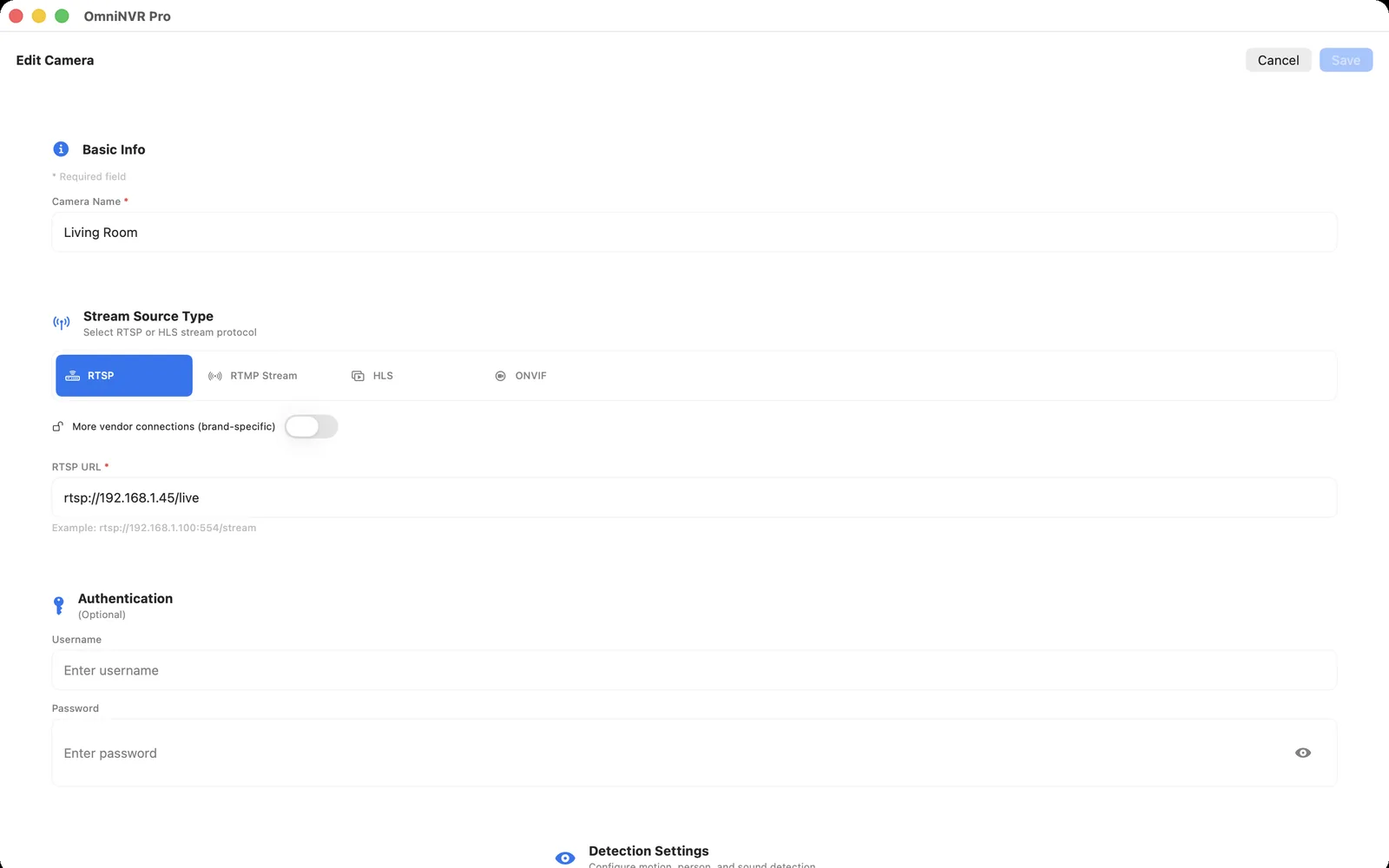
What RTSP does
Think of RTSP as the session-control conversation between a camera and a viewer or NVR. The client asks what media is available, negotiates how each track will be transported, starts delivery, keeps the session alive, and eventually closes it. The camera's H.264 or H.265 video remains separately encoded media.
Many deployed IP cameras still implement RTSP 1.0 from RFC 2326. RFC 7826 defines RTSP 2.0 as a replacement that is not backward compatible, so a client must support the version a camera actually exposes. In either version, “supports RTSP” is only the beginning of a compatibility check: authentication, transport, codec profile, timestamps, stream path, and recording behavior can still differ.
How an RTSP camera session starts
- The client connects to the host and configured RTSP port.
- It requests a media description for the selected camera path.
- The camera describes one or more video and audio tracks.
- The client and camera set up transport for those tracks.
- The client starts playback and maintains the session until it is stopped.
The exact request sequence can vary by RTSP version and implementation. A successful network connection proves only that one endpoint answered; it does not prove that the path, credentials, media tracks, or codec are usable.
RTSP, RTP, codecs, ONVIF, and an NVR are different layers
| Layer | Primary job | What it does not prove |
|---|---|---|
| RTSP | Controls a real-time media session | That the codec can be decoded or recorded |
| RTP | Carries timestamped media packets in many RTSP sessions | That a searchable recording exists |
| H.264 / H.265 | Encodes the video pictures | That a camera URL or credentials are correct |
| ONVIF | Standardizes discovery, profiles, controls, and other device services | That every advertised feature is implemented correctly |
| NVR | Records, indexes, retains, plays, and exports camera media | That every RTSP camera is compatible |
Read RTSP vs ONVIF for the protocol boundary, or what a software NVR does for the recording layer.
RTSP URLs, paths, and port 554
A typical address has a scheme, host, optional port, and model-specific path: rtsp://CAMERA_IP:554/vendor-path. When an rtsp URI omits its port, the RTSP 2.0 specification says to use port 554. Cameras can still be configured to listen elsewhere, and vendors define their own channel and main/sub-stream paths.
Use the RTSP URL format list for documented brand patterns, the RTSP URL discovery workflow for an exact model, and the RTSP port 554 guide for TCP, UDP, alternate ports, firewalls, and safe testing.
Where a viewer and an NVR fit
An RTSP viewer opens the session and displays current video. NVR software must keep that session stable, write media segments, index timestamps, enforce retention, recover after interruptions, and play or export recorded time. Live video working for a minute does not validate the recording path.
Before relying on a camera, run the Mac RTSP stream test: inspect the media, keep it open, make a recording, play the timeline, interrupt the network, and confirm reconnect behavior.
Use RTSP only on networks you control
RTSP URLs can expose camera addresses, paths, and credentials through logs, screenshots, notes, and shell history. Prefer separate protected credential fields, create a camera-local account with limited permissions, and use only cameras and streams you are authorized to access.
Do not publish port 554 or a camera administration service directly to the internet. For remote access, use a maintained VPN or another authenticated private path and restrict it to the devices that need access.
Frequently asked questions
What does RTSP stand for?
RTSP stands for Real-Time Streaming Protocol. A viewer or NVR uses it to control a real-time media session, including describing, setting up, starting, and stopping the available tracks.
Does RTSP carry the video?
RTSP controls the session. In a typical camera connection, RTP carries the encoded video or audio packets, while a codec such as H.264 or H.265 defines how the video is compressed.
Is RTSP the same as ONVIF?
No. RTSP controls a media session. ONVIF standardizes camera discovery, media profiles, PTZ, and other device services. An NVR often uses ONVIF to obtain a stream URI and RTSP to open it.
What is the default RTSP port?
Port 554 is the default for an rtsp URI when no port is specified. A camera can be configured to use a different port, so verify its current settings and documentation.
Does an RTSP stream automatically record?
No. A viewer may only display the current stream. Recording requires an NVR or another client to receive the media, write it to storage, index it, manage retention, and recover from interruptions.
Sources and further reading
Record locally on the Apple device that fits the job.
Mac, iPhone, iPad, and Apple TV all support local recording. Recording modes and storage options can differ by platform and app version.